When you click on links to various merchants on this site and make a purchase, this can result in this site earning a commission. Affiliate programs and affiliations include, but are not limited to, the eBay Partner Network.
Is there a setting to make these gaps smaller? Seems like another row of apps could fit if they were made smaller.
As much as I like the camera and battery life so far things like this that just are not change able are making me consider going back to Android. Compared to my Android phones though this battery life is mind blowing right now.
I have some low light samples comparing my Pixel 4XL vs 12 Pro Max I need to upload tomorrow.
pretty impressed with the battery life so far. Friday night I unplugged it around 1:30AM and ran out of battery around 10PM Saturday night. I was fiddling with the phone more since its new, so i figured it should be more than enough to last me a full day of regular usage.
Got my wife the mini this morning. Only waited in line for about 45min at the apple store. Set it up through, and now I just have to trade in her XR at an ATT store for the credit.
Yeah the battery life has been crazy. Finally put it on the charger 2am this morning. It had been off since 9pm Friday. Had screen on time of about 11hrs in that time with setup and playing games and reading web pages.
I primarily use it to resize photos and also have it set to delete the meta data when I save a new copy of the edited photo so that when I post them on forums they are the right size and also if I have taken the photo at home it doesn't have my location. Hopefully can find something to do the same. It can also batxh process all that but I am less concerned about that.
I primarily use it to resize photos and also have it set to delete the meta data when I save a new copy of the edited photo so that when I post them on forums they are the right size and also if I have taken the photo at home it doesn't have my location. Hopefully can find something to do the same. It can also batxh process all that but I am less concerned about that.
i do basic editing with snapseed, but that can't remove location meta data.
i did see that Darkroom has an option to remove location data on export. so you could try that? I think its mostly free unless you want extra features.
i do basic editing with snapseed, but that can't remove location meta data.
i did see that Darkroom has an option to remove location data on export. so you could try that? I think its mostly free unless you want extra features.
So tried Darkroom. It has the ability to remove the location data and also save to somewhere besides the camera roll which is super helpful for the purpose of my workflow. However, it has no way to resize the photos.
I found I can resize, remove location data, and batch process using Polarr which is already an app I am paying to edit photos on my Chromebook. However, it appears on iOS it only has the ability to save to the camera roll. The reason I don't want them saved to camera roll is that they then backup to Google Photos. The photos I resize I upload to a web server and then delete of the phone once uploaded.
Yeah the battery life has been crazy. Finally put it on the charger 2am this morning. It had been off since 9pm Friday. Had screen on time of about 11hrs in that time with setup and playing games and reading web pages.
So having issues getting voicemail setup coming from Android. Why does Apple need their own voicemail server. For my last 6 phones, I have just moved my sim card from old phone to new phone and my visual voicemail just shows up. I am not getting the prompt on 12promax to setup voicemail at all. I only have the option to call voicemail.
So having issues getting voicemail setup coming from Android. Why does Apple need their own voicemail server. For my last 6 phones, I have just moved my sim card from old phone to new phone and my visual voicemail just shows up. I am not getting the prompt on 12promax to setup voicemail at all. I only have the option to call voicemail.
have you restarted it since putting your SIM in? I had to do that to make VM show up as expected. Also, there is no reason for camera roll photos to be going to Google Photos. Turn sync off?
Loving the blue, i ordered a silver one also just in case, but it ended up going to my mom.
have you restarted it since putting your SIM in? I had to do that to make VM show up as expected. Also, there is no reason for camera roll photos to be going to Google Photos. Turn sync off?
Loving the blue, i ordered a silver one also just in case, but it ended up going to my mom.
I have restarted several times since putting the SIM in. Even put the SIM into my android phone deleted some VM to get back under 20 and changed my account to free VM that only gives 20 messages. Then put the SIM back in the iPhone and rebooted still nothing.
I want the photos to backup to Google Photos as I am already paying for that storage and I have no other Apple devices so I have no interest in paying for iCloud. The thing I am looking for is an App that lets me resize pictures pixel wise not ratio and also remove location exif data and then save them to a folder. I don't want them in my camera roll at all cause once is upload the smaller images to my webserver I delete them. I still want the full res copies to backup to google photos.
I will have to take a look at that app it looks promising.
So did my first test with Polarr since I already had a subscription to it. I had not realized this so the CameraRoll might not really be an issue is that when using the SFTP app the images show up in a Polarr folder even though they are in the camera roll. So hopefully when I delete them from there they will get removed from the camera roll. No idea if that in turn will remove them from Google Photos or not.
That said the test isn't great.
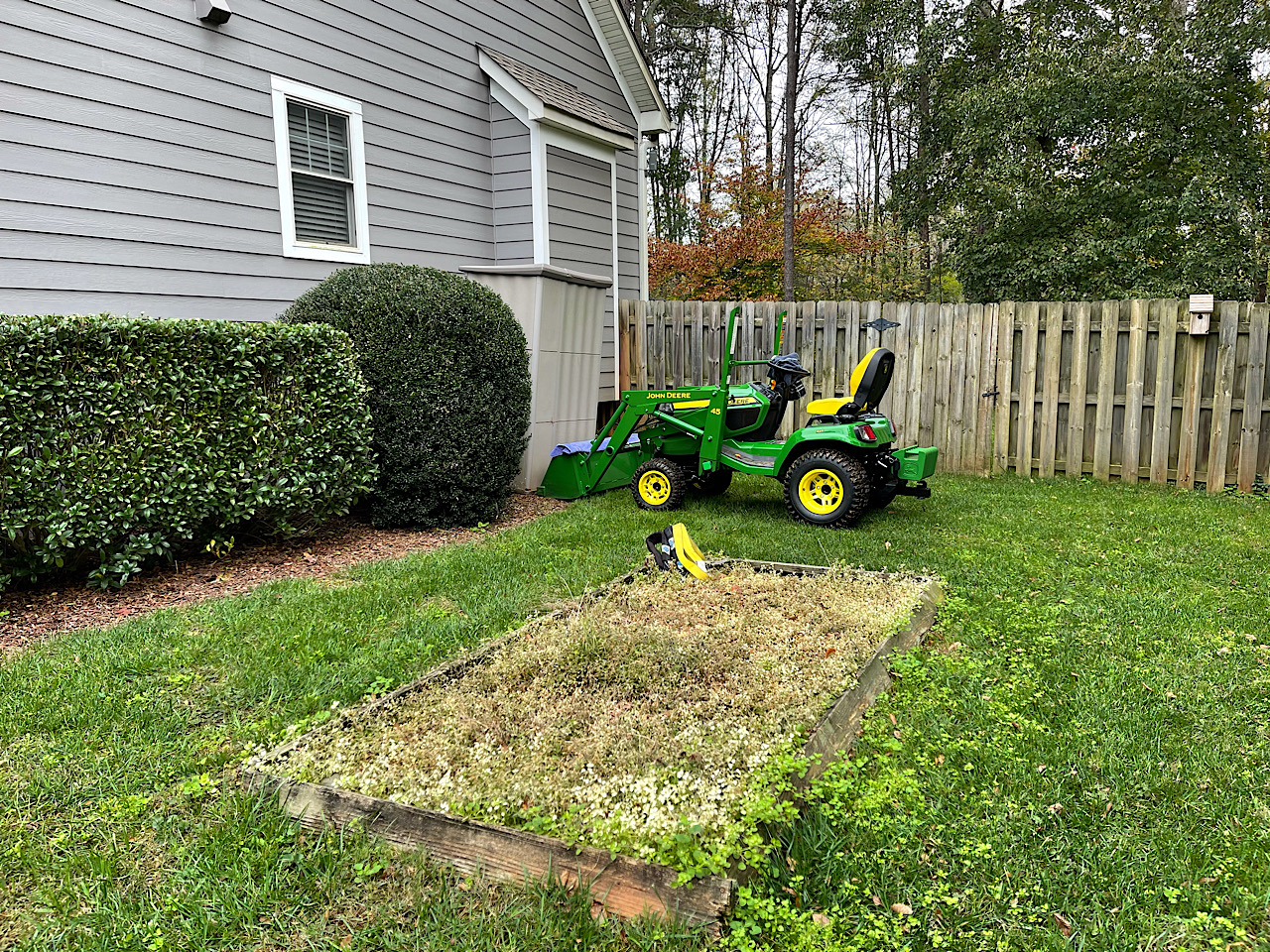
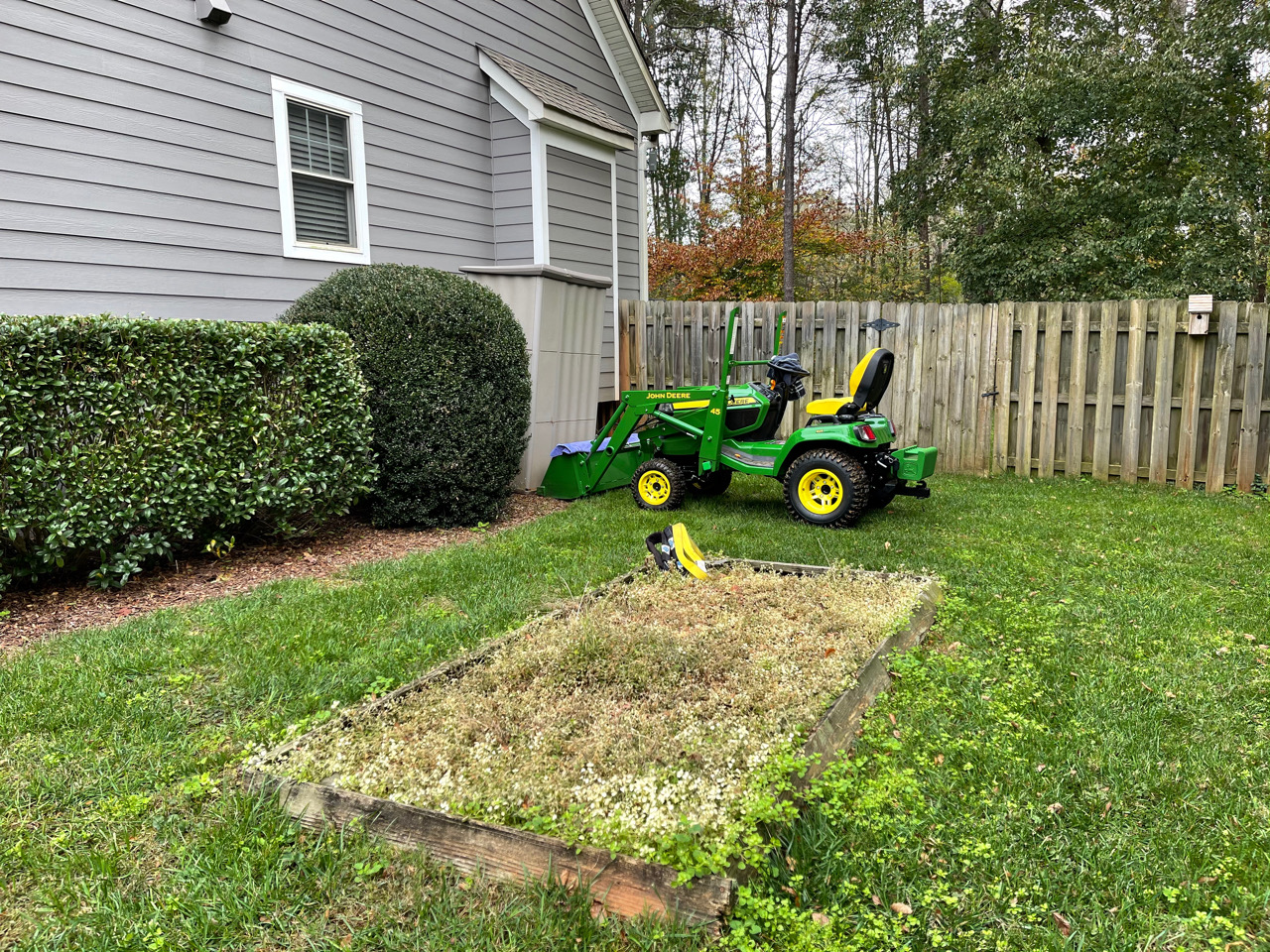
Here is the photo edited on my Pixel 4XL using PhotoEditor app.
Here is the photo edited on my 12 Pro Max with Polarr app.
Polarr is doing some terrible image resizing algorithm. It ends up with lots of distortion in the image. For an app that does a lot of other things well, that is terrible. I can't say I had a lot of hope cause I have the same issue with this on my Pixelbook to the point I use Polarr to edit RAW images and then once I have exported them as JPEG when finished editing I resize in PhotoEditor.
I live pretty close to Raymond James Stadium where the Super Bowl is going to be and noticed them adding a bunch of mmwave 5G towers in the parking lot out there. According the press release I found Verizon is going to be the main carrier for the Super Bowl but the other carriers will be there too. The towers are installed and the LED lights on top are on at night but IDK if the 5G antennas are functional yet. Hopefully they stay active 24/7 and I'll always be a few minutes away from an almost always empty parking lot with God tier mmwave signal strength and no one else around
Figured I would share my finding in case anyone is looking for one as I have tried almost every app that even has a slight rating in the App Store at this point.
They all get the job done of what I am looking for. ReSIZER seems to be the closest to the image edited in Photo Editor on my Pixel other than the app appears to bump the contrast up too or that is happening on the pixel somehow as I didn't tweak it at all. Image Size and Batch Resizer seem to have a bit more detail but to me at least that gives it a look of being a bit over-sharpened. They are all free but Batch Resizer has ad every time you resize an image or batch of images. I might keep it around for if I have a lot of images since it is just one add per batch but one ad each image would get old. I won't bore you with any more of my attempts to find a replacement app.
Last edited by CCColtsicehockey; Nov 17, 2020 at 05:47 PM.
Ok. why the hell did Apple get rid of this in iOS 14. I was excited to use it because I now have a phone thats capable of it. (ultra wide)
But it appears its been removed from iOS 14
Seems super handy for correcting perspective distortion when photographing buildings and what not and having extra data available so you don't have to crop in.
Originally Posted by Mizouse
This is pretty neat.
especially for shots of buildings like the ones srika took.
Ok. why the hell did Apple get rid of this in iOS 14. I was excited to use it because I now have a phone thats capable of it. (ultra wide)
But it appears its been removed from iOS 14
Seems super handy for correcting perspective distortion when photographing buildings and what not and having extra data available so you don't have to crop in.
Just boxed mine up and am getting ready to return it. Love the hardware it is just beautiful, love the camera, and love the battery life. Just can't get used to the software and limits it seems to have compared to Android for the way I use a phone. Plus although the camera was sharper than my Pixel 4XL it just didn't seem like enough of an improvement. Maybe I will try again with the 13 next year.










 starting with the 11 Pro battery life has been amazing.