When you click on links to various merchants on this site and make a purchase, this can result in this site earning a commission. Affiliate programs and affiliations include, but are not limited to, the eBay Partner Network.
So I've had the same problem as everyone else for the last year or so. Tonight after the superbowl I got in my car and noticed that my clock was off by hours instead of just 9 minutes or so (after DST ended I was closer then over an hour off). The time was like 4:50 or something.
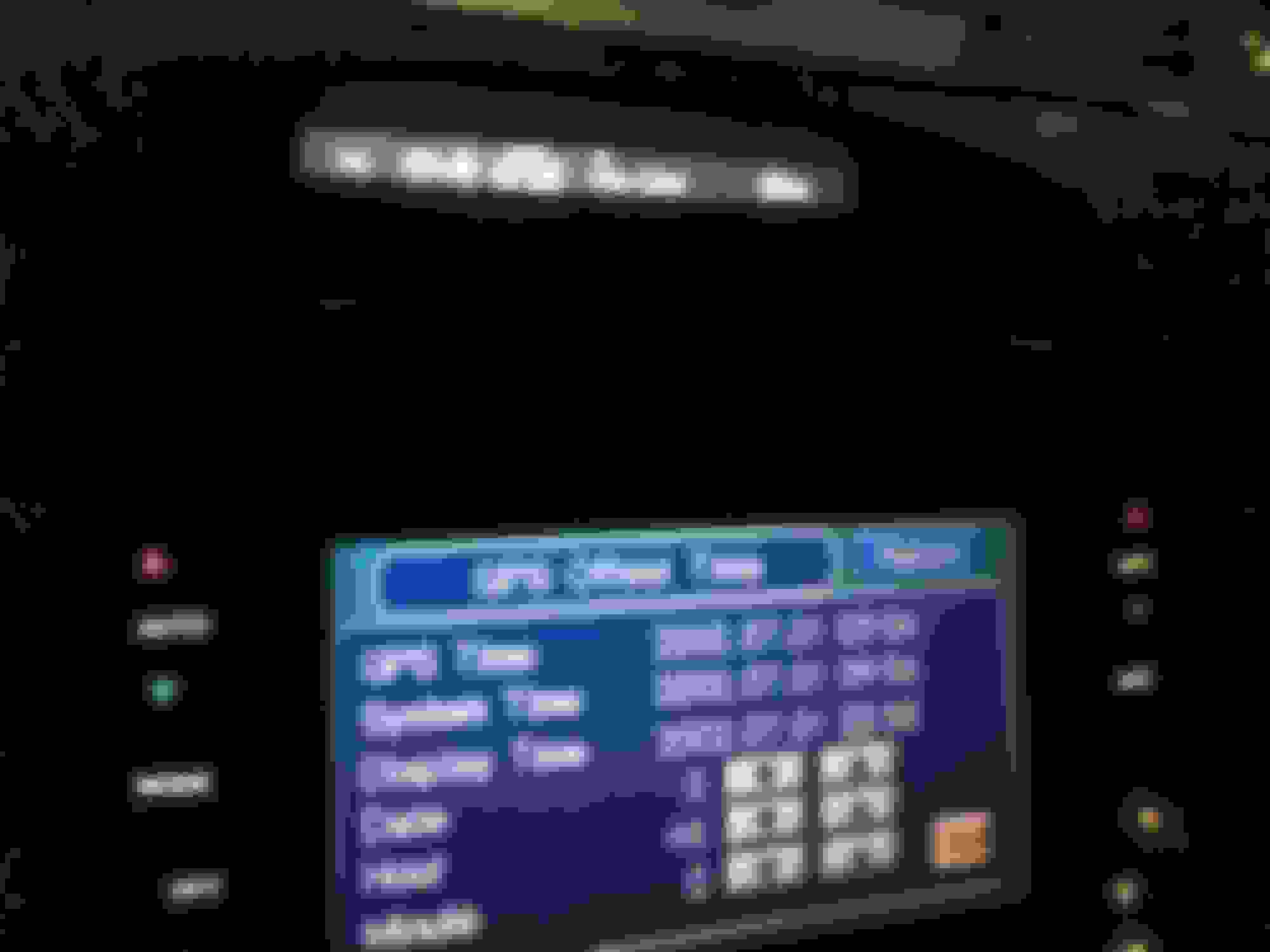
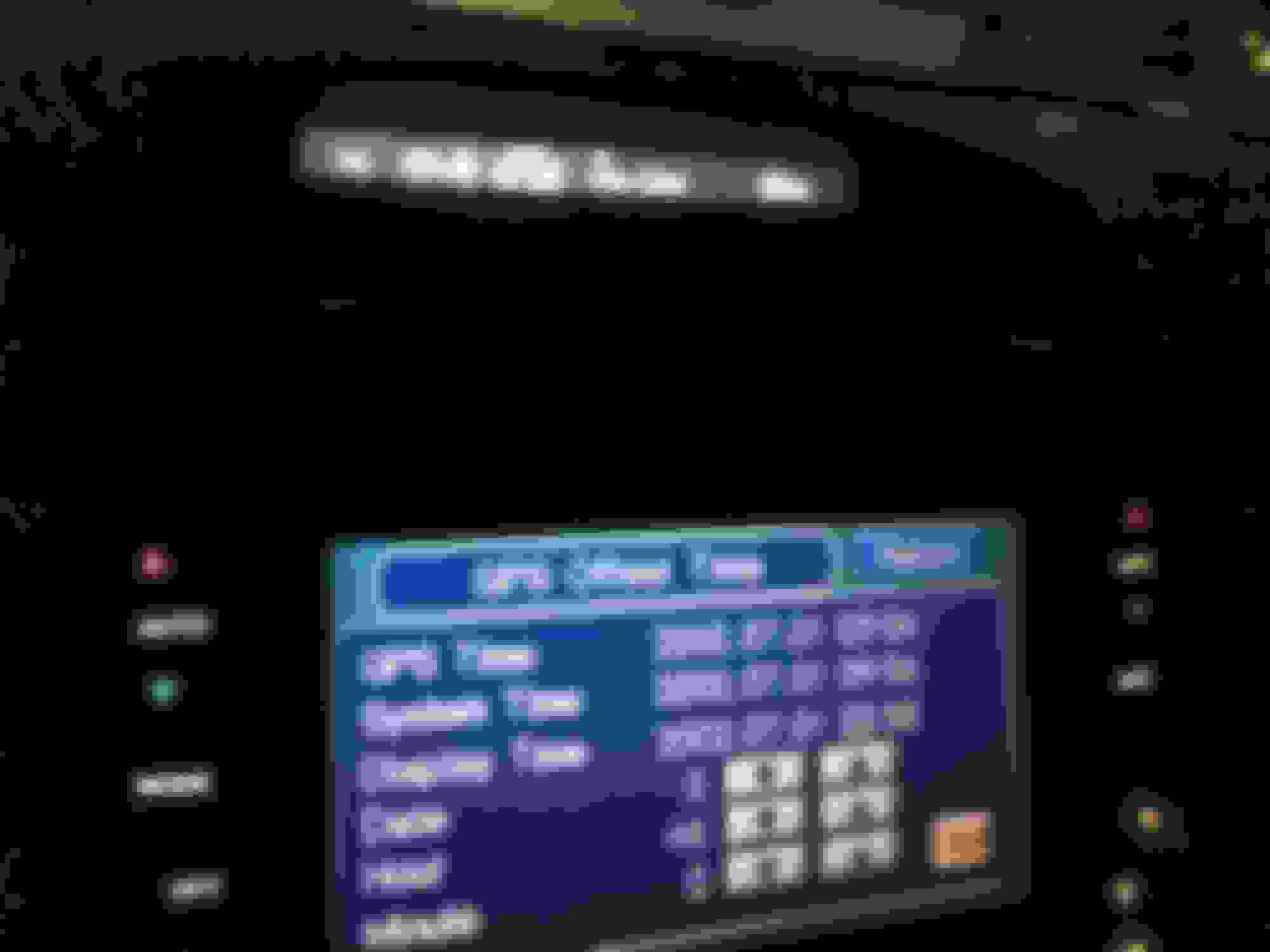
So I thought well maybe the GPS clock is fixed or something and I can set the proper time. I entered the "secret" config screen >> functional setup >> gps offset. Now I was able to successfully adjust the time. Of course the day and date is completely wrong but now the clock works!
Crossposted (I know there are multiple threads on this) So I've had the same problem as everyone else for the last year or so. Tonight after the superbowl I got in my car and noticed that my clock was off by hours instead of just 9 minutes or so (after DST ended I was closer then over an hour off). The time was like 4:50 or something. So I thought well maybe the GPS clock is fixed or something and I can set the proper time. I entered the "secret" config screen >> functional setup >> gps offset. Now I was able to successfully adjust the time. Of course the day and date is completely wrong but now the clock works!
Guess what, the same thing happened to me this morning. I was driving in to work to do some overnight system maintenance at 11pm and noticed my clock said 2pm. While driving, I thought my car battery must of went dead at some point or something happened for it to reset. So, i tried to set it and I was able to set the time!!!! Did Honda/Acura do some sort of OTA update?? I just change the time using the normal settings.
I just noticed that my clock was exactly one hour ahead of the actual time which it hasn't been since this problem showed up. I then checked the nav unit and saw the time was actually set there when it was blank before. I just turned off DST and now my clock is back to the correct time! I guess the stars and planets aligned just right and the software bug was resolved auto-magically.
Have had the problem with the clock and date being messed up since March of last year. Was still messed up yesterday, but was fixed this morning. Just had to turn off the Auto DST setting to get the correct hour.
Similar to other posts. My 2005 TL with Navigation that I couldn't adjust the clock for about a year, fixed itself today. Very happy about this and hope it stays!
Btw - took the car to the local Acura Service last year and they had no clue what the issue was (or just didn't want to open Pandora's Box with no resolution).
I assume the 04-06 units are finally rolling over enough that the system sees a valid date (looks like July 1 2002 was their cutoff). Probably like what what will happen to the 07-08 in August when it rolls over to 2003.
So, I guess the fix is to downgrade 07-08 Navi units to 04-06 units for a while? ;-)
I assume the 04-06 units are finally rolling over enough that the system sees a valid date (looks like July 1 2002 was their cutoff). Probably like what what will happen to the 07-08 in August when it rolls over to 2003.
So, I guess the fix is to downgrade 07-08 Navi units to 04-06 units for a while? ;-)
DogP
Soo straight trade with you and your external GPS module fix, got it! Send me your address
After not working for more than a year, my clock is suddenly working again. Auto DST, manual hour and minute adjustments, everything works!
My battery failed this week. It was somewhat ironic, because it failed after I left the cabin light on all night after resetting my clock at 1am. So I bought a new battery yesterday(Super Start Platinum Battery Group Size 35/85).
The battery was unplugged for approximately 10-15 minutes, enough time that it triggered the satellite calibration message that says something like "Do not move the vehicle. This will take about 10 minutes". I waited in the parking lot until it finished then I went about my business.
I only realized something funny was happening because the clock time kept changing a few seconds after I tried the manual reset at 1am(rear window defogger + recirculation + temp up + Ignition II).
I don't think I did anything special. It could just be a happy coincidence that I reset my clock the day of a satellite fix, but I had to share!
Thanks for all the updates today. I was able to adjust the clock in the TL today, but in my 05 MDX, still stuck (but at least is stuck off exactly 1 hour).
Have had the problem with the clock and date being messed up since March of last year. Was still messed up yesterday, but was fixed this morning. Just had to turn off the Auto DST setting to get the correct hour.
my 2006 TL clock fixed itself when I turned off daylight savings button off. My calendar is set to july, 2002 though. How do I update the caledar to correct year. The gps offset only allows to change +\- on the days only
I assume the 04-06 units are finally rolling over enough that the system sees a valid date (looks like July 1 2002 was their cutoff). Probably like what what will happen to the 07-08 in August when it rolls over to 2003.
So, I guess the fix is to downgrade 07-08 Navi units to 04-06 units for a while? ;-)
DogP
You may want to look higher up in this thread. I thought I was reading that the 07-08 TL Navs clocks were fine. Might have been conditional on having a recent Map disc though.
07-08 TL clocks are also not working. The current issue starting Jan 1st this year is more wide spread across multiple Honda and Acura models from I think it was like 2002-2012 or something like that.
A new navi disc doesn’t fix the issue
also dogp last month modified his gps components in his car and got his clock to work in his TL.
I think somehow the megathread merge messed up the ordering of all the posts. Not even sure why a post from 2007 is in here.
2006 TL. I got in my car to go to Valentines day dinner and also noticed my car was off by an hour. I clicked into the navigation settings and can adjust again. I just clicked reset which threw it off by an hour and then switched off auto DST and now the time is right again. I assume I'll have to adjust that on and off every DST, but that's fine, much better than pulling a fuse.
Your older Nav units are not FIXED, at best they have a Band-Aid on the problem. They still think it's 2002 so the month is wrong, so the clock will want to change to and from Daylight Savings in the wrong months. You can manually set the time, but the maps will not adjust the time when you cross a time zone boundary like they normally would.
Your older Nav units are not FIXED, at best they have a Band-Aid on the problem. They still think it's 2002 so the month is wrong, so the clock will want to change to and from Daylight Savings in the wrong months. You can manually set the time, but the maps will not adjust the time when you cross a time zone boundary like they normally would.
A few days ago the clock on my 04TL automatically started keeping the correct time again. Prior to that and for many months I was unable to set the clock for the correct time. Can anyone explain what happened?
My 2005 TL just started working today. It was suddenly off by an hour and I was able to adjust it through the normal settings menu for time adjustment (was previously grayed-out). My first thought was that if the nav system doesn't update the time in a certain amount of days it stops trying and activates the manual option. It's not been working for at least 15 months in mine and I think that's probably true for most, but they just didn't have cause to notice until there was a battery related event. Either way, I'm just glad it works without the occasional 1pm pull of fuse #7.
A few days ago the clock on my 04TL automatically started keeping the correct time again. Prior to that and for many months I was unable to set the clock for the correct time. Can anyone explain what happened?
Calendar/calculator stopped being available can now reset clock
Originally Posted by Slvr04TL
I searched the forum and noticed people encountered similar problems but the resolution was not posted.
I've gone through the Navi menu and tried to adjust the clock. The Navi clock changes, but the clock on the dash doesn't.
The problem started when I changed my battery. I did notice when I started the car with the new battery the Navi was installing new software. Any body run into this issue?
Weirdness... My 2004 tl with nav had the clock problem)/could not set clock. Couple days ago lost access (greyed out)to calendar and calculator with clock being off by several hours. I can now adjust clock without pulling batt cable or fuse. Very strange as I did nothing. Don't think it's syncing to satellite.
Last edited by jimmriley; Feb 17, 2022 at 07:40 AM.
I backed the car (2004 TL) out of the garage this morning for the first time in a week (I work from home and my wife's TLX blocks the TL into the garage) and at 11:07 AM the clock was reading 5:07. No battery change, nothing special, only thing I did recently was to refresh the XM radio because I changed to a monthly subscription to take advantage of the American Express $20-a-month credit (means I’m paying $2 a month). Previously the clock had been 56 minutes slow, now it was six hours fast based on going into the Settings menu and seeing 17:07. I said what the heck and tried adjusting the time, not expecting much, and I was able to set it to 11:08 (based on a minute having gone by while I fiddled with it). I didn’t think to check the calendar and I don’t really care what it thinks the date is—although if, as other posts up the thread suggest, it thinks it’s 2002, I wonder how the DST adjustment will go in three weeks (recall in 2002 DST began on the first Sunday in April).
Last edited by 1995hoo; Feb 19, 2022 at 12:00 PM.
Reason: Clarify model year
My 04 TL did too. Can turn off auto DST when needed (SINCE G.W. Bush screwed our year of auto DST feature for our model, and my old handheld GPS).
Happened all on its own, but interestingly enough I saw it while driving go from 0 GMT time I couldnt adjust, to 2 hrs advanced of my MST timezone, to one hour. Then I knew something was up.
BUT...
IT KILLED DVD AND CASSETTE PLAY buttons when GROM box is not plugged in. (uses SAT port to play digital music to head unit)
It kills all NAV and screen access IF MY GROM is plugged in.
Nothing works.
The DVD has six stuck in it from before I bought it 8 yrs ago, but I use the DVD button to access my Grom US3 via the SAT
So it wont do the GROM and im pzzed.
i see nothing from GROM about our 'older GROM units' getting an update to deal with Honda/Acura lame coders bugs.
I hope to find other GROM unit users and know if their 04 TL experience is the same
I was willing to ignore the stupid off time HONDA CAUSED problem to have my GROM working pure ditigal music, more than having accurate time. BOTH WOULDVE BEEN NICE but given no choice, you now know my preference...
I just noticed that my clock was exactly one hour ahead of the actual time which it hasn't been since this problem showed up. I then checked the nav unit and saw the time was actually set there when it was blank before. I just turned off DST and now my clock is back to the correct time! I guess the stars and planets aligned just right and the software bug was resolved auto-magically.
Mine jumped to about 1 hour and 4 minutes ahead around the same time. Haven't yet checked to see if I can access the clock adjustment yet, before the button wouldn't respond. I'll have to try it again. Or not since DST is Sunday. I can live with it being 4 minutes ahead.
I backed the car (2004 TL) out of the garage this morning for the first time in a week (I work from home and my wife's TLX blocks the TL into the garage) and at 11:07 AM the clock was reading 5:07. No battery change, nothing special, only thing I did recently was to refresh the XM radio because I changed to a monthly subscription to take advantage of the American Express $20-a-month credit (means I’m paying $2 a month). Previously the clock had been 56 minutes slow, now it was six hours fast based on going into the Settings menu and seeing 17:07. I said what the heck and tried adjusting the time, not expecting much, and I was able to set it to 11:08 (based on a minute having gone by while I fiddled with it). I didn’t think to check the calendar and I don’t really care what it thinks the date is—although if, as other posts up the thread suggest, it thinks it’s 2002, I wonder how the DST adjustment will go in three weeks (recall in 2002 DST began on the first Sunday in April).
$2 a month isn't bad. I've been paying just $5 a month for the last few years, just chat online with them and say that's all you want to pay. It's basically the "new subscriber" deal.
When I backed out of the garage just before 1:00 this afternoon, my 2004 TL's clock didn’t automatically adjust for DST, but I was able to do it myself. I suppose I could have waited to see if it would do it while I was on my way to the grocery store, but I wasn’t patient enough for that. At least we can adjust the clock ourselves again.
Yes, clock is now right for DST (need to forget that clock is 1 hr fast), but the calendar is still 1/1/2002, and if you go to adjust time it says 12:00 - I'm not even going to try to mess with a time adjustment, don't want to screw up the now correct dash clock.
Yes, clock is now right for DST (need to forget that clock is 1 hr fast), but the calendar is still 1/1/2002, and if you go to adjust time it says 12:00 - I'm not even going to try to mess with a time adjustment, don't want to screw up the now correct dash clock.
I’ve had my TL since August 2004 and I can count on one hand the number of times I’ve looked at the calendar!
I had the same problem. The dash clock wouldn't sync with the GPS/Navi system. I tried the battery disconnect/reconnect trick; didn't work.
So - I tried Silver Bullet's suggestion and it worked!
1. Press Map/Menu/Cancel all at same time for 3-5 seconds (Diagnostic screen should appear on the Navi display)
2. Select the Functional Setup Button
3. Select the H/U Time Send Button
4. I had to toggle the On/Off setting. It was set to 'On'. So I set to 'Off' and pressed 'Set'. Then set it to 'On' and pressed 'Set' again. A few seconds later and the dash clocked synced.
Yes!
i did this but i dont have an H/U time send button, only a GPS time send button,which didnt work



























 Did you buy a lottery ticket?