Navi Hack BMP's (Images)

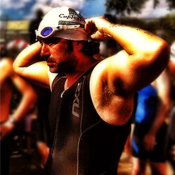
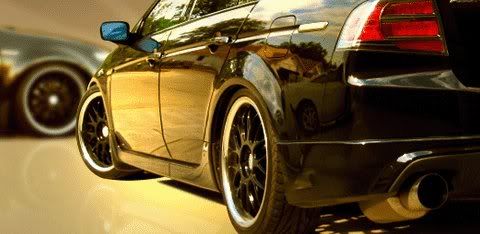
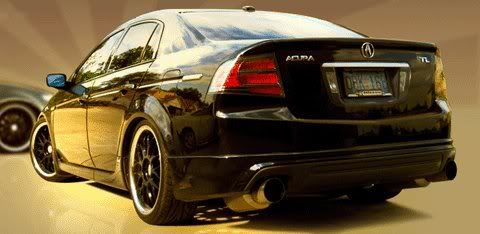
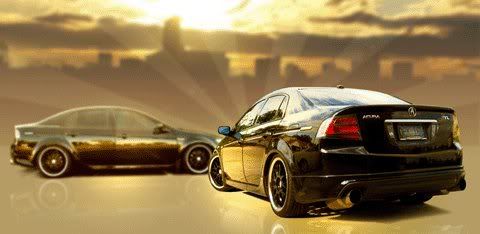
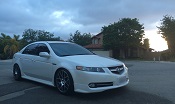


can anyone please please try to make this image into a bmp with a black background...if anyone can make it similar to the airbrush type outline (black background and white airbrush outline) found on the penn state logo on page 1 of this thread i would be soo happy...i have been trying but i suck at photoshop!
logo is here: http://www.chriscreamer.com/images/l.../full/2524.gif
please let me know! thanks!!
logo is here: http://www.chriscreamer.com/images/l.../full/2524.gif
please let me know! thanks!!



Instructor
Joined: Jun 2008
Posts: 124
Likes: 0
From: Seattle, WA
Hey everybody,
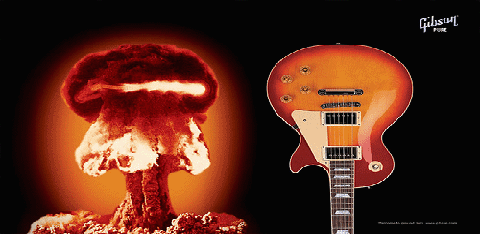
I'm new to the forum and I think it's great. I've made a startup screen for myself and all the other guitar players out there. It is 480x234 8 bit but it seems the file size is a little large when I save it as a bmp from photoshop. Can anyone give me some insight or possibly help resize?
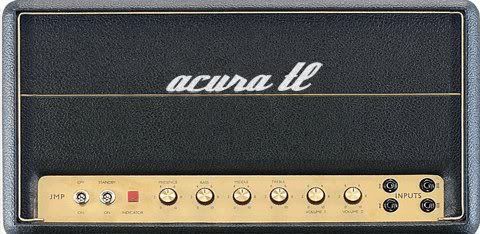
I'm new to the forum and I think it's great. I've made a startup screen for myself and all the other guitar players out there. It is 480x234 8 bit but it seems the file size is a little large when I save it as a bmp from photoshop. Can anyone give me some insight or possibly help resize?
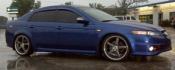


Cruisin'
Joined: Sep 2008
Posts: 20
Likes: 0
From: Rancho Cordova, CA
New World - TL Type-S w/Lo-Jack
File: New World - TL Type-S w/Lo-Jack
By: NeXuS69
BMP: http://www.megaupload.com/?d=7OOFFU9R
PSD: http://www.megaupload.com/?d=B6SQ48BR

By: NeXuS69
BMP: http://www.megaupload.com/?d=7OOFFU9R
PSD: http://www.megaupload.com/?d=B6SQ48BR
Last edited by NeXuS69; Sep 29, 2008 at 10:48 PM.


Forget it guys, I decided to just make my own.
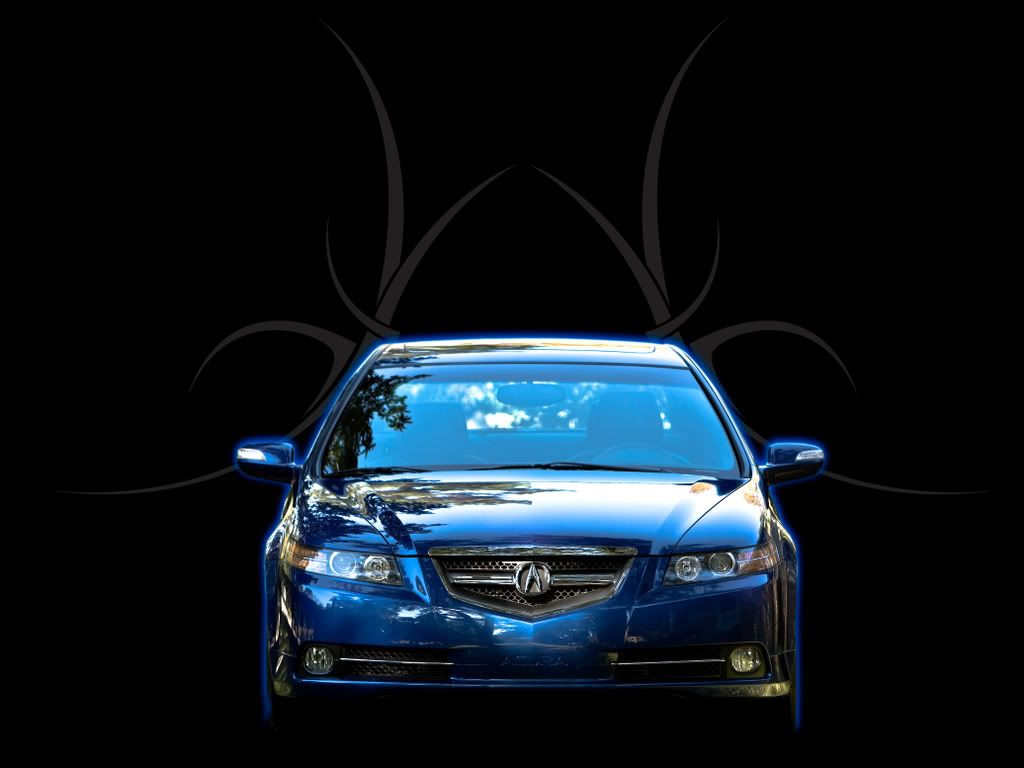
Here it is for anyone that wants to use it:

^^^ Don't right click on this image and save it, use the link below so you can keep the properties the same so it will correctly on the navi screen.
http://www.sendspace.com/file/r5x5jv
edit (by datmrman per illmatic21):
I screwed up, here's the fixed WORKING image that will load instantly.
http://www.sendspace.com/file/4fma9j
Here it is for anyone that wants to use it:
^^^ Don't right click on this image and save it, use the link below so you can keep the properties the same so it will correctly on the navi screen.
http://www.sendspace.com/file/r5x5jv
edit (by datmrman per illmatic21):
I screwed up, here's the fixed WORKING image that will load instantly.
http://www.sendspace.com/file/4fma9j
Last edited by TLFourplay; Oct 14, 2008 at 07:30 AM.
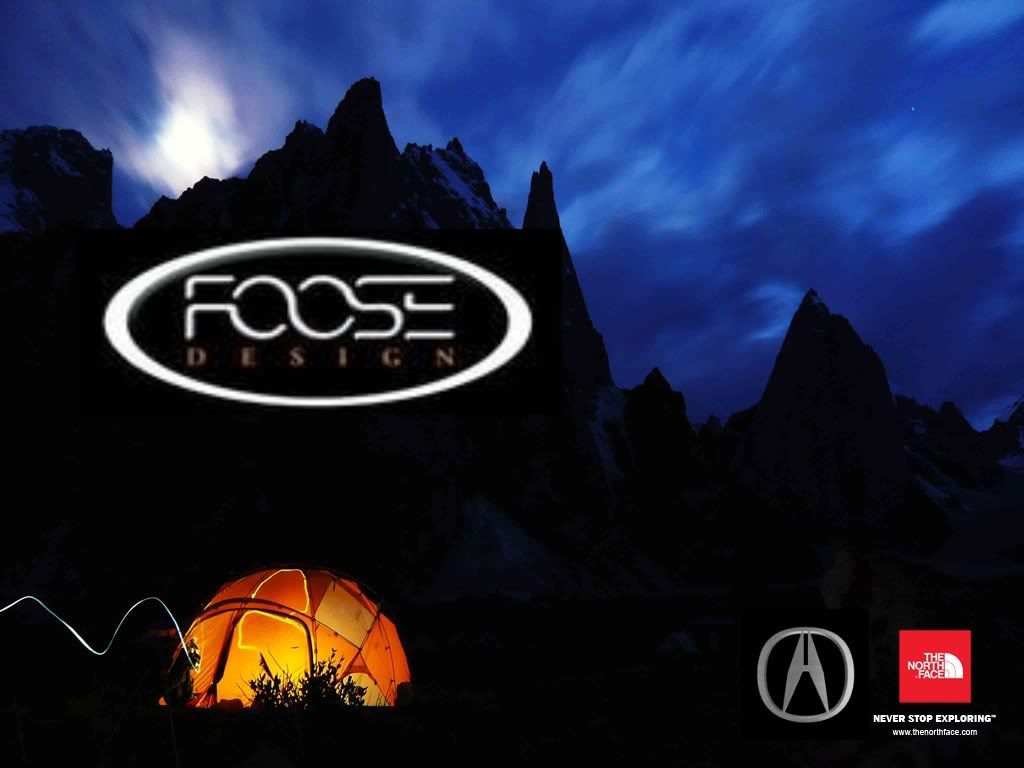 ttp://i288.photobucket.com/albums/ll177/sbjames23/spalsh.jpg[/IMG]


Racer
Joined: Apr 2006
Posts: 392
Likes: 0
From: North Florida
I'm surprised the only place on the entire internet that has decent images is our own Acurazine......i'm trying to find the dimensions in pixels of my ddx512 so the images look proportional and not stretched.

AZ Community Team
Joined: May 2007
Posts: 32,488
Likes: 7,771
From: N35°03'16.75", W 080°51'0.9"
^^
That is a GREAT!! pic, but I don't think it'll work as is. When I right click and save as bmp the file size, pixel size and bit depth are wrong.
Here are some image tips from the other thread:
(Not a PS expert and no PS here, just throwing it out there in case someone has trouble with the image).
That is a GREAT!! pic, but I don't think it'll work as is. When I right click and save as bmp the file size, pixel size and bit depth are wrong.
Here are some image tips from the other thread:
Working with the Image
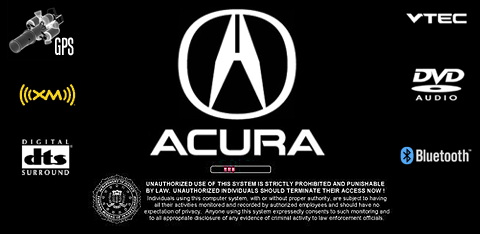
I noticed most images in this thread have not followed this routine, thats why the ACURA logo, the actors faces and everything else will look distorted in the ACURA, mainly I guess because the pixels in the ACURA navi are not perfect squares. People start to look taller in the car than on the screen! The trick is to work on a 480x270 file and resize to 480x234 to put it in the BIN.
Please correct me if I am wrong anywhere! Thanks and good luck!
(By the way, I changed my screen yesterday and now the voice command does not work while I am on the BT phone talking.)
One more thing, do all your work, specially the resizing in the RGB format. Once your image is 100% ready, resized to 480x234, THEN index it to limited colors.
DONT index then resize.
Resize then index.
If you need to modify the image, open the 480x270 RGB files, and continue working. When done, resize, index and upload in the BIN.
I noticed most images in this thread have not followed this routine, thats why the ACURA logo, the actors faces and everything else will look distorted in the ACURA, mainly I guess because the pixels in the ACURA navi are not perfect squares. People start to look taller in the car than on the screen! The trick is to work on a 480x270 file and resize to 480x234 to put it in the BIN.
Please correct me if I am wrong anywhere! Thanks and good luck!
(By the way, I changed my screen yesterday and now the voice command does not work while I am on the BT phone talking.)
One more thing, do all your work, specially the resizing in the RGB format. Once your image is 100% ready, resized to 480x234, THEN index it to limited colors.
DONT index then resize.
Resize then index.
If you need to modify the image, open the 480x270 RGB files, and continue working. When done, resize, index and upload in the BIN.
(Not a PS expert and no PS here, just throwing it out there in case someone has trouble with the image).

AZ Community Team
Joined: May 2007
Posts: 32,488
Likes: 7,771
From: N35°03'16.75", W 080°51'0.9"
Wish I could offer assistance, but I have no idea how the hack for the earlier nav versions work (version 3.xx), only the 4.xx White disk.
Still looks like the image size is off. When I save it it shows a 480 x 230 instead or 480 x 234. It also looks like it is in 24-bit colors instead of limited to 256 colors.
Wish I could tell you how other do the conversion, but I really don't know. All the images I've used, I took from something someone did here.


Banned
Joined: Aug 2008
Posts: 74
Likes: 0
fix this please
http://fixapix.com/images/Goodfellas.jpg
can someone make that picture so that I can use it for my navigation wallpaper? thanks
can someone make that picture so that I can use it for my navigation wallpaper? thanks
Area on my XM
Joined: Dec 2008
Posts: 1,496
Likes: 13
From: Sacramento, CA
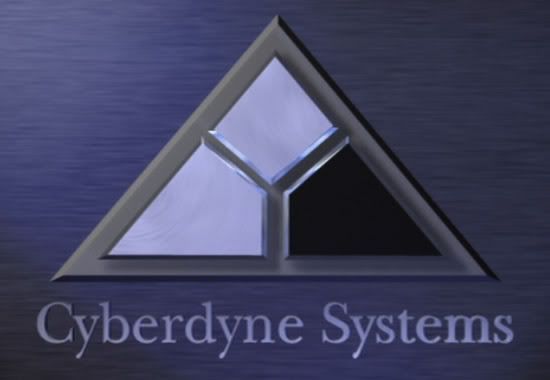
I'm having a difficult time resizing this to the exact specs I need to use this image. The file size on the disk is correct, but I can't adjust the color to make the image file the right size. I'm using basic Window's software, so I guess I'm running into limitations. Anyways, any help from somebody that has better software would be appreciated. Thanks!

Intermediate
Joined: Apr 2006
Posts: 35
Likes: 0










AZ Community Team
Joined: May 2007
Posts: 32,488
Likes: 7,771
From: N35°03'16.75", W 080°51'0.9"
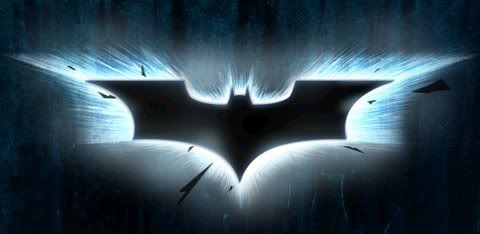
Jason, thanks for the quick work, but I've got a question.
When I save this as a bit map, it looks like it is 24-bit. I thought the Navi hack image had to be 256 color bmp? If I re-save it as 256 color bmp, the image becomes pixelated.
Do have the tools to re-color it in 256 color bmp without it becoming pixelated?
When I save this as a bit map, it looks like it is 24-bit. I thought the Navi hack image had to be 256 color bmp? If I re-save it as 256 color bmp, the image becomes pixelated.
Do have the tools to re-color it in 256 color bmp without it becoming pixelated?


8th Gear
Joined: Jun 2009
Posts: 8
Likes: 0
From: Annapolis, MD
Hello, newbie here. I have been looking into making some of these mods, and would like to try the splash screen first. I made a Back.bmp which meets the criteria for size, file type, etc., or so I thought. Is there anyone here who is still willing to help create a Back.bmp for me ? I could e-mail you the pic in .jpg format to start anew. I can't do PMs yet, since this is my first post.
Thanks in advance.
Thanks in advance.
8th Gear
Joined: Jun 2009
Posts: 8
Likes: 0
From: Annapolis, MD
Got it, but could still use some help
Well, I got my image to load into the navi, but the picture quality is very low. Anyone have any suggestions as to how to make a better quality .bmp from a high-res .jpg file ?
Thanks !
Thanks !
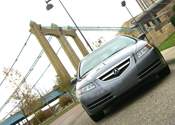
Wake up and drive
Joined: Oct 2007
Posts: 108
Likes: 0
From: MN
There are certain limitation of the system that will not display the image as clear as you'd see on your computer screen but if you have the original image I can take a look at it and try to resize it see if I can get it any better.
8th Gear
Joined: Jun 2009
Posts: 8
Likes: 0
From: Annapolis, MD
TL-ed - I don't think I can do PMs since I have only a few posts. If you are still offering to help with my image, please e-mail me at my hotmail account, ftoddberger.
Thanks !

Advanced
Joined: Jul 2009
Posts: 85
Likes: 0
From: TX
any help please?!
Can anyone take this picture of Jennifer Annison (needs resized and add an Acura Logo and Lo-Jack Logo and Possibly "Welcome Josh...Nav System Loading..." to the image in a way that looks nice (simple font)