When you click on links to various merchants on this site and make a purchase, this can result in this site earning a commission. Affiliate programs and affiliations include, but are not limited to, the eBay Partner Network.
Just got a '21 TLX advance and I love my ELS system to bits! I hate to be "that guy" but would anyone mind doing a limited time repost of some 5.1 FLACs? if not feel free to roast me below
Just got a '21 TLX advance and I love my ELS system to bits! I hate to be "that guy" but would anyone mind doing a limited time repost of some 5.1 FLACs? if not feel free to roast me below
What kind of music do you like? I have mostly classic-rock. So, you only want 5.1 (6 channel) FLACs ?
Please let me know when you post and please may I also download. Progressive and classic rock on the heavier side are my prefs, but whatever you share will be appreciated.
Just got a '21 TLX advance and I love my ELS system to bits! I hate to be "that guy" but would anyone mind doing a limited time repost of some 5.1 FLACs?
For starters, here are the Acura Demo discs from a few years back:
There are some 5.1/6-channel FLACS, but also some cool MP3 files. The Sugarcult is a MP3 (so just 2-channel stereo) but since it is "high-bit-sampled" it's probably one of the richest-sounding MP3 files I have ever played on my Audi's Bang and Olufsen system. Let me know if your ELS does not "matrix out" or play stereo files though all or most speakers. On the B&O I can also add a bit of "simulated surround" via it's on-board DSP.
The Star Trek theme I ripped from the DVD and created that file 5.1/AC3/6-ch file myself. I think some of Jerry Goldsmith's best work and you have to appreciate those French Horns.
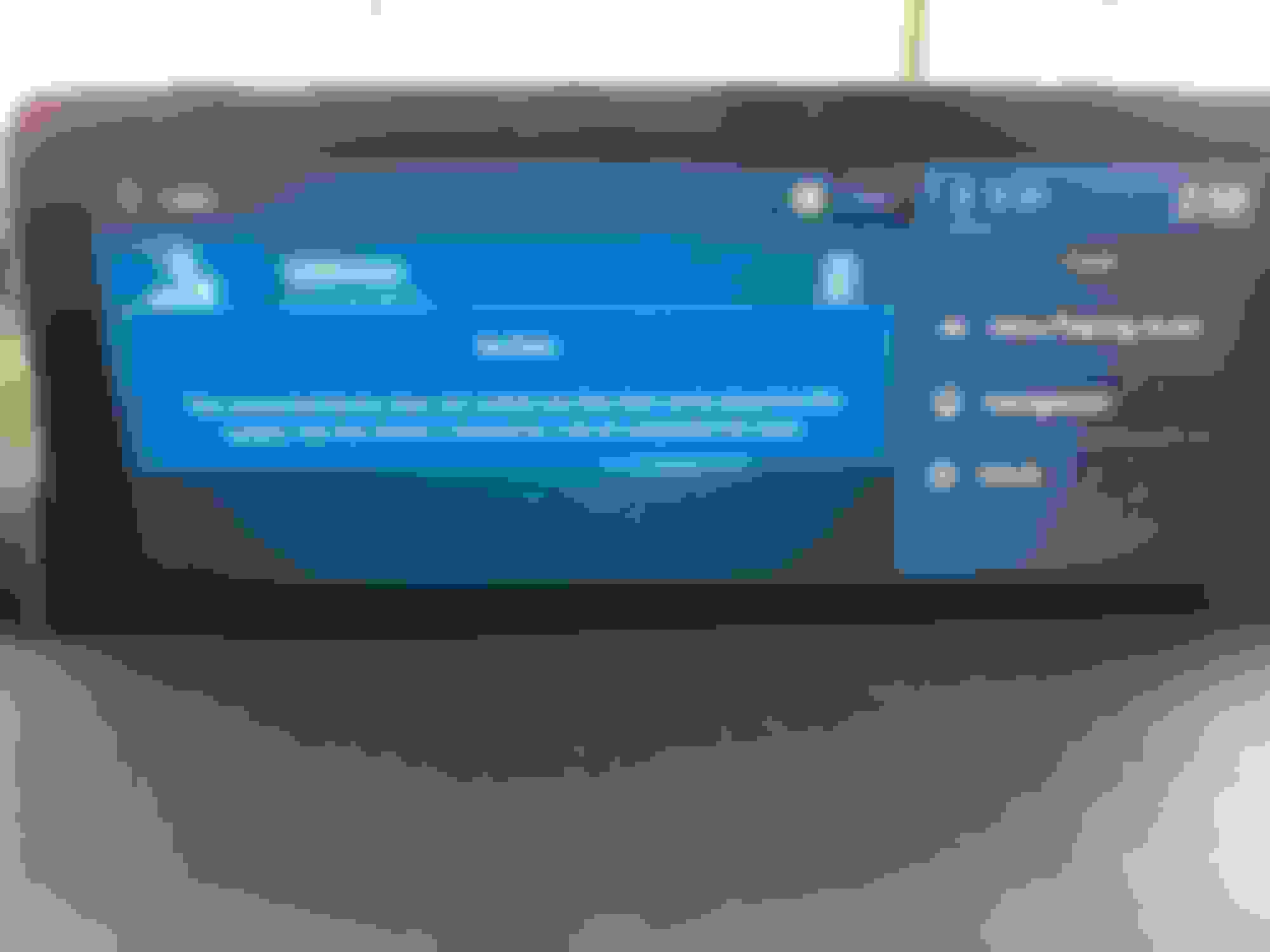
My USB stick crashes the infotainment system randomly. The system would go into the startup circle of stars back and forth.
What make/model of vehicle?
Created on Windows or a Mac?
Make/size of USB flash-drive?
Formatted as FAT-32?
Have you tried a different USB flash-drive?
Do you have files with long or strange names or many files in a folder?
What kind of files (MP3, FLAC, etc.)?
Acura Rdx 2022 adv aspec Created on Windows 2tb and 4tb USB flash-drive Not Formatted as FAT-32 Did not try a different USB flash-drive
No strange names at all FLAC files
further more the playlist seems to disappear on its own too
Acura Rdx 2022 adv aspec Created on Windows 2tb and 4tb USB flash-drive Not Formatted as FAT-32 Did not try a different USB flash-drive
No strange names at all FLAC files
further more the playlist seems to disappear on its own too
I would try formatting as exFAT . If that doesn't help, try FAT-32 . Don't even try NTFS.
Windows is fine, however ... 2tb and 4tb (terabytes) drives are too large. Try something more normal like a 4gb-16gb (gigabytes) flash-drive.
Click the folder names themselves to change folders.
Hover-over the icon and it changes to a download-arrow ... click and that should Download that whole folder.
Yall can let me know when you got all those, and then I can take them down and put-up something else.
Last edited by Tesla1856; Nov 10, 2022 at 07:52 PM.
I can’t get the files to play on my TLX :/ I tried with a 128GB 3.0 drive formatted using fat32 and also tried exfat using my Mac and disk utility. Always get the No Data error message. Any ideas?
I can’t get the files to play on my TLX :/ I tried with a 128GB 3.0 drive formatted using fat32 and also tried exfat using my Mac and disk utility. Always get the No Data error message. Any ideas?
Well, first I'll say ... that is why I uploaded the Acura discs first. AFAIK, that is just the way I got them (from some nice person here on this forum-thread). Pretty sure Acura distributed them originally, and others have played them on their Acura-ELS systems. They should all be "Level-0" or "No Compression" to be compatible with the older ELS systems that could not handle FLAC files with compression.
If you downloaded them as zipped-folders ... you unzipped them, right?
It was a user issue. Disk had a GUID partition scheme. Reformatted it MBR to resolve the issue.
OMG this system sounds incredible with good Flacs.
Anyone have any good software recommendations to downsample 5.1 flacs from 96khz to 48khz on a Mac? I wish foobar ran on a mac :/
Ok, so after some trial and error I found a solid downsampling method to convert 24bit/96k down to 24bit/48k on a Mac. It requires some bash/ command line skills (no GUI), and may not appeal to everyone.
Notes: External drive must be formatted using a MBR (Master boot record) partition scheme. The option commands (-ar 48000 -compression_level 0 ) are crucial to ensure 48k and Zero compression for our ELS systems. Of course the original quality of your source files is crucial as always
any software downloaded via the web is never risk free, proceed at your own risk.
software needs to be updated manually (brew update && brew upgrade ffmpeg)
I will let you guys research batch conversions but here is a place to get started.
I've found that the Windohs version of foobar2000 runs quite nicely under Crossover (even on my new M2 MacBook Air).
Nice. Probably Parallels also?
I still have a BootCamp partition and (native) Windows-10 on my Mac-Mini-2012 ... but I have mostly Windows machines now-days.
Oh, I have Virtual-Box on the Mac also.
Last edited by Tesla1856; Nov 13, 2022 at 12:52 PM.
Almost certainly. I'd been running it in a virtual machine under VMware Fusion for many years, but after I retired most of my Windohs needs pretty much vanished. It's been over two years since I used any Windohs app other than foobar2000, and my ancient x86 Mac mini is barely up to the task of running a VM. I did the free trial of Crossover to see if I could relieve it of that burden. Not only does it work, but it's way faster at doing conversions on my M2 with Crossover than it ever was on an x86 Mac with VMware.
Works fine but cant see the m3u playlist created using vlc.
Excellent.
As for the Playlist issue, someone else will have to help with that as I don't use them. However, you might want to check-back in the thread as IIRC ... someone posted about using them.
Well its been working great, just decided to drop my songs in 1 folder that way i can eliminate the need for a playlist.
Also wanted to add, formatting to fat32 helped with the system because with the exfat the Acura Audio system would not boot, i was getting stars on the display in and out. And when the system did come back there was no Audio whatsoever.
That happened in May-June, thats when i decided to stiick with carplay only. But i couldnt resist flac files.
Your kindness is appreciated....as the old fart here I like the first song a lot and added Ito my Genesis file. The other song, well not so much. Thanks and a Blessed Holy Week to you! Padre
if you're looking for 5.1 files to download, you can find them here...
The files download in 5.1 format (.mp4). They can be converted to flac (5.1 uncompressed) with foobar2000.
Notable available file is Hendrix's Voodoo Child Slight Return from Electric Ladyland (50th Anniversary Deluxe Edition), featured in the Acura Electric commercial.
You can rip your DVD-A's (and SACD's and Music DVD's) and convert the audio to 24/48 5.1 wav files and play them from the USB port in the console. It works. I tried it. Very nice!!
you described exactly what I hope to do…but I’m a tech idiot and not even computer shops know what to do when I ask them about this. I’ve got tons of DVDA/SACD/Bluray albums in 5.1….can you point me to a step by step guide for dummies? Do you know if folks would do the converting for me if I supplied the discs & paid for their time? I understand the ‘24 RDX ELS 3D will play 5.1 in .wav or flac——I know Jack $h1T about converting, but I miss hearing what the ELS can really do with, say, the Rumors DVD-A, or Dark Side Of The Moon SACD.
please excuse my newbie ignorance, I’ll say “thank you sir may I have another” all day if someone can help out a bonehead over here
you described exactly what I hope to do…but I’m a tech idiot and not even computer shops know what to do when I ask them about this. I’ve got tons of DVDA/SACD/Bluray albums in 5.1….can you point me to a step by step guide for dummies? Do you know if folks would do the converting for me if I supplied the discs & paid for their time? I understand the ‘24 RDX ELS 3D will play 5.1 in .wav or flac——I know Jack $h1T about converting, but I miss hearing what the ELS can really do with, say, the Rumors DVD-A, or Dark Side Of The Moon SACD.
please excuse my newbie ignorance, I’ll say “thank you sir may I have another” all day if someone can help out a bonehead over here
I cannot give you an exact step by step. But Foobar2000 can do this conversion for you...and their site has some pretty basic instructions. foobar2000
Alos, you dont need to do WAV files, you can do 6 channel FLAC files and they will be way smaller.
I use dvdaudio extractor for dvds. Very easy to use, I convert to flac file so I can add album art. Blu-ray is a little more difficult. You have to remove the encryption first. For this I use makemkv beta to decrypt and backup. I convert that backup into an image(ISO) file which I then mount virtually to convert to flac using DVDA extractor. DVDA extracter will work with virtual disk drives. For SACD, I use an old Sony ps3 to rip the sacd’s. Foobar2000 software can read sacd files and I think you can create 5.1 files using extensions.
you described exactly what I hope to do…but I’m a tech idiot and not even computer shops know what to do when I ask them about this. I’ve got tons of DVDA/SACD/Bluray albums in 5.1….can you point me to a step by step guide for dummies? Do you know if folks would do the converting for me if I supplied the discs & paid for their time? I understand the ‘24 RDX ELS 3D will play 5.1 in .wav or flac——I know Jack $h1T about converting, but I miss hearing what the ELS can really do with, say, the Rumors DVD-A, or Dark Side Of The Moon SACD.
please excuse my newbie ignorance, I’ll say “thank you sir may I have another” all day if someone can help out a bonehead over here
I don't think you all understand. He doesn't want to do it. Not everyone wants to do this kinda stuff. I don't blame him really.
I don't blame him either. But he did ask for a "step-by-step guide for dummies", and I'm exactly one of those dummies who followed the instructions of Oblio98 and got it done.
Hello oblio98, just wanted to say "Thank you" for being so kind and for sharing your knowledge about surround sound files. Because of you, I have really been able to enjoy the ELS sound system in my RDX Advance, It is amazing to me how good the music sounds when playing back a FLAC file on the ELS system. By the way, did you see that the 2025 MDX will no longer have ELS??? Going to B &O if memory serves me correctly. If you find out any more details on why the change, please share that with us.
Hello oblio98, just wanted to say "Thank you" for being so kind and for sharing your knowledge about surround sound files. Because of you, I have really been able to enjoy the ELS sound system in my RDX Advance, It is amazing to me how good the music sounds when playing back a FLAC file on the ELS system. By the way, did you see that the 2025 MDX will no longer have ELS??? Going to B &O if memory serves me correctly. If you find out any more details on why the change, please share that with us.
Thank you again Oblio98!!
I think Acura's move to B&O is simply for "brand name recognition" and to be perceived as more "upscale". The harsh reality is it won't necessarily be the case as it's always possible to take inferior hardware and put a famous label for some "street cred". It's like the gentrification of many neighborhoods in the US: small coffe shops replaced by Starbucks, independent book stores replaced by Barnes and Nobels, etc. I'm sure Acura did it for the badging!