When you click on links to various merchants on this site and make a purchase, this can result in this site earning a commission. Affiliate programs and affiliations include, but are not limited to, the eBay Partner Network.
Since many of us actually have DVD-A discs that we used in our older Acura's, many are asking how we can use these bought and paid for discs to create USB sticks to play in our new RDX's. Here is the step-by-step guide to do just that.
Install DVD-Audio Explorer and foobar2000. Once foobar is installed, install the foobar Free Encoder Pack. You're now ready to go!
------------------------------------------------------------------------------------------------------------------------------------------------------------------------------------------------------
1. Open DVD-Audio Explorer and click on the 'Open Folder' icon on the menu bar, right under the 'File' drop down menu.
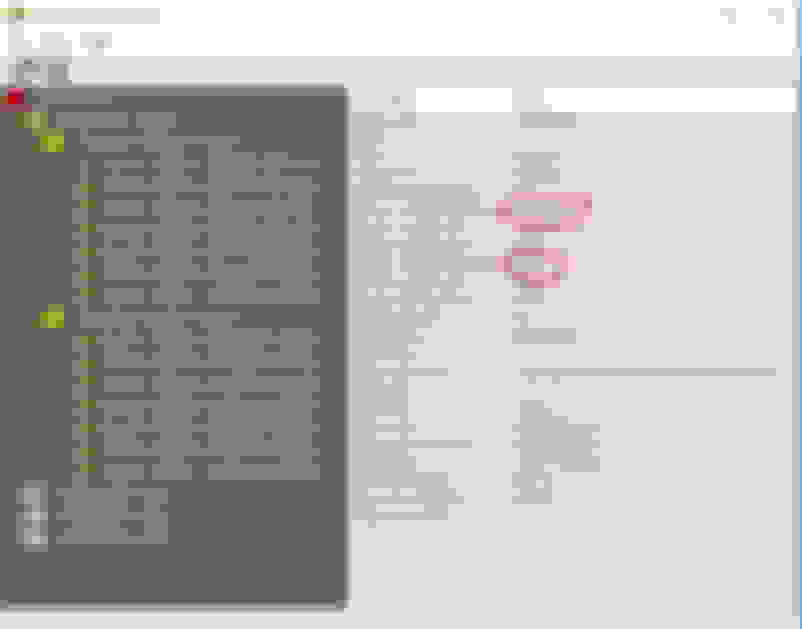
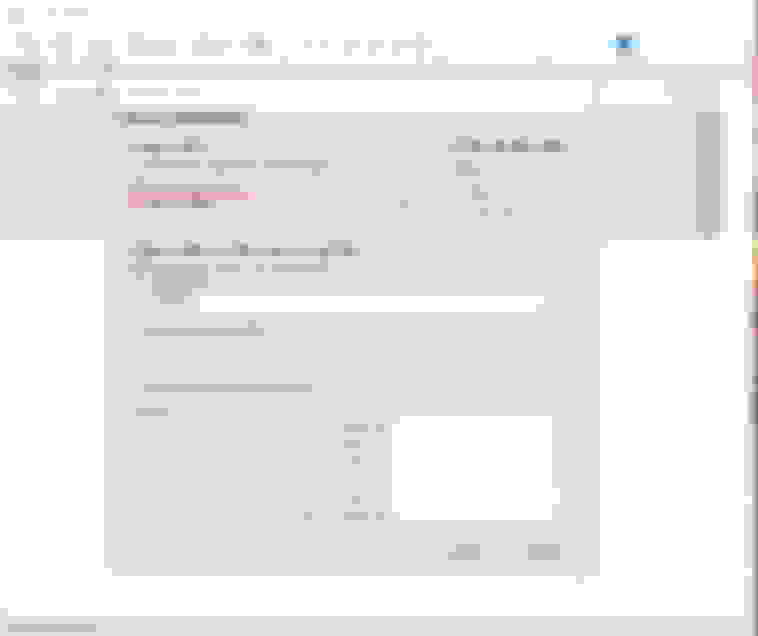
2. Browse to your DVD player and look for the AUDIO_TS.IFO folder on your DVD-Audio Disc. Once you click on it, you should see an explorer view similar to the screen capture below:
3. Most DVD-Audio discs have both stereo and 5.1 tracks on them. Be sure that you select the Multichannel Files if you want the surround tracks to play in your car. You can verify which are which by looking at the info on the right. You should see info like the info displayed above. You should see Lf-Rf-Ls-Rs as well as C-LFE, which will indicate that these are the 5.1 tracks.
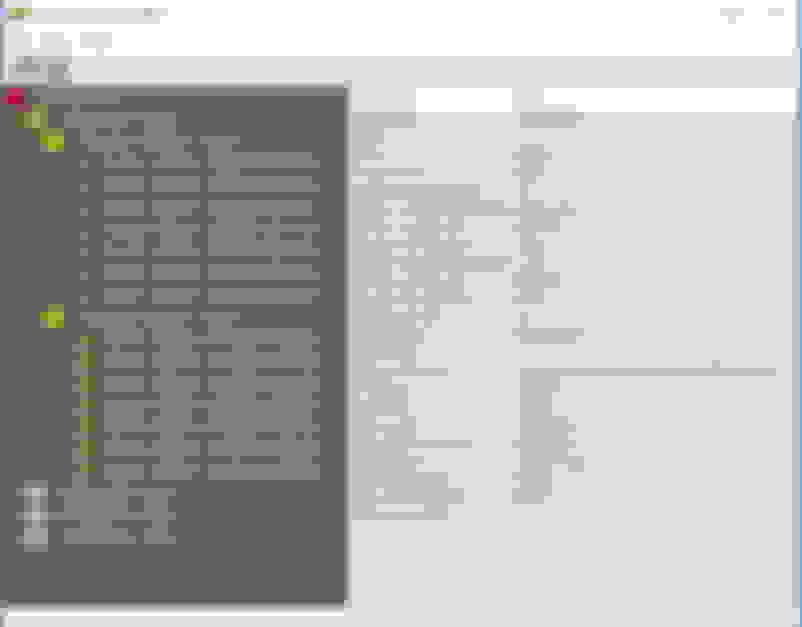
4. Click on the first track, hold down the shift key, then click on the last track of the group. This should highlight all of the tracks that will be ripped to 5.1 .wav files. (See the blue highlighted tracks below)
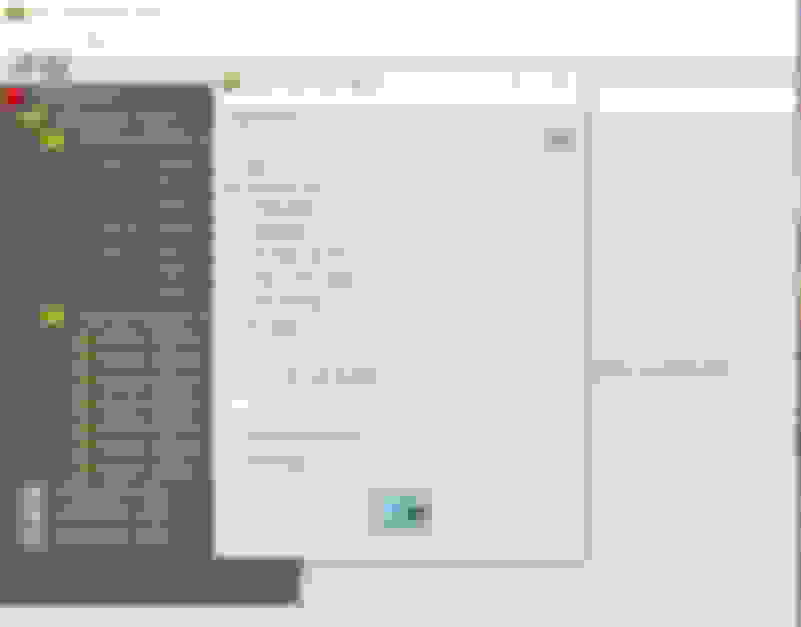
5. Press the Floppy Disc Icon at the top of the screen and the "Extract" window will open. Press the small drive icon and select where you want the files stored on your PC. I would suggest creating an empty folder for storing these files. Once the 'Output Directory' has been entered, make sure that 'Merge Groups' is checked, then leave everything default and press the large icon at the bottom of the Extract window to start the extraction. (See example below)
You will now have 5.1 .wav files in your storage directory. Now we want to convert them to .flac files so they can be tagged with artist, title and album information. For this we use foobar2000
FOOBAR2000
1. Open Foobar2000 and select 'File/New Playlist' and you should have a blank lower section of the program. Now select 'File/Add Folder' and you will see the DVD-Audio Files you ripped with DVD-Audio Explorer.
At this point it is very important to note if your DVD-Audio rip is 24-96000 or 24-48000. Since the Acura ELS system will not play 24/96 files properly, we will have to use Foobar to downsample them. If your rip shows 24-48000, then they will be fine as is.
You should see your ripped files in the foobar2000 window as shown below. Here we have 24-96000 files, so they will have to be converted.
2. Using your mouse, select all of the files that you ripped from the DVD-A. Be sure they are all highlighted. Right click in the middle of the highlighted files and select CONVERT and then the '...' at the bottom of the pop up menu. That will bring you to the CONVERT menu.
3. There are 3 things we need to setup here to begin converting these files to 24/48 .flac files.
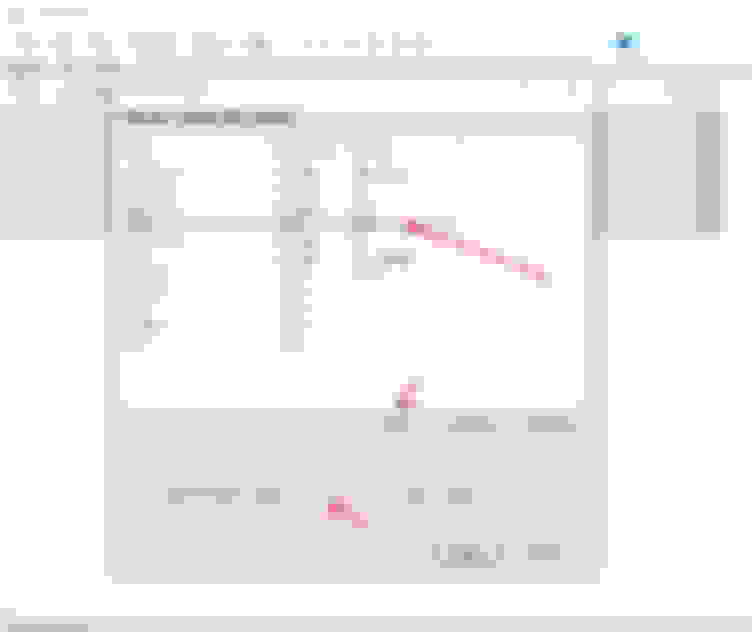
FIRST: Click on the 'Output Format' link under CURRENT SETTINGS, and a Converter Setup window will appear. Select FLAC from the list, then press the 'Edit' button. A new window will appear. Slide the 'Compression Level' slider all the way to the left, which will set the conversion for ZERO compression. Then click 'OK'. To be safe, it's always a good idea to change the setting of 'Output bit depth' from 'Auto' to 24 bit. You can now click 'Back'.
SECOND: Set the file output destination by clicking the 'Destination' link to 'Source track folder'. This will put your .flac files in the same folder as the source .wav files. Leave everything else at default. Click 'Back'
THIRD: If your files are 24-96000 then they must be downsampled. If your files are 24-48000 you can skip this step. Click on the 'Processing' link to get to the processing window.
From the 'Available DPSs' list on the right, double click 'Resampler (PPHS)' and it should appear in the 'Active DSPs' list on the left. Press the 'Configure Selected' button and set the 'Target Sampling rate' to 48000.
Click 'OK', the 'Back' to get back to the conversion window.
Now press 'Convert'. That's it.
Now it's best to rename your .flac files to their respective song titles and copy them to your USB stick to play in your car.
That's it! If anyone has questions or finds any errors, please let me know!
Install the DTS plugin to your Foobar2000 installation, then just put your CD into your PC drive, open Foobar2000, create a new playlist, then from the top menu select File\Open Audio CD\ then put the tracks into the new playlist. Once there, just convert them the same way you convert the DVD-A files.
You'll now have 5.1 .flac files to play in your RDX!
Install the DTS plugin to your Foobar2000 installation, then just put your CD into your PC drive, open Foobar2000, create a new playlist, then from the top menu select File\Open Audio CD\ then put the tracks into the new playlist. Once there, just convert them the same way you convert the DVD-A files.
You'll now have 5.1 .flac files to play in your RDX!
I have done this with my DTS-CDs using Foobar. It works like a charm. I have quite a few of those discs too
This works very well. I ripped my Goodbye Yellow Brick Road DVD-A and finally got to play it today... WOW! Talk about spreading the sound around! I have never heard Funeral For A Friend sound so damn good!
This works very well. I ripped my Goodbye Yellow Brick Road DVD-A and finally got to play it today... WOW! Talk about spreading the sound around! I have never heard Funeral For A Friend sound so damn good!
Awesome to hear. Now get to work and make some more! :wink:
Next time you're at the dealership, have you salesman listen to your 5.1 USB's. Most of them have no clue about that capability!
Hi
I’ve been using one of the early PS3 to rip SACD to ISO and then convert to FLAC using foobar2000. For dvd-a I’ve been using dvdAudio extractor which will also work with some Blu-ray Discs, forbthe protected Blu-ray I have to create a backup which allows me to get around the encryption.
Hi
I’ve been using one of the early PS3 to rip SACD to ISO and then convert to FLAC using foobar2000. For dvd-a I’ve been using dvdAudio extractor which will also work with some Blu-ray Discs, forbthe protected Blu-ray I have to create a backup which allows me to get around the encryption.
DVD-Audio encryption only matters if you are going to copy and play a file in a DVD-Audio player (that looks for the watermark). Once you rip the file and play it on anything other than a DVD-Audio player, the encryption is ignored.
So I finally got around to trying this. My first attempt was on Sheryl Crow's Globe Session DVD-A. I follow the instruction and get a dialogue error box stating "Encrypted stream". Am I doing something wrong?
So I finally got around to trying this. My first attempt was on Sheryl Crow's Globe Session DVD-A. I follow the instruction and get a dialogue error box stating "Encrypted stream". Am I doing something wrong?
You should not get an error. The only thing I can think of is that you have a DTS-CD instead of a DVD-A. I am pretty sure that disc was available as both. But if you see a ATS file then it should be a DVD-A.
Do you have another DVD-A to try? I do not represent the software, I only use it, so I really don't know what else to tell you. Anyone else run into this?
So I finally got around to trying this. My first attempt was on Sheryl Crow's Globe Session DVD-A. I follow the instruction and get a dialogue error box stating "Encrypted stream". Am I doing something wrong?
It is not your lucky day. You can read about possible reasons in this article (which also offers a solution).
Also, I have found that if it's a DVD-Audio, it will have the DVD logo on the disc itself. DTS-CDs just say that you need a compatible player is something like that.
I am giving this stuff a try. One of my discs from the blue man group works, one blue man group disc doesn't work. The DVD-Audio Acura demo disc doesn't work. Santana Supernatural disc works.
I am following the instructions, using a windows 10 VM running on an iMac... It is just odd that some of my DVD-A discs work and can be read, but some can't. Anyone run into this?
I am giving this stuff a try. One of my discs from the blue man group works, one blue man group disc doesn't work. The DVD-Audio Acura demo disc doesn't work. Santana Supernatural disc works.
I am following the instructions, using a windows 10 VM running on an iMac... It is just odd that some of my DVD-A discs work and can be read, but some can't. Anyone run into this?
thanks in advance.
I did all 5 Acura Demo Discs and they all worked for me, so something must be amiss. Are you sure you are resampling them down to 24/48 when you convert them to .flac in Foobar? Also be sure your compression level is -0-. I know you know all of this, but sometimes a setting changes inadvertently. There is no reason it should not work with any DVD-Audio disc.
I did find that if you try to go from .flac to .flac with Foobar, it won't work right. You have to start with WAV files and then convert them to Level 0 flac. I tried taking a 24/48 .flac file of unknown compression and converting it (as above) to Level 0, but the RDX would not recognize it. I had to convert the source from .flac to WAV, then back to .flac.
Oblio98-Thanks for the easy to follow DVD-A to 5.1 FLAC instructions. They worked perfectly! I am now trying to convert DTS discs to 5.1 FLAC using foobar2000. I initially got a 'can't write to the source folder with these tracks' message using the same settings as your DVD-A settings. I then used the 'quick convert' option under 'convert' and got it to work. However, the FLAC created is a little less than half the size of the file created from the DVD-A disc for a song with approximately the same length. Is the small file normal for DTS converted FLAC files?
Hello. First off, I would assume that you have the DTS Decoder plug in for Foobar (or you would not get very far). However, it seems like your default settings are using compression, which is why the result files are smaller.
Do they work? If not, you might have to reconvert them.
I have found that going from .flac to .flac does not work well in Foobar, so try this. Take one of those decoded DTS files and convert it to .wav. Then convert the .wav to .flac with zero compression and see if it plays in the car. It should.
That may be what you have to do to get it to work. I've done DTS CDs without issue, so something is amiss in your setup
The converted files do work. I am just curious about the smaller file size compared to the DVD-A converted files. I checked the settings in Foobar2000 and the compression slider is all the way on the left.
Just figured out what I did wrong. The output bit depth in Foobar2000 was set to 'auto', which converted at 16 bit. I reconverted using 24 bit and the converted file is now about the same size as the DVD-A rips.
Just figured out what I did wrong. The output bit depth in Foobar2000 was set to 'auto', which converted at 16 bit. I reconverted using 24 bit and the converted file is now about the same size as the DVD-A rips.
Great. I looked at my files and they were about the same size, so I could not figure out what could have happened to your DTS files.
Ripped some concert DVD's. Quality is hit-and-miss. Eagles' Live From Melbourne sounds great, but others like Heart Alive in Seattle and Journey 2001 are just ok. I started ripping Blu-ray using DVD Audio Extractor but was not successful due to copy protection. How are you guys converting Blu-rays?
Ripped some concert DVD's. Quality is hit-and-miss. Eagles' Live From Melbourne sounds great, but others like Heart Alive in Seattle and Journey 2001 are just ok. I started ripping Blu-ray using DVD Audio Extractor but was not successful due to copy protection. How are you guys converting Blu-rays?
Software we use is MakeMKV to create the MKV audio file and then AudioMUX to read and convert that MKV file into 6 channel (if available) FLAC files.
Thanks, I will try that. Any recommendations on high quality Blu-ray concerts?
What kind of music do you like? David Gilmour has a couple that are excellent. Rush and others also. It looks like more and more are being put on Bluray these days.
Go to Amazon and search for Bluray Audio.... there are many available but not sure how many of those are 5.1 though
What kind of music do you like? David Gilmour has a couple that are excellent. Rush and others also. It looks like more and more are being put on Bluray these days.
Go to Amazon and search for Bluray Audio.... there are many available but not sure how many of those are 5.1 though
I will check Amazon. Like you, I also ripped my Goodbye Yellow Brick Road DVD-A and consider Funeral For a Friend as the benchmark for sound quality. I find most of the concert DVD's (not Blurays) don't quite measure up. I don't have David Gilmour's concerts, but did rip Pink Floyd's Pulse. Again, the sound is adequate but not great. I am anxious to try some Blurays when I get home from vacation. I have John Mayer and Peter Gabriel, which always seem to pop up on folks' top Bluray concert lists.
Some of the concert DVD/Blu-ray music I converted have a lot of talking at the beginning of the song or long applauses at the end. What do you guys use to trim FLAC 5.1 files?
No. HDTracks, for some idiotic reason, will not sell 5.1 downloads. It's a shame because there is a great version of that album in 5.1 mixed by Elliott Scheiner himself! If you download the HDTracks HiRez files they will play in the car, but they will be only stereo. They'll sound pretty good, because they are HiRez (more audio info than a CD), but they'll be stereo - not 5.1.
Wow, I had no idea the RDX was capable of playing flac files! I recently converted all of my SACD's over to dsf and my DVD-A's to flac. I think it's pretty straight forward converting the dsf's to flac. I'm also in the process of converting my 1k+ cd collection over to flac. This is another "check" in the RDX's plus box. Now, I just hope I can hold back my enthusiasm until after the new year!





 DVD-A to 5.1 .flac, step by step