When you click on links to various merchants on this site and make a purchase, this can result in this site earning a commission. Affiliate programs and affiliations include, but are not limited to, the eBay Partner Network.
my usb's fomat shows fat32 in windows and i was successfully able to dowload the software to the drive, then stepped into the and tried both the usb ports in my car...none recognized the usb drive...no message nothing on the screen....
my usb drive has other files...could this be the reason?
Others have commented about how to do this upload. I did it without issue, mostly, but learned a few things in the process that might make it easier:
!) start with a freshly formatted blank memory stick
2) put the car in "Accessory" mode
3) Go to the maps app in the car and do the update option
4) It will tell you to install a USB stick, do so with your freshly formatted stick.
5) After it does its magic (puts some info on the stick I presume) remove the memory stick
6) Bring up the Acura Map update site and follow the directions, installing their program and then download the map to your memory stick
7) Go back to the car and turn it back onto "Accessory" mode. Insert the memory stick and then go through the steps to update the maps.
8) Note that when the memory stick is inserted the car needs to be powered up for some time. One set of directions I read sort of implied to just let it update while you drive the car. I did not do this. I put the driver's window down. I put the car into "Accessory" mode and put the stick in. The flashing light on the stick indicated activity and the car started downloading the maps. I left the key in the car (inside my garage, NOT outside) and went back and had dinner. I checked back on the update from time to time noting if the memory stick's LED was still flashing. It took some time to fully download. When it finally finished the LED quit flashing and I got a message on the screen. I turned the car off, removed the stick and then turned the car back on. The new maps loaded and I was done.
That is all from memory but that is the basics of how it went. It worked fine the first time I tried it, no issues.
Same problem here. I've tried copying the VIN from a text file and typing it in manually. My map version is 2018.02.16.
If anyone has figured out a way to fix this problem, please post how you did it.
I had the same problem. Customer Support told me to do this:
Go to the Navigation Screen in car > click Menu (top right) > scroll down to Connect and enable it
This worked for me.
OTOH, as info for the people who cannot update: the nav system still sucks after the update. So, on the whole you go from a sucky system to a sucky system.
OTOH, as info for the people who cannot update: the nav system still sucks after the update. So, on the whole you go from a sucky system to a sucky system.
Acura should be ashamed for putting out such a shoddy product. It's obvious that it was inadequately system tested and the instructions suck too. They only looked at sunny day scenarios and did not have the user in mind at all.
I tried it first on my Mac Pro and that's when I ran into problems with the VIN. When I got that figured out, I did the download on my Windows laptop. I later discovered that it messed up my MacPro. Mouse and touchpad kept losing the cursor. I had to reboot, powered laptop down to fix it. Downloader was for Windows, not IOS.
I finally got it on the flash drive and was able to download to car in 1 hour and 10 minutes.
I had to do this a second time because I had the head unit replaced. It did not come with the latest map. I erased the USB thumb drive I used the first time and I forgot that I kept a copy of the updated map on my laptop. So, I needlessly went through the whole download again. It also made me download a new version of the updater software. So that may solve some problems for some of you. Just in case you haven't tried recently and you've given up.
It also made me download a new version of the updater software. So that may solve some problems for some of you. Just in case you haven't tried recently and you've given up.
I was able to use a 16GB cruzer usb without issue even though they said 32gb was expected.
I drove the car for a 1.5hr trip and I would periodically launch the gps app to see "maps is updating" message. By the end , it came back and said it was complete.
The instructions on acura website states car does not need to be running no mention that it should be at least on accessories. I had my download plugged into USB overnight with no results. I drove it for 1 hour and update was completed. Poor instructions.
Reporting late in the game: I'm one of those RDX'ers that had to leave my Acura 2019 RDX Tech's engine running for 1 hour and 10 minutes in order for the 2019 Map Updates to install. I had my USB thumb drive plugged into the USB port in the console. However, when I left it in Accessory mode, the car would automatically shut down after 15 minutes. Therefore the Map Updates could never complete installation. I know it was a waste of gas to leave the engine running but that's what I had to do. Here in HI we rarely drive for long periods of time. I hope this information can be of help to other forum members. Good luck.
Successfully download the new map update to a 32 GB thumb drive. Turned on the ignition, selected Nav and plugged in the thumb drive. I get the uploading maps message, but its been almost 2 hours. I can select Nav and still get the uploading maps. At some point I worry about draining the battery. Wife taking a trip tomorrow. If it doesn't report success soon I'm going to turn the car off. Should be a procedure to just plug it in to the car and let it upload in the back ground.
Try using usb 3.0 thumb drive, or drive with decent transfer speed. USB with led light also helps to know it's doing something.
My map updates were around 45min each time. Good luck!
Updating RDX Navigation map tips for future readers
I know this thread is 3 years old already. I’m a new owner of a 2022 RDX and updated the Navigation maps yesterday. I’d like to leave some tips to future readers.
1. You can use this FAT32 formatter to format large USB drives (i.e., that 32 GB limit is a Microsoft-invented limitation, and I successfully used a Samsung 256 GB memory card yesterday, though I have no doubt you can go even higher to 2 TB), Ridgecrop Consultants Ltd
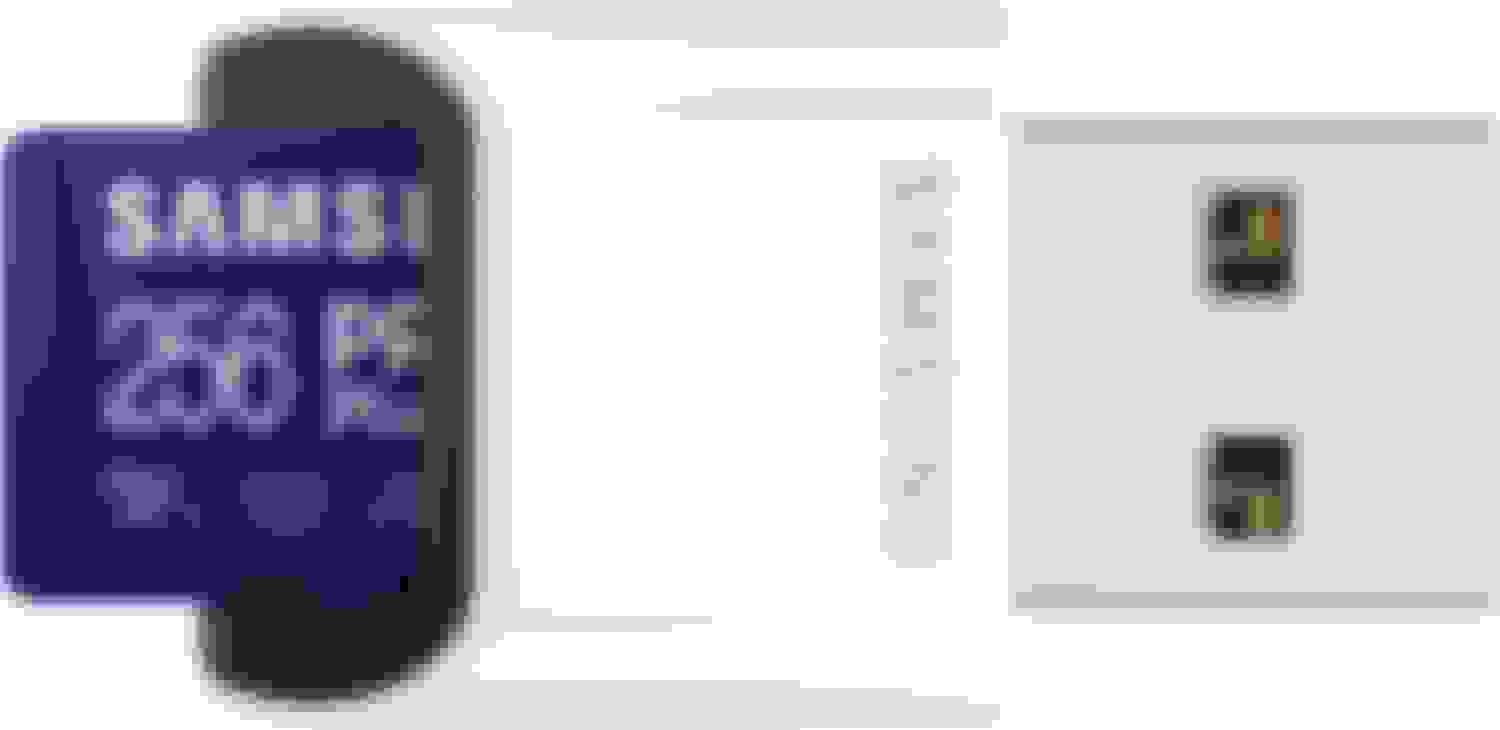
2. If your computer has at least 5 Gbps USB ports definitely buy a recent USB memory card such as this Samsung PRO Plus memory card with USB reader (because the HERE downloader insists on writing directly to it and you will want a _fast_ writing speed), https://smile.amazon.com/gp/aw/d/B09...b_b_asin_title
3. After you’ve successfully downloaded and written to the USB memory card, plug it into the RDX, turn on the RDX in accessory mode, open the RDX Navigation app and leave it on for an hour to update its maps. It helps if you have the RDX in your home garage (and connected to a battery charger, which I regularly do anyway) so you can do something else.
4. Come back in an hour, click away the completion message, completely turn off the RDX, unplug the USB memory card, then turn the RDX back on in accessory mode. Open the RDX Navigation app and confirm the new map version. Turn off the RDX.
5. Put the USB memory card in a Ziploc sandwich bag with a Post-it note that it’s for RDX Navigation map updates only, and save it in a drawer for the next time.
I must add that whoever wrote the software for the HERE map downloader and the RDX Navigation app updater _could_ have done a little better. For example, both could accommodate multiple (e.g., FAT32 and exFAT) memory card formats with this simple conditional logic:
Try mounting memory card as FAT32 file system, and
if error was encountered, try mounting memory card as exFAT file system, and
if error was encountered, only then notify user of the need to format memory card as either FAT32 or exFAT file systems
The reason for implementing this logic (and, Acura software developers, I hope you are reading this) is that all memory cards commercially available today (in the year 2022) are of the SDXC or microSDXC type, which are formatted at the factory with exFAT file systems (see https://en.wikipedia.org/wiki/SD_card#SDXC). I write this with https://www.samsung.com/us/computing...mb-md256kb-am/ on my mind as an example. The goal is to allow non-technical people to use a factory-formatted memory card as is, thus removing one less hurdle for non-technical people to deal with.
Good information. The average owner won’t likely go through this hassle to update maps. I’ve done it twice just to keep it relatively current but honestly I just use one of my other map applications, like WAZE. It would be nice if Acura just enabled navigation maps to update over Wi-Fi or through a connected mobile device.
Good information. The average owner won’t likely go through this hassle to update maps. I’ve done it twice just to keep it relatively current but honestly I just use one of my other map applications, like WAZE. It would be nice if Acura just enabled navigation maps to update over Wi-Fi or through a connected mobile device.
How do other manufacturers do it?
Every map update is about a 15 Gb download. It's a complete overwrite of the map. My Garmins were the same way and they would take >2 hours because of the USB speed limitations, not my internet service.
I download the Acura map updates to the USB stick in about 30 minutes. Takes about an hour to install.
If they did it OTA, it would take much longer and you would have to have a very good uninterrupted signal.