When you click on links to various merchants on this site and make a purchase, this can result in this site earning a commission. Affiliate programs and affiliations include, but are not limited to, the eBay Partner Network.
Has anyone changed the climate controls lights on a 1st gen rdx with the navigation or does anyone know how to remove the climate control? It is the driver side that isn't working. any help would greatly be appreciated. I know I have to remove the oem radio at the bottom to get the 2 bolts but what do I do after that?
Nevermind. I figured it out. I'll make a tutorial for anyone who has a blow climate control light or whoever wants to make it led. I'll take pics and post the tutorial here once I receive the new bulbs. No need to make a new thread
My drivers temp light has been out since I got mine almost two years ago... Dealer wanted $170 to change it because of labor, I was like screw that!!!
LEDs!!! That should be cool!!!!
lol I don't blame you. Well I basically only spent $24(?) from Curry Acura and it is being delivered hopefully by Friday. So I'll post the pics while do it. I wanted to do led but some I will have to solder. If only I had the time I would do it. I know I ordered 6 bulbs. It's really simple actually to change the climate controls. Actually maybe tomorrow if I have time I'll shoot some pics and upload it
Subscribed for results Kevin... I am about 90% done with LED conversions on my 05 TL. I"ve been replacing those nasty green bulbs or years. My soldering iron and I have become best friends.
My wife and I recently bought a 07 RDX and I want to begin converting all of the interior lights on this as well. Maybe I"ll post a few DIYs as well as things progress.
Subscribed for results Kevin... I am about 90% done with LED conversions on my 05 TL. I"ve been replacing those nasty green bulbs or years. My soldering iron and I have become best friends.
My wife and I recently bought a 07 RDX and I want to begin converting all of the interior lights on this as well. Maybe I"ll post a few DIYs as well as things progress.
I feel your pain. I have no idea why Acura didn't go with the white leds. I will later on try to do the led conversion. Probably when winter is over.
I finally received the bulbs today . I didn't forget to do the sky. I had a few issues with the wonderful usps. But the bulbs are finally here. I'll try to do it on my lunch break tonight. It should take maybe 20mins or less.
This is a DIY on how to change the climate control bulbs on the Acura rdx first gen. I do not take an responsibility for any damage you cause to your vehicle. This is a very simple DIY but you can break stuff and leave cosmetic marks. I will show you the easiest and safest way to do it without damaging anything hopefully.
I'll be changing all 6 of the bulbs.
The part number is 79671-STK-A01
I am working on which led to retrofit in there, but I am 90% sure it's a 4mm t1 led bulb. Not sure it will fit.
First: turn off the truck and remove the keys.
Second: disconnect the battery! Yes you will need to disconnect the battery for this diy because you will have two airbag plugs which will need to be unplugged. I know one of the plugs is for the passenger side airbag light the other I am clueless about. So make sure you disconnect the battery and leave the truck for at least 5 mintues (I stepped on the brakes for about 30 seconds while the battery was disconnected to drain the remaining electricity faster instead of waiting 5 minutes).
Next get a pry tool. You can use a screw driver or a pryer. Make sure to put tape on the end of the screwdriver. Also tape the dash to prevent scratches. Unfortunately I was on my lunch break doing this in the night and forgot to bring tape so I took my time and pried easily with a dull flat head.
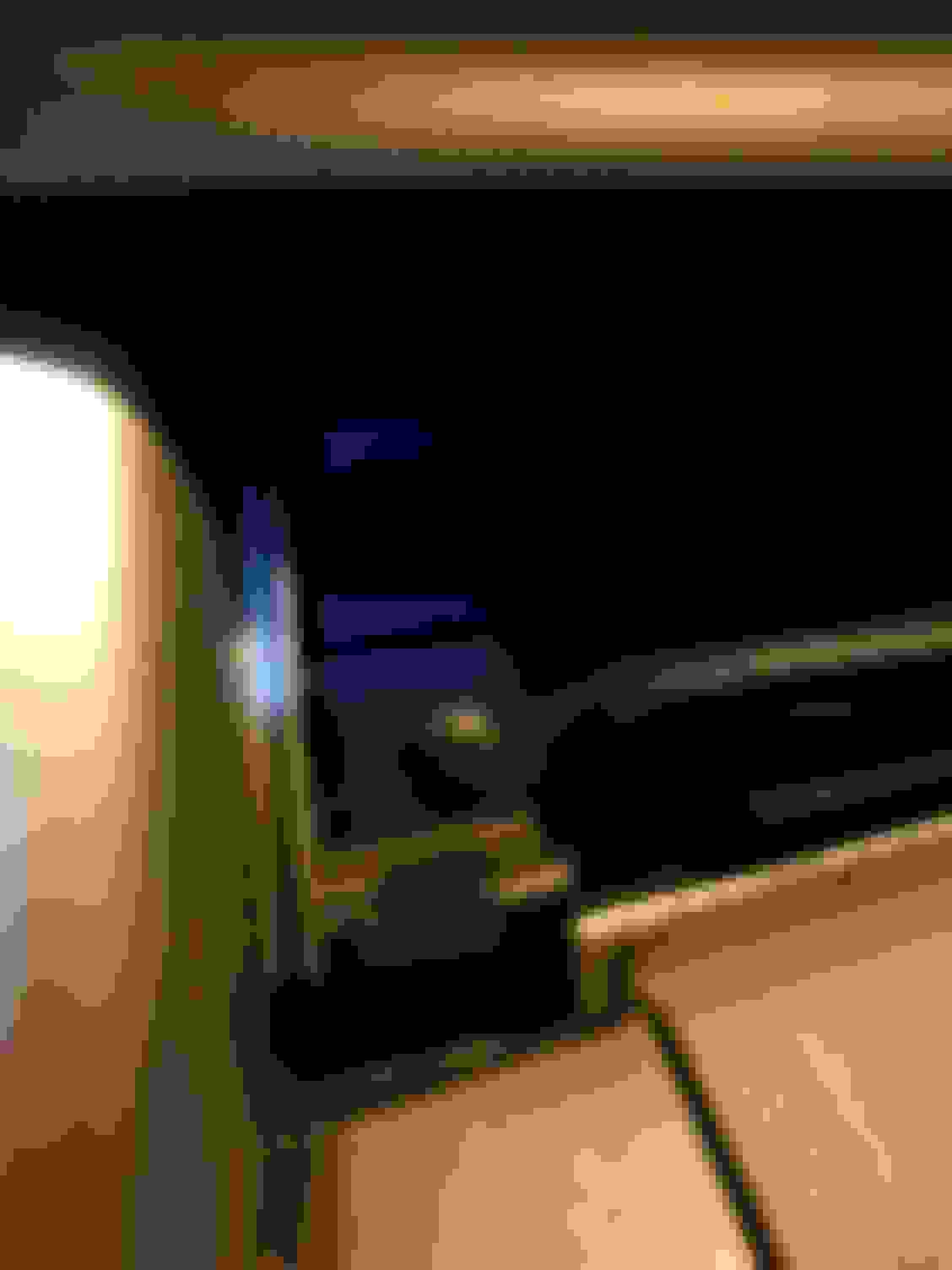
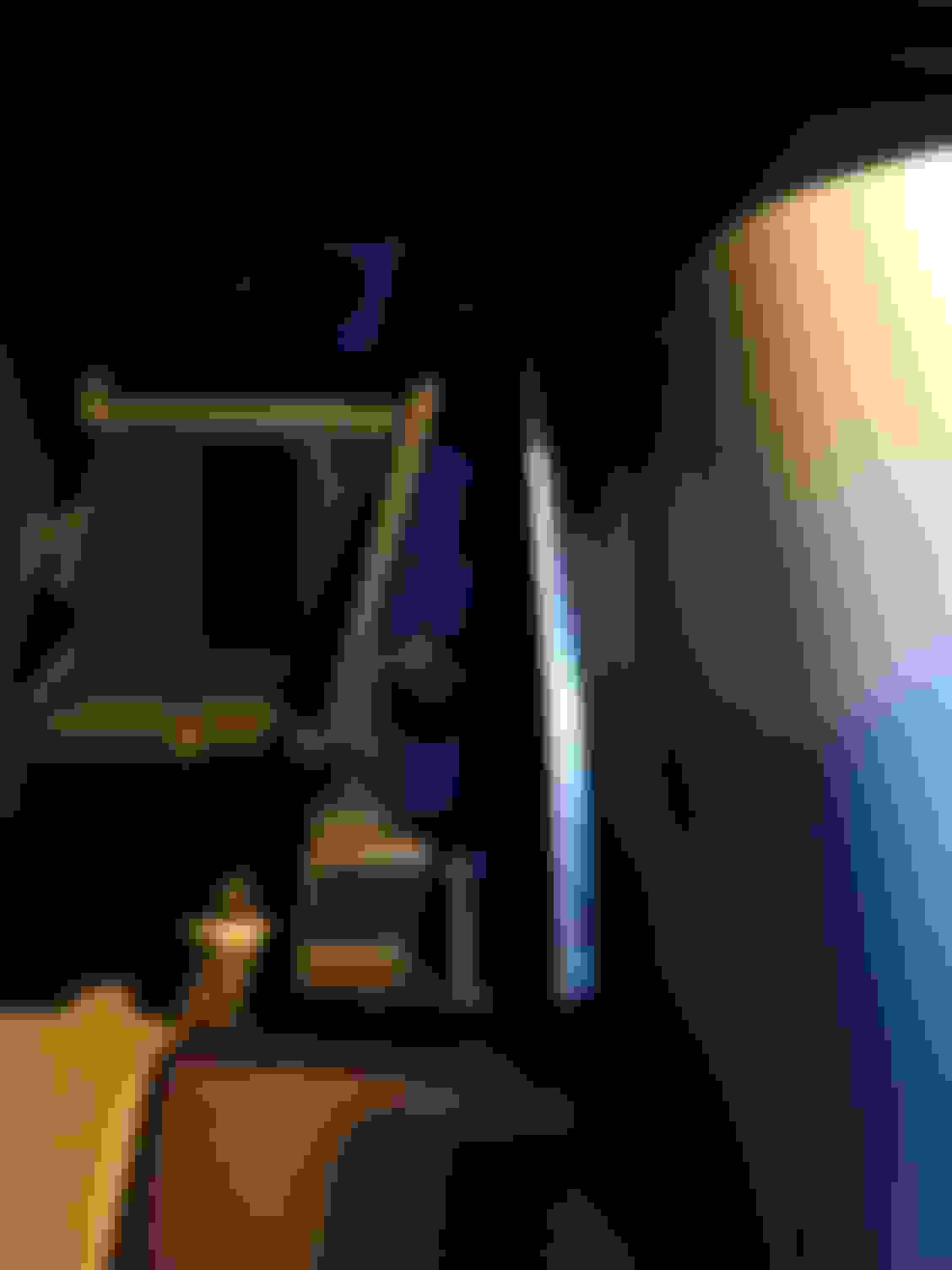
Pry the driver side first to get a hand of how much pressure to apply. It should come off fairly easy Now start to pry the right trim panel. Remember tape the dash and the head of the screw driver if your using one. With a pry tool you should be ok without taping. I didn't fully remove it because I can access the screw behind it. So I left it like this until I was finish with the installation. The clip to the far right is held in pretty good
Remove the 2 screws. One on the left and one on the right.
Right side screw Left side screw. It's the screw closest to the navigation trim piece
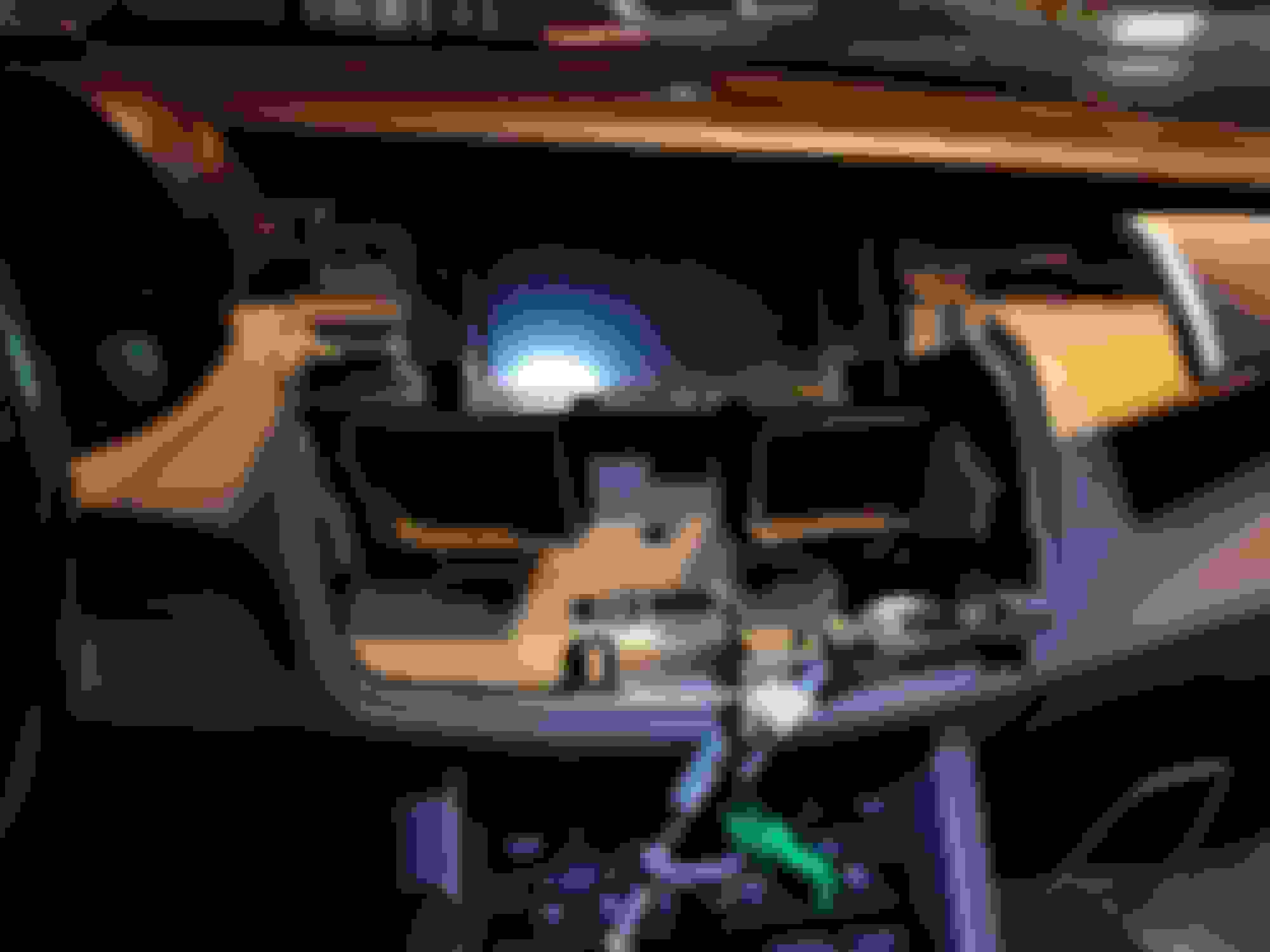
Now pry again the the 2 top corners. You can grab the two silver trim piece and pull out towards you. Use your hands once you get a bit leverage and pull the entire fixture out. The entire thing will come out as one piece. The navigation screen will not come out with the climate bezel.
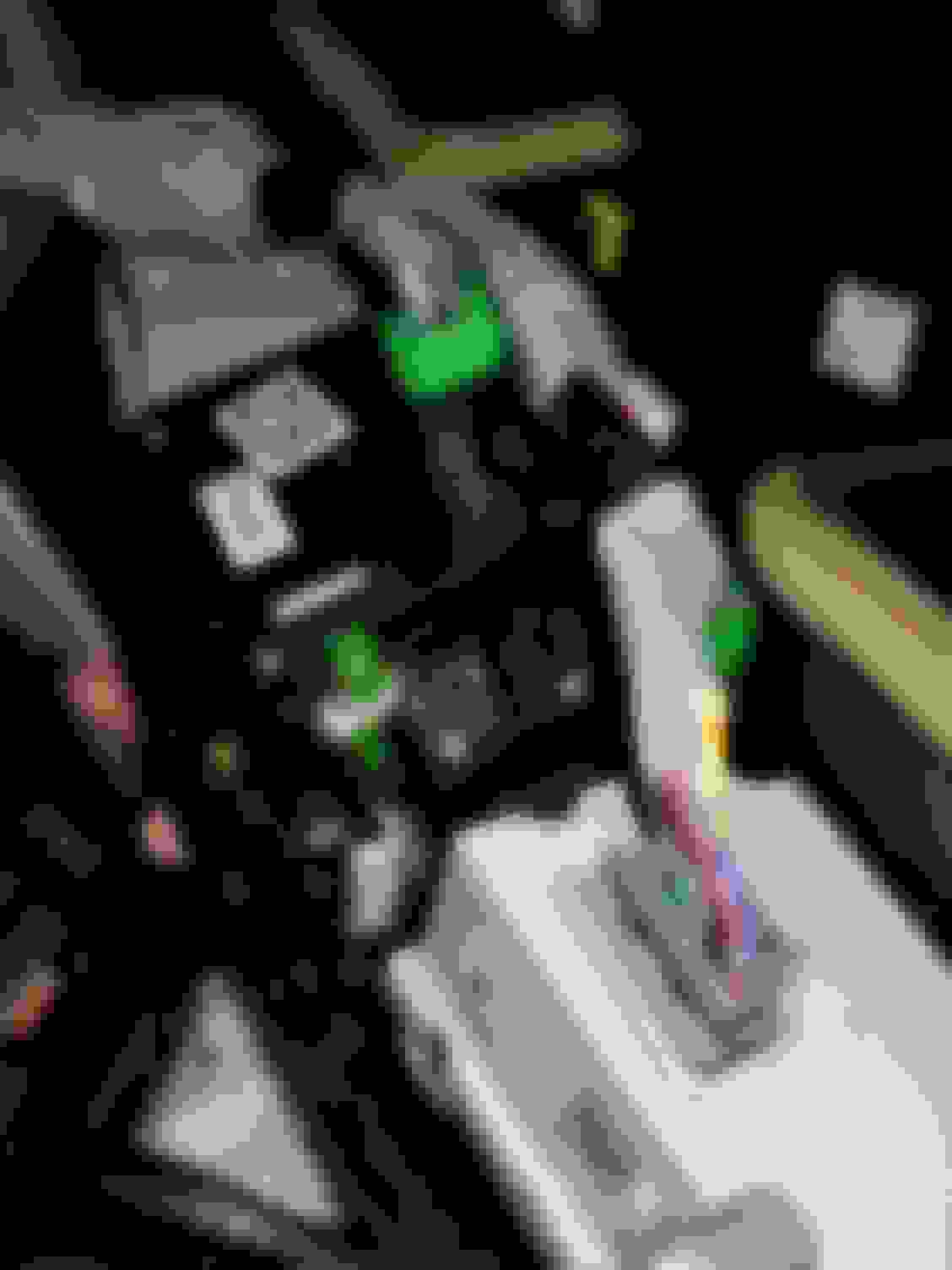
Should look like this when you removed itNow of you unplugged the battery already which you should of, then unplug all of the plugs holding the bezel
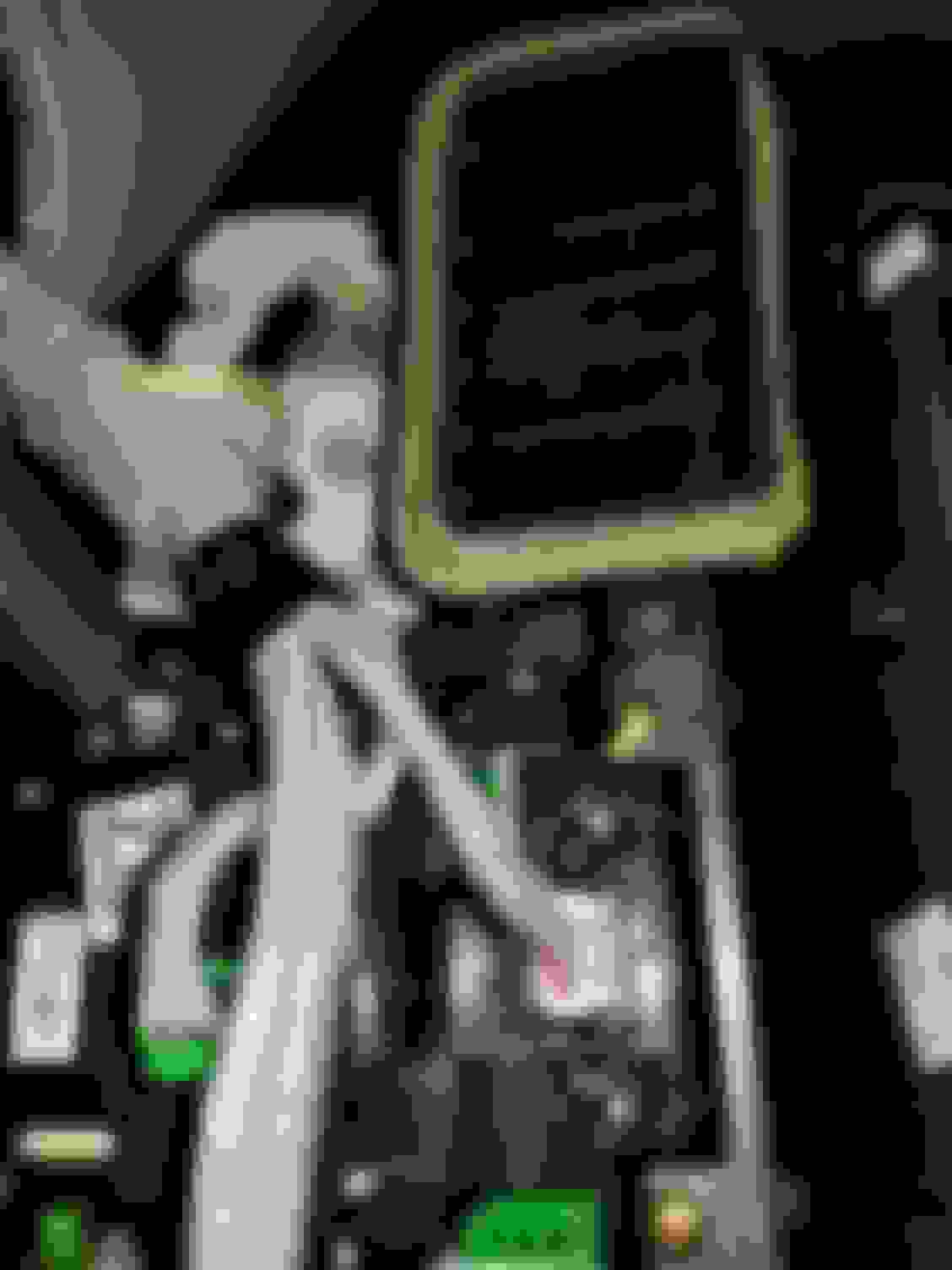
The hard part is over now. Breathe the fun part begins
Last edited by Kevin125; Jan 11, 2018 at 06:51 PM.
So now we look at the back of the bezel once all of the plugs are removed
I am going to work on the right side first which is the driver climate controls.
There are 3 black screws that need to be removed A closer view of the 2 screws on the left A closer view of the screw on the rightRemove the driver climate control from the bezel and you should be left with just this Now we need to remove 3 silver screws. Look at the next 2 pictures for a better view
MAKE SURE TO PLACE THESE SCREWS SOMEWHERE SAFE! We will need to reinstall these screws when reassembling bezel
There are 4 tabs in total. 2 on the bottom and 2 on top. Use a flat head screw driver and lift them while pulling the white cover off. Apply very little pressure because these tabs can break easily.What you can do is use toothpicks to hold the tabs up.
Here are the 2 other tabs on the top After all of that you should be left with this. Finally the bulbs!
These are the 3 bulbs you need to replace. Turn counterclockwise with a small flat head screw driver. Apply very little pressure. When installing the new bulbs make sure the bulbs line up with the lines on the top and bottom of the bulb. That means do not tighten anymore. Once the center line inside the bulb matches the line at the top and bottom stop turningNow reassemble the climate control back together and move on to the left side which will be the passenger climate control.
This is the passenger side climate control bulbs. As you can see you don't need to remove the cover to access the bulbs. Twist the bulbs and turn the bezel upside down and see if the bulbs fall outif you are unlucky like me and and the bulbs do not fall out then you have to come the cover.
Unfortunately I didn't take pictures of the passenger side climate control cover removal. But its pretty much the same as the driver climate control. 3 black screws and then 3 sliver screws. After the 4 clips need to be lifted to remove the cover. Swap out the bulbs. Now what i did was reassemble everything back to the bezel and plugged the plugs back i nto the bezel. Then I connected the battery and tested to make sure all of the bulbs work.
Tip: all of the plugs have their own custom design to fit in their own slots. So if it doesn't fit in the slot that is the wrong plug. Also every plug, plugs into something on the bezel.
Before. Notice the driver side temperature doesn't light up, the dual button is dark and the circulation and defrost doesn't light up on the left side. On the right side the fan speeds do not light up Everything lighting up again
Acura originally quoted me $375 to do the swap. I paid $34 for 6 bulbs and shipped it to my house originally but due to some issues with usps I had it rerouted to my job. $34 plus 30 minutes of my time, Acura can keep it's $375.
Sorry for the night pictures. I work 2nd shift and basically did it on my lunch break. If you do not understand anything please feel free to ask me here or pm me.
Mods please change title to Climate Control DIY and Navigation Screen removal. Also please move thread to 1st Gen Rdx DIY
BONUS: For those of you having screen issues, cracked screen, or want to do a screen swap it's held in by 4 screws
Last edited by Kevin125; Jan 11, 2018 at 08:28 PM.
Great write up. By chance when you had this apart, did you see how to get to the bulbs behind the control buttons? I have a bulb out behind the Map/Guide button, but I figured I will just change them all while I have it tore down. In your one image, I see a connector in between the HVAC vents that looks like it is held on by two screws. I am assuming that's where they are located, but I figured I would ask since you had it apart.
Great write up. By chance when you had this apart, did you see how to get to the bulbs behind the control buttons? I have a bulb out behind the Map/Guide button, but I figured I will just change them all while I have it tore down. In your one image, I see a connector in between the HVAC vents that looks like it is held on by two screws. I am assuming that's where they are located, but I figured I would ask since you had it apart.
Thanks. I thought about changing them but then decided not too. When they blow I'll convert everything to 5k led. I know there is 4 screws to hold the entire piece in with the big nav button. There is also 4 screws to hold the cover on. So I'm assuming remove the back cover and you should have access to the bulbs.
The 4 red circles are the 4 screws that holds that nav button piece in. The 4 blue circles are the 4 screws for the back cover of the nav button
I'm pretty sure you can just remove the 4 screws in the blue circle and you will gain access to the bulbs behind it if they aren't soldered onto the board
Last edited by Kevin125; Jan 17, 2018 at 01:39 PM.
Hey, nice work! Way to be an innovator for the RDXs. Changing LEDs is actually not that difficult, especially when they are simple plug-n-play. Stupid stealership! Re-soldering is a different story.
"I am working on which led to retrofit in there, but I am 90% sure it's a 4mm t1 led bulb. Not sure it will fit."
Hey, nice work! Way to be an innovator for the RDXs. Changing LEDs is actually not that difficult, especially when they are simple plug-n-play. Stupid stealership! Re-soldering is a different story.
"I am working on which led to retrofit in there, but I am 90% sure it's a 4mm t1 led bulb. Not sure it will fit."
Winter needs to be over so I can mess with my wife's RDX!
Thanks. I actually tried one of the spare bulbs from my friend's 08 TL type s and it is the same exact bulb. So yes the T3 bulb will work. Once the weather gets better here I'll swap them out and make them leds.
Originally Posted by CSmoney28
This is an awesome write up! Thanks, for all of the info! I will definitely use this one day!
Thank you. Glad I can help. I was honestly going to pay the stealership price. I'm happy I didn't.
I swapped out my rear brake lights with leds and man it makes a huge difference. I will also take some pics of those and maybe make a new thread or post it in here.
Hey Kevin125, whats the model number of the bulbs you replaced? I'm having the same issue.
Thanks
79671-STK-A01 is the OEM bulb number. You are welcome. If you have any questions feel free to message me or ask here. You can just Google the part number and a bunch of OEM sites will pop up that sell it. I recommend bernard acura, curry acura, or acura warehouse only because they are the cheapest and most reliable in my opinion when it comes to getting your parts delivered and if there is any issues
79671-STK-A01 is the OEM bulb number. You are welcome. If you have any questions feel free to message me or ask here. You can just Google the part number and a bunch of OEM sites will pop up that sell it. I recommend bernard acura, curry acura, or acura warehouse only because they are the cheapest and most reliable in my opinion when it comes to getting your parts delivered and if there is any issues
This is amazingly helpful to me. Thank you.
I have a question about your passenger airbag light. Mine is not showing the on or off light illuminated. I can't see yours either. Did you fix that also ?
These lights are on the same circuit (#14) as all the other low-watt lights like the glovebox and console lights. I imagine you'd want to use the same type of bulb, which should be 1.4W or less.




 the fun part begins