TL in 3D, lol

Thread Tools
 
Search this Thread
 
Old Jun 6, 2009 | 07:29 PM
  #1  
avs007's Avatar
Thread Starter
Drifting
 
Joined: Jan 2004
Posts: 2,192
Likes: 26
From: Pacific NW
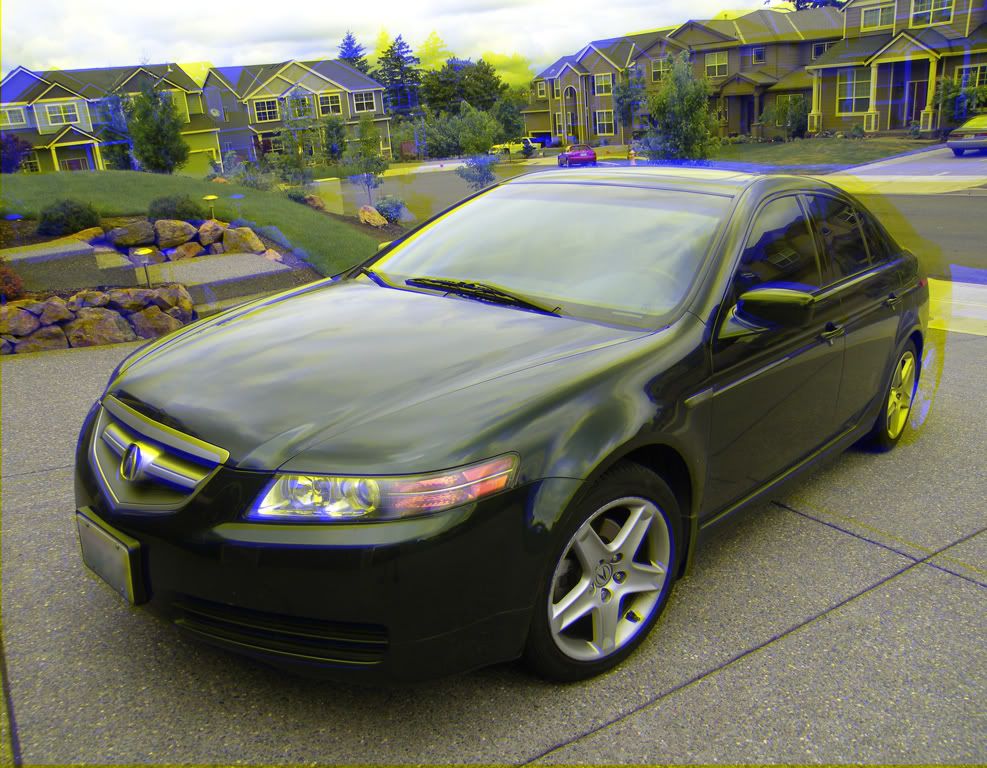
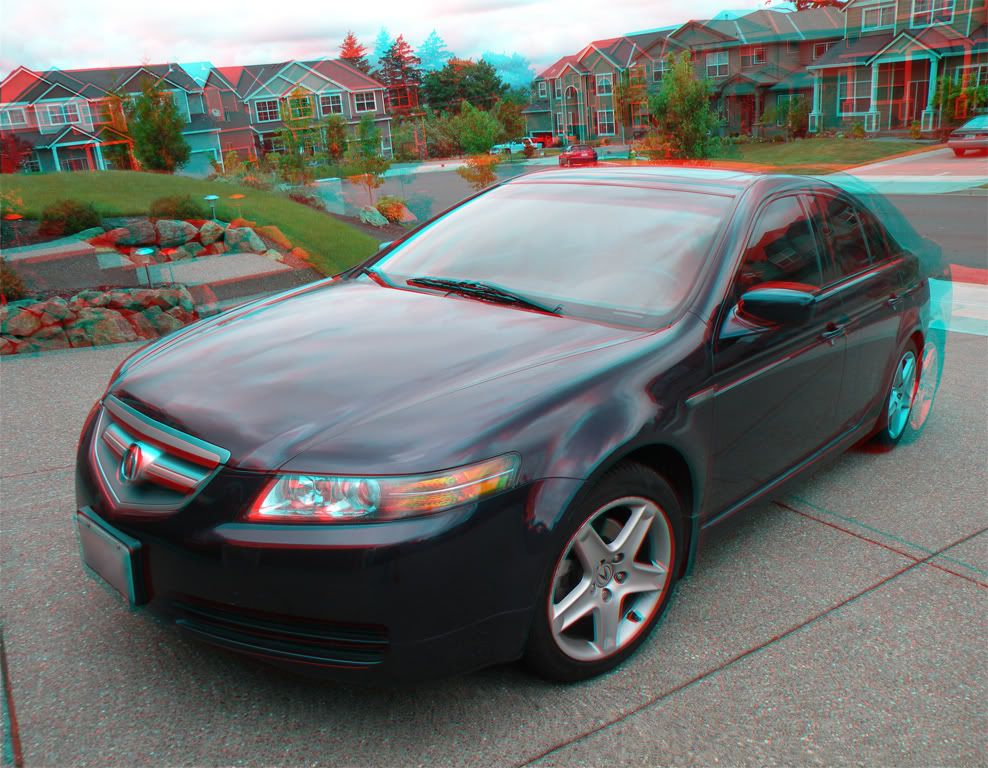
Cool TL in 3D, lol

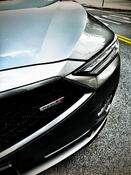
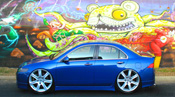
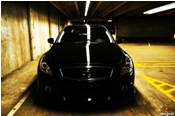
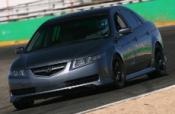
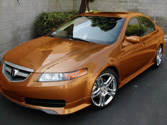
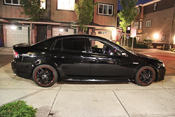
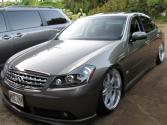
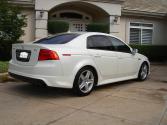
I got a little bored, so I decided to make some 3D photos of the TL

If you still have your 3D glasses from the superbowl, bust em' out... (The kind with the amber/blue lenses)... The second picture is for the Green/Red lense glasses, but I don't actually have those glasses so I couldn't test the second image, but I think I got the color conversion correct


Reply
Old Jun 6, 2009 | 07:41 PM
  #2  
ABP_04TL's Avatar
6-SPEED LOVER
iTrader: (2)
 
Joined: Aug 2007
Posts: 4,173
Likes: 122
From: NJ/NY
fukkkk i dont have the 3D glasses!!!
Reply
Old Jun 6, 2009 | 08:28 PM
  #3  
`ill*tl's Avatar
Banned
 
Joined: May 2003
Posts: 4,698
Likes: 3
From: Northwest/burbs, IL
Originally Posted by ABP_04TL
fukkkk i dont have the 3D glasses!!!
Me too!!! Pretty cool though..
Reply
Old Jun 6, 2009 | 08:30 PM
  #4  
Steven Bell's Avatar
Team Owner
15 Year Member
Liked
Loved
Community Favorite
iTrader: (2)
 
Joined: Jan 2008
Posts: 36,545
Likes: 6,470
From: Kansas City, MO (Overland Park, KS)
AVS, didn't you know-if you post pics like this, you have to supply the glasses too-for everyone!!!
Reply
Old Jun 6, 2009 | 08:37 PM
  #5  
HI OFECR's Avatar
Burning Brakes
 
Joined: Aug 2007
Posts: 1,133
Likes: 1
From: Cincinnati on the west side
I have my 3D glasses from the movie UP and nether photo works
Reply
Old Jun 6, 2009 | 08:37 PM
  #6  
WalkerUA6's Avatar
B A N N E D
iTrader: (1)
 
Joined: Apr 2008
Posts: 1,159
Likes: 2
From: Hawaii
HAHAHAHHAHAHHAHAH!!!! IT JUST SO HAPPENS I HAVE 3D glasses FROM RENTING "My bloody valintine" !!!! I win
Reply
Old Jun 6, 2009 | 08:39 PM
  #7  
`ill*tl's Avatar
Banned
 
Joined: May 2003
Posts: 4,698
Likes: 3
From: Northwest/burbs, IL
^ lol .. no one wins since the pics. no worky..
Reply
Old Jun 6, 2009 | 09:07 PM
  #8  
avs007's Avatar
Thread Starter
Drifting
 
Joined: Jan 2004
Posts: 2,192
Likes: 26
From: Pacific NW
Originally Posted by HI OFECR
I have my 3D glasses from the movie UP and nether photo works
That's cuz those glasses are polarized lenses, not colored lenses... You need special hardware to display 3D images with polarized lenses...
Reply
Old Jun 6, 2009 | 09:30 PM
  #9  
avs007's Avatar
Thread Starter
Drifting
 
Joined: Jan 2004
Posts: 2,192
Likes: 26
From: Pacific NW

Originally Posted by WalkerUA6
HAHAHAHHAHAHHAHAH!!!! IT JUST SO HAPPENS I HAVE 3D glasses FROM RENTING "My bloody valintine" !!!! I win
So did the 2nd image work with those Red/Green glasses? (Just curious, so I know in the future that the way I made that image works)
Reply
Old Jun 6, 2009 | 09:53 PM
  #10  
stillhere153's Avatar
94 DC4 RS LSV/Turbo
iTrader: (1)
 
Joined: Jul 2007
Posts: 11,734
Likes: 12
From: New York City | Stuck in Traffic
I guess I am 2dimensional I could never see 3d... well at universal studious when I saw shrek I did, so nvm guess I am not lol
Reply
Old Jun 6, 2009 | 10:01 PM
  #11  
Meek32v6's Avatar
I like to whistle in my
iTrader: (7)
 
Joined: Sep 2005
Posts: 1,610
Likes: 1
From: Fort Washington, Md
That's really cool - How did you do that?
p.s. I used the Bloody Valentine glasses
Reply
Old Jun 6, 2009 | 10:20 PM
  #12  
avs007's Avatar
Thread Starter
Drifting
 
Joined: Jan 2004
Posts: 2,192
Likes: 26
From: Pacific NW
Originally Posted by stillhere153
I guess I am 2dimensional I could never see 3d... well at universal studious when I saw shrek I did, so nvm guess I am not lol
You could have a dominant eye. When I was working on stereoscopic 3D at work, I found that if you have a dominant eye, you'll have a harder time trying to superimpose the two images from the analglyph together to form a 3D image.
Reply
Old Jun 6, 2009 | 10:29 PM
  #13  
avs007's Avatar
Thread Starter
Drifting
 
Joined: Jan 2004
Posts: 2,192
Likes: 26
From: Pacific NW
Originally Posted by Meek32v6
That's really cool - How did you do that?
p.s. I used the Bloody Valentine glasses
It's actually rather simple... Take two photographs, with the two camera angles separated by a few inches, simulating the distance between your eyes.

Then load up photoshop.... and...

For Red/Green glasses:

1.) Load the Right image..
2.) Change view to "Channels"
3.) Select "Red" channel
4.) Select All

5.) load the left image
6.) Change view to "Channels"
7.) Select "Red" channel
8.) Paste
9.) Select "RGB"
10.) use cursor keys to adjust the "phasing" between the two images. Easiest to align the two images on the closest object to the front.

For Amber/Blue glasses

1.) Load the Right Image
2.) Desaturate to make the image B/W
3.) Copy All
4.) Brighten image by about 5-10%
4.) Load Left Image
5.) Select "Blue" Channel
6.) Paste
7.) Adjust phasing the same way as the previous example
Reply
Old Jun 6, 2009 | 11:50 PM
  #14  
Timb227's Avatar
Fear and Loathing in my
iTrader: (3)
 
Joined: Mar 2009
Posts: 1,191
Likes: 6
From: NJ
HA, I do have my Super Bowl glasses, and yes the first picture did work. Front end of the car is a lil blurry but everything else looks good. Nice work!
Reply
Old Jun 6, 2009 | 11:50 PM
  #15  
nf3d0149ab's Avatar
User Awaiting Email Confirmation
iTrader: (5)
 
Joined: Nov 2007
Posts: 7,786
Likes: 1
From: San Francisco
Crazy effect!

Something new to play with when I am in complete boredom.
Reply
Old Jun 7, 2009 | 03:50 AM
  #16  
avs007's Avatar
Thread Starter
Drifting
 
Joined: Jan 2004
Posts: 2,192
Likes: 26
From: Pacific NW
Originally Posted by avs007
It's actually rather simple... Take two photographs, with the two camera angles separated by a few inches, simulating the distance between your eyes.

Then load up photoshop.... and...

For Red/Green glasses:

1.) Load the Right image..
2.) Change view to "Channels"
3.) Select "Red" channel
4.) Select All

5.) load the left image
6.) Change view to "Channels"
7.) Select "Red" channel
8.) Paste
9.) Select "RGB"
10.) use cursor keys to adjust the "phasing" between the two images. Easiest to align the two images on the closest object to the front.

For Amber/Blue glasses

1.) Load the Right Image
2.) Desaturate to make the image B/W
3.) Copy All
4.) Brighten image by about 5-10%
4.) Load Left Image
5.) Select "Blue" Channel
6.) Paste
7.) Adjust phasing the same way as the previous example

Oops, for Red/Green, 4a should be "Copy"... tho that should be obvious when you try to paste without having copied anything....

For the Amber/Blue... You should do 4 before 3...
Reply
Old Jun 7, 2009 | 09:41 AM
  #17  
elkayem's Avatar
Banned
 
Joined: Apr 2007
Posts: 1,883
Likes: 2
From: Vancouver, BC, Canada.
Originally Posted by Steven Bell
AVS, didn't you know-if you post pics like this, you have to supply the glasses too-for everyone!!!
+1!! hhaha
Reply
Old Jun 7, 2009 | 09:55 AM
  #18  
bforbrian's Avatar
Safety Car
iTrader: (11)
 
Joined: Jul 2006
Posts: 3,718
Likes: 134
From: NY
3D glasses from the Pixar movie "UP" FOR THE WIN!

(awesome movie btw, def watch it...)
Reply
Old Jun 7, 2009 | 11:10 AM
  #19  
Majofo's Avatar
Chapter Leader (Southern Region)
 
Joined: Sep 2008
Posts: 88,888
Likes: 11,846
From: Waffles, BU
glasses + red marker + green marker = WIN.. lol..
Reply
Old Jun 7, 2009 | 11:33 AM
  #20  
avs007's Avatar
Thread Starter
Drifting
 
Joined: Jan 2004
Posts: 2,192
Likes: 26
From: Pacific NW
Originally Posted by Majofo
glasses + red marker + green marker = WIN.. lol..
lol, if you do that, use an overhead projector pen, I think those are translucent... I tried it once with a dry erase pen, but it didn't work, becuase the ink was opaque.
Reply
Old Jun 7, 2009 | 03:01 PM
  #21  
mjv's Avatar
mjv
10th Gear
 
Joined: Jun 2009
Posts: 12
Likes: 0
I like the first picture. It looks like your 3D world is heavily pollinated; a bee's paradise!
Reply
Old Jun 7, 2009 | 05:06 PM
  #22  
808origin-al's Avatar
ppsssshhhhhhhhh
 
Joined: Jan 2009
Posts: 548
Likes: 0
From: y pahu, hawaii
ahh dude you need to provide us with some 3d glasses if your gonna post some pics like that, i'm getting dizzy hahaha nah its cool, nice pics
Reply
Old Jun 7, 2009 | 06:22 PM
  #23  
TLheaven's Avatar
Shyne
iTrader: (4)
 
Joined: Sep 2005
Posts: 593
Likes: 0
From: Los Angeles
Hahaha wow what an awesome concept I'll have to check this thread out once I get some 3D glasses
Reply
Old Jun 8, 2009 | 11:29 AM
  #24  
avs007's Avatar
Thread Starter
Drifting
 
Joined: Jan 2004
Posts: 2,192
Likes: 26
From: Pacific NW
If you use the Red/Green 3D glasses, I just tested the Red/Green image at work with my Red/Green glasses, and realized I did the color phasing backwards... If you have those glasses, the 3D effect will look better if you look through your 3D glasses backwards.. (ie, make sure the red lense is over your right eye, and the green your left)
Reply
Old Jun 8, 2009 | 03:51 PM
  #25  
kyle26's Avatar
Advanced
iTrader: (1)
 
Joined: Apr 2009
Posts: 55
Likes: 0
nice!
Reply
Old Jun 8, 2009 | 09:41 PM
  #26  
erick3's Avatar
Safety Car
 
Joined: Feb 2006
Posts: 4,163
Likes: 7
From: Seattle, Washington
i tried crossing my eyes, but no go
Reply
Old Jun 8, 2009 | 11:24 PM
  #27  
AnthraciteAspec's Avatar
RPF1+RS3 FTW
iTrader: (6)
 
Joined: Dec 2008
Posts: 4,543
Likes: 273
From: 818|310
damn I need some 3D glasses I want to see what this looks like
Reply
Old Jun 9, 2009 | 08:10 AM
  #28  
Majofo's Avatar
Chapter Leader (Southern Region)
 
Joined: Sep 2008
Posts: 88,888
Likes: 11,846
From: Waffles, BU
Originally Posted by AnthraciteAspec
damn I need some 3D glasses I want to see what this looks like
just go outside and look at your TL..
Reply
Old Jun 9, 2009 | 02:40 PM
  #29  
dudechewy's Avatar
DuDeChEwY
 
Joined: Mar 2007
Posts: 1,464
Likes: 0
From: New Jersey
damnit cant see either pic with the glasses....maybe becasue im blind in one eye...hmmmm
Reply
Related Topics
Thread
Thread Starter
Forum
Replies
Last Post
Acura604
2G RDX Photograph Gallery
27
Oct 8, 2020 09:24 PM
vpasla1
Car Parts for Sale
6
Sep 17, 2016 07:24 PM
iRaw
ILX Photograph Gallery
30
Aug 5, 2016 04:41 PM
CL-S progression 01
Car Parts for Sale
65
Jan 26, 2016 04:15 PM
saturno_v
5G TLX (2015-2020)
21
Sep 27, 2015 08:13 AM


All times are GMT -5. The time now is 07:23 AM.