When you click on links to various merchants on this site and make a purchase, this can result in this site earning a commission. Affiliate programs and affiliations include, but are not limited to, the eBay Partner Network.
I recently acquired a 2005 TL and am going through some of the little things that need fixing.
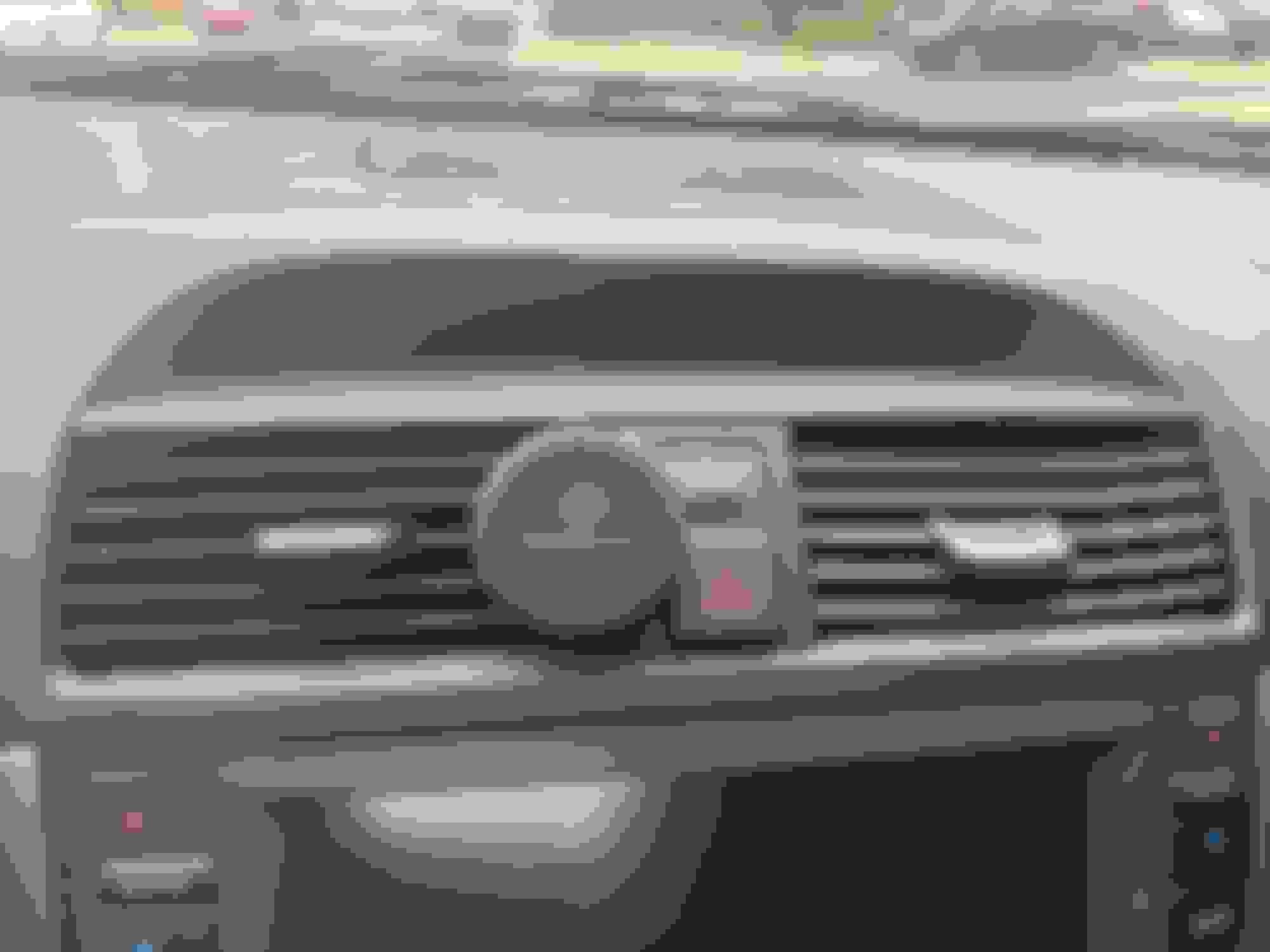
The display that shows the climate settings is -barely- readable. Is this how this display normally looks or should I replace it? (I did max all the illumination settings in the car I could find)
Completed this fix and while the display works, doesn't flicker, etc. - it's still very dim. Is there by chance another brightness control for this unit? I have the gauges maxed and the nav illumination maxed - neither seems to affect the info screen...
Completed this fix and while the display works, doesn't flicker, etc. - it's still very dim. Is there by chance another brightness control for this unit? I have the gauges maxed and the nav illumination maxed - neither seems to affect the info screen...
Negative. No brightness controller for that screen that we can manually adjust.
Negative. No brightness controller for that screen that we can manually adjust.
Fair enough - thanks for the reply. It definitely seem like this display is capable of being brighter than what I'm getting. Maybe I will try another (used) part...
I've been having this issue with the subdisplay dimming or not showing anything for quite a while now. Then in 2021, I parked the TL in my garage for four years and forgot about it. I am just now getting it back on the road; I decided to tackle this recently, and after watching the video in post #4, took it out and disassembled it. Side note here in response to the video: It's not moulded together, but rather it looks to me that the two electronics pieces, the LED display and the circuit board, are assembled and soldered together within the plastic frame. This makes it nearly impossible to disassemble without specialized equipment. It is likely that the display already has the pins soldered in, and the circuit board is mated and then soldered to the other end of the long pins once the assembly is put together.
I'll attach photos. I found some sort of oxidation around a bunch of the pins. Throughout this, I refer to what I see as oxidation, but it may be something else. Perhaps minerals left behind from condensed water evaporation. Whatever it is, it has built up and should not be there. I cleaned these pins with a thin, stiff nylon brush. A little isopropyl alcohol might have helped, but I didn't feel it was critical or all that bad on these pins. I could not reach all of the pins connecting the LED with the circuit board, as some are blocked by parts of the frame.
Navi Top Center Multi Info Display - oxidation around the pins
Then I turned my attention to the connector pins. Because the only connection between the two boards (LED and circuit board) is the long row of pins (and because I have some hobbyist experience working with electronics), I was comfortable knowing I could bend these long pins to some degree without causing problems. Once I gained access to the pins of the connector, I found what I believe was my problem. Similar type of oxidation, but it was heavily concentrated on and between the ground and power pins (pin 1 and pin 2) of the connector.
The line of soldered pins on the right in this picture will withstand the stress of bending. Just be sure to apply even pressure across the whole of the left side to gain good access to the solder joints of the green connector.
Oxidation around pins 1 and 2 of the subdisplay.
Oxidation around pins 1 and 2 of the subdisplay. Likely causing some power leakage.
This was cleaned up with the nylon brush, then some alcohol and a cotton swab. I bent the pins back into place, reassembled everything and installed it back in the car. It's working great now.
The subdisplay is working reliably now. I'm grateful.