


Upgraded!! 50" 1080p Panasonic Plasma


Thread Starter
trill recognize trill
Joined: Nov 2004
Posts: 4,222
Likes: 1
From: htown, tx
Upgraded!! 50" 1080p Panasonic Plasma
just replacedd my 1080p Samsung lcd (lns4095d) with the new 50 panny plasma (th50pz700u)
haven't had time to take it out the box yet. but i just wanted was wondering you're supposed to break in the plasma the first 100-200 hrs am i right?
Any other suggestions or recommendations for settings? I've checked avsforum but shit its hard to weave thru all the threads there.
haven't had time to take it out the box yet. but i just wanted was wondering you're supposed to break in the plasma the first 100-200 hrs am i right?
Any other suggestions or recommendations for settings? I've checked avsforum but shit its hard to weave thru all the threads there.

Big White Chocolate

Joined: Apr 2007
Posts: 6,487
Likes: 7
From: San Francisco, CA
 Nice TV. That was one of the ones I was considering.
Burn-in:
http://www.eaprogramming.com/downloads/files/
Burn the ISO file to a DVD.
As far as the settings on your TV, just make sure the screen is set to full (no black bars top or bottom. And make sure your DVD is set to repeat if you're going to run the break-in disc unattended.

Not Asian
Joined: Jul 2003
Posts: 13,409
Likes: 1
From: St. Louis
Thread Starter
trill recognize trill
Joined: Nov 2004
Posts: 4,222
Likes: 1
From: htown, tx
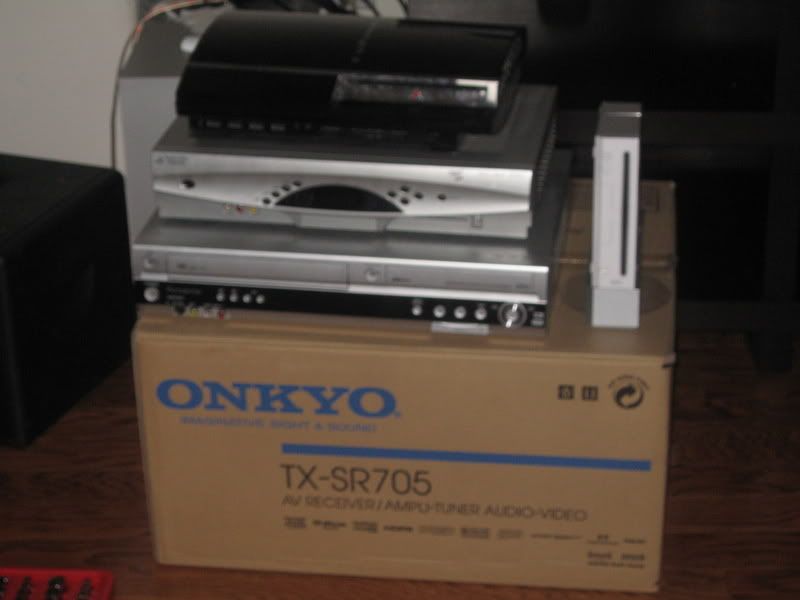
the goodies, even though i recently added a toshiba a20 to the collection
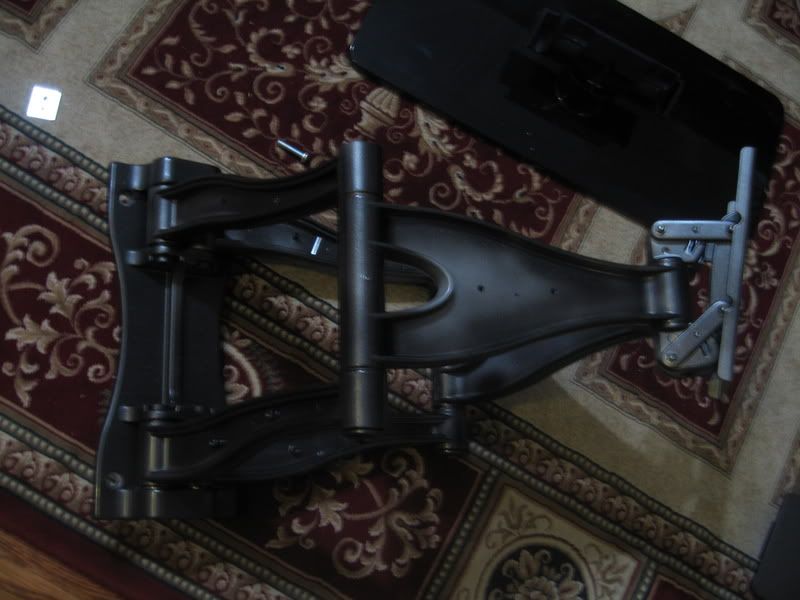
i ended up getting the UCLX and found some spray paint at autozone to match the color of the back of the tv. The standard silver color didn't look too good...
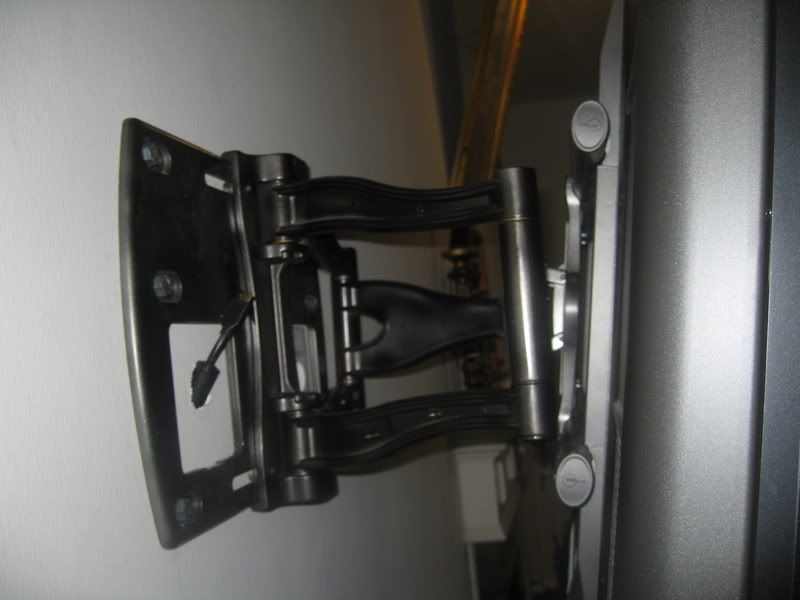
used the powerbridge solution for the power outlet
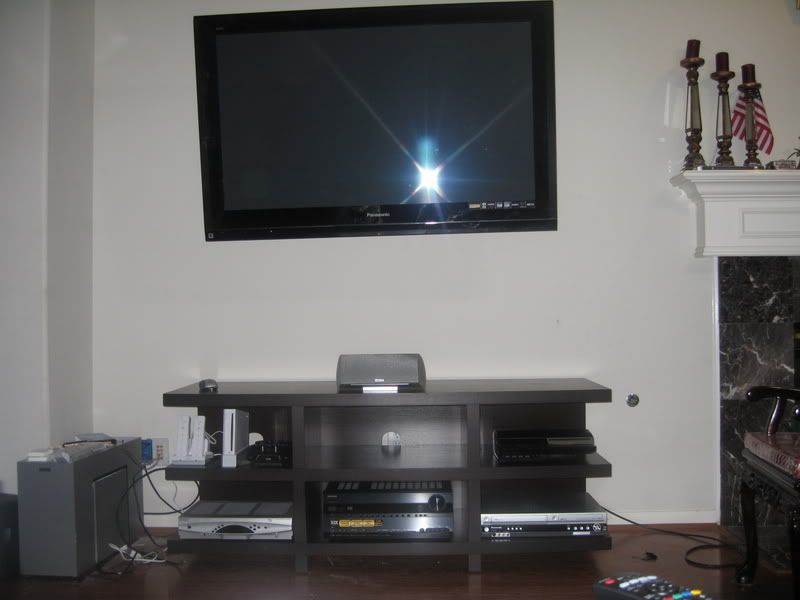
the final product, the empty spot is for a line conditioner
and in this pix the tv does look like its not level, but the mount allows u to play around with it... it is one sturdy bracket
now im thinking about getting some polk towers like the RTI10's along with the matchin center and a velodyne subwoofer...but im not 100% sure on speakers anymore...
Trending Topics

The Creator
Joined: Apr 2000
Posts: 37,950
Likes: 8
From: Albany, NY
Originally Posted by NetEditor
Nice TV. That was one of the ones I was considering.Burn-in:
http://www.eaprogramming.com/downloads/files/
Burn the ISO file to a DVD.
As far as the settings on your TV, just make sure the screen is set to full (no black bars top or bottom. And make sure your DVD is set to repeat if you're going to run the break-in disc unattended.
Mine was on chapter 300 something by the time I finally turned it off.
For the first 150 hours or so I watched Discovery HD during the day, and the break-in DVD at night or whenever I left the TV unattended.


Big Block go VROOOM!
Joined: Oct 2003
Posts: 8,578
Likes: 1
From: Chicago Burbs
Originally Posted by Nicky Pass
I may buy that exact same TV
Thread Starter
trill recognize trill
Joined: Nov 2004
Posts: 4,222
Likes: 1
From: htown, tx
Originally Posted by Billiam
FYI - There's a 77U series now that's a bit cheaper. They're not a direct replacement for the 700U series but you should at least look into them.


Thread Starter
trill recognize trill
Joined: Nov 2004
Posts: 4,222
Likes: 1
From: htown, tx
Originally Posted by The Dougler
wall mounts.


Thread Starter
trill recognize trill
Joined: Nov 2004
Posts: 4,222
Likes: 1
From: htown, tx
Originally Posted by technoviking
Why do people insist on putting the surrounds so close to the screen. its too close.



The Third Ball


Joined: Sep 2002
Posts: 50,498
Likes: 5,874
From: Los Angeles, Ca
Jesus that mount sticks out. I got a swivel arm for mine. That way when I need to access the back I move it forward. Otherwise I keep it pretty flush with the wall.
But in theory your front speaker should be flush with your screen. So you have a good basis. Just try and get the surrounds as far from the screen as you can.
But in theory your front speaker should be flush with your screen. So you have a good basis. Just try and get the surrounds as far from the screen as you can.
Thread Starter
trill recognize trill
Joined: Nov 2004
Posts: 4,222
Likes: 1
From: htown, tx
well the mount can go back more, but i have it pulled out because its hard for anyone to look at it from the side, its basically even with the wall that comes out on the left side, it also makes it easier to swivel it to the right

Moderator
Joined: Oct 2004
Posts: 64,144
Likes: 3,391
From: Not Las Vegas (SF Bay Area)
Originally Posted by NetEditor
Nice TV. That was one of the ones I was considering.Burn-in:
http://www.eaprogramming.com/downloads/files/
Burn the ISO file to a DVD.
As far as the settings on your TV, just make sure the screen is set to full (no black bars top or bottom. And make sure your DVD is set to repeat if you're going to run the break-in disc unattended.


Thread
Thread Starter
Forum
Replies
Last Post
mlody
5G TLX (2015-2020)
85
Dec 4, 2019 02:11 PM
CL-S progression 01
Car Parts for Sale
65
Jan 26, 2016 04:15 PM
InFaMouSLink
Car Parts for Sale
3
Oct 30, 2015 09:43 AM
kb1rl
2G RL Audio, Bluetooth, Electronics & Navigation
5
Sep 30, 2015 10:17 AM
