


Got my Dell 2005FW 20.1" WS LCD


Thread Starter
Yes, he did that
Joined: Oct 2004
Posts: 4,046
Likes: 0
From: SF Bay Area, CA (i.e. Dublin)
 Got my Dell 2005FW 20.1" WS LCD
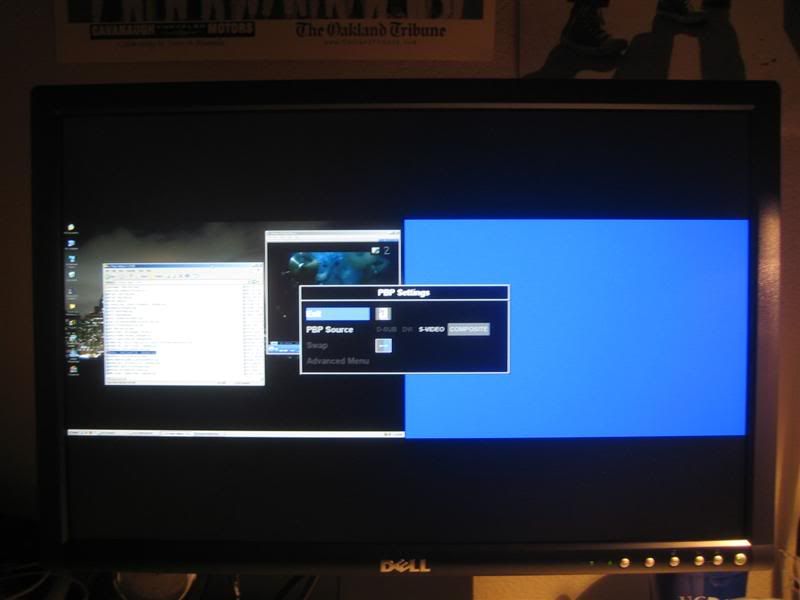
Wooo wooo! My bro got me an early x-mas gift; a Dell 2005FW 20.1" Widescreen LCD. This thing is amazing, the colours are more vibrant and playing F.E.A.R. on this is a whole new shabang-a-bang. No ghosting (12 ms response time) or fringing of light.
Here are some pics:
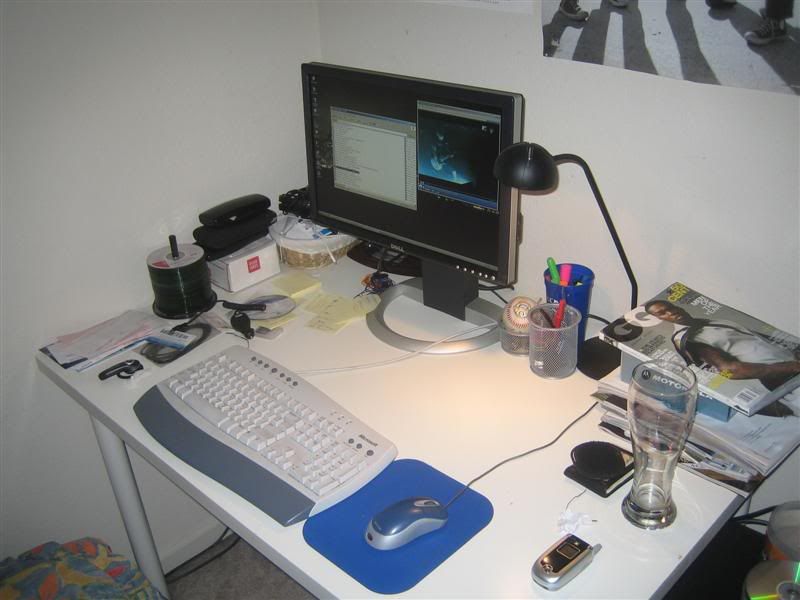
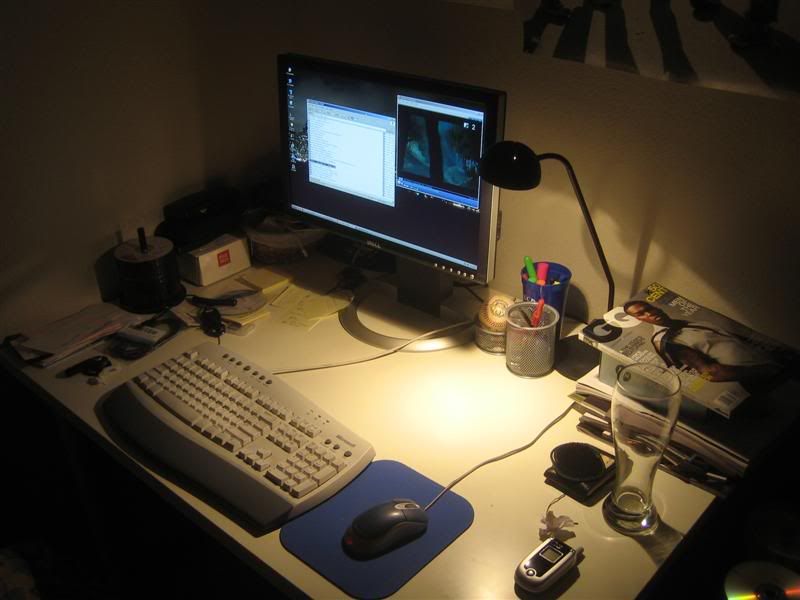
Full Frontal
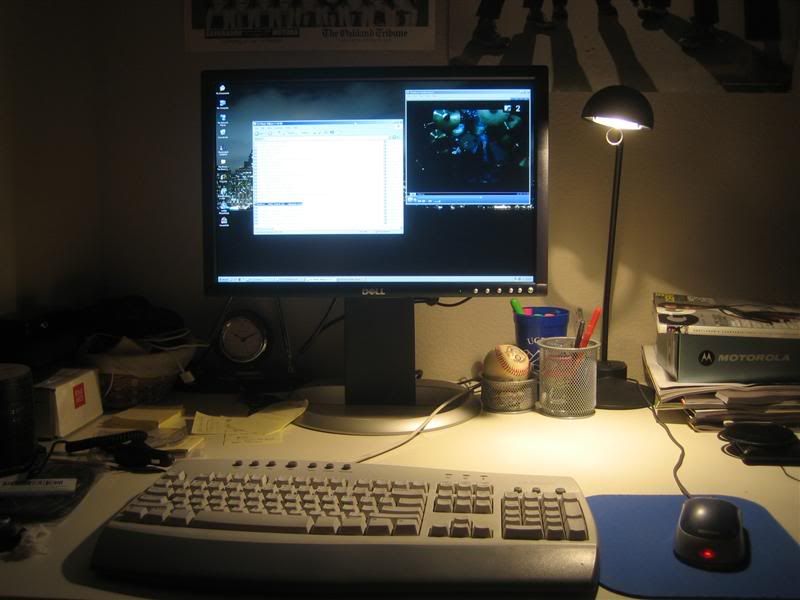
Picture-In-Picture
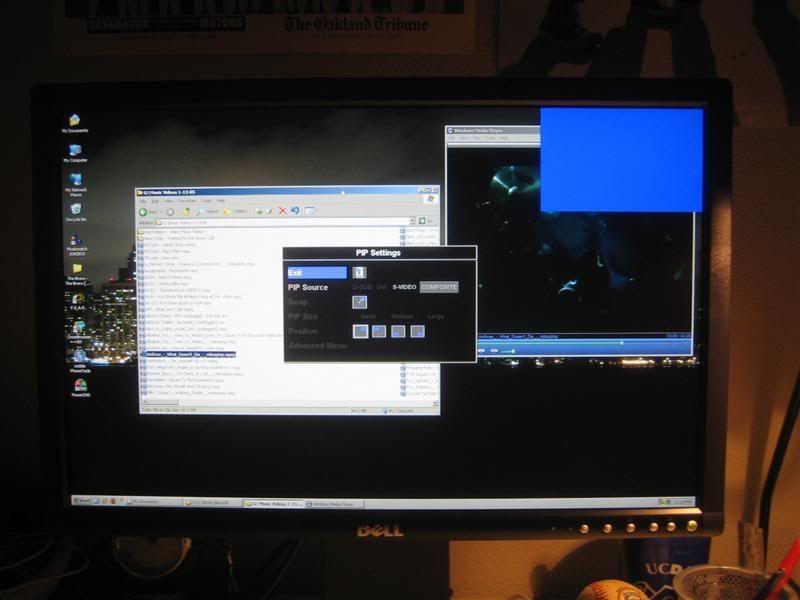
Picture-By-Picture
Here are some pics:
Full Frontal
Picture-In-Picture
Picture-By-Picture

Thread Starter
Yes, he did that
Joined: Oct 2004
Posts: 4,046
Likes: 0
From: SF Bay Area, CA (i.e. Dublin)
Originally Posted by Billiam
What was the previous monitor you were used to? I'm just curious because I'm pretty sure a 20" 16x9 monitor actually has a smaller vertical dimension than a 17" 4x3 monitor.
When I play F.E.A.R., I never really noticed jaggies in the game that much, but with the LCD I do! Now I need a card that can handle 8x AA

I didn't buy the monitor for screen size, if so then I would have purchased the 24" (when it becomes cheap). I needed to get deskspace back and this was the logical choice.




Trending Topics
 ?
?

Thread Starter
Yes, he did that
Joined: Oct 2004
Posts: 4,046
Likes: 0
From: SF Bay Area, CA (i.e. Dublin)
Originally Posted by slyraskal
I've got dual dell 20" lcd's at work. Makes me  when I go home to my CRT's
when I go home to my CRT's That is wicked! I don't think I would need that at home, but it would be a nice-to-have
Originally Posted by Lister00169
That is wicked! I don't think I would need that at home, but it would be a nice-to-have 
Originally Posted by TLover
What video card do you have? I'm worried that my video card won't handle the native resolution and give me high frame rates when gaming.
Thread Starter
Yes, he did that
Joined: Oct 2004
Posts: 4,046
Likes: 0
From: SF Bay Area, CA (i.e. Dublin)
Originally Posted by TLover
What video card do you have? I'm worried that my video card won't handle the native resolution and give me high frame rates when gaming.
Obviously playing at native is the way to go, but if you don't have the power, then the Aspect feature is great
 .
.


Moderator Alumnus


Joined: May 2001
Posts: 4,295
Likes: 121
From: Ronkonkoma, NY
Originally Posted by Lister00169
That is wicked! I don't think I would need that at home, but it would be a nice-to-have my secondary is my old CRT.

Big Block go VROOOM!
Joined: Oct 2003
Posts: 8,578
Likes: 1
From: Chicago Burbs
Slightly OT FYI for anyone that's considering a dual monitor setup and may possibly get serious about photo editing. All versions of Windows are only capable of applying a single color profile regardless of the number of monitors. This means you will only get accurate color on one monitor. Longhorn... errr Vista.... is supposed to fix this.


Thread
Thread Starter
Forum
Replies
Last Post
Yumcha
Automotive News
1
Sep 17, 2015 09:01 PM
jeedo6
3G TL Audio, Bluetooth, Electronics & Navigation
2
Aug 29, 2015 07:28 PM