When you click on links to various merchants on this site and make a purchase, this can result in this site earning a commission. Affiliate programs and affiliations include, but are not limited to, the eBay Partner Network.
-NavTool 3.0
-HDMI to lighting adapter
-Lighting cable
-Momentary push button that is normally open (sometimes abbreviated N.O. on the package). I got my from RadioShack. I'm sure O Rileys or Autozone sell them too.
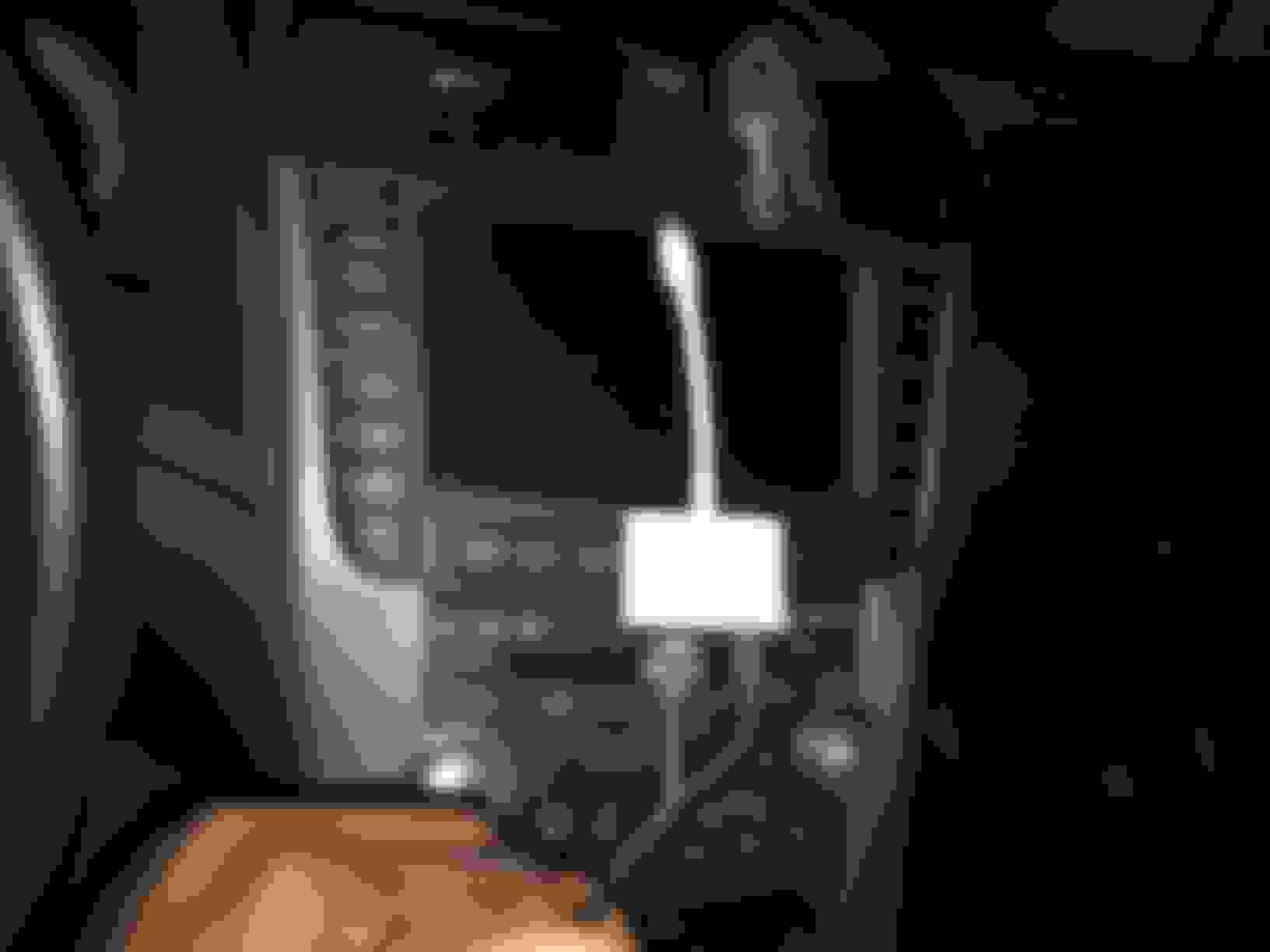
-Super long HDMI cable (20 ft at least) or I used 2 HDMI cables with a HDMI extender. I also used a "Ultra Slim HMDI Cable" to save bulk to get it to shove into my cubby
-Lots of wire (I used 18 gauge)
-Some way to connect the wires (locking quick splice connectors or soldering iron)
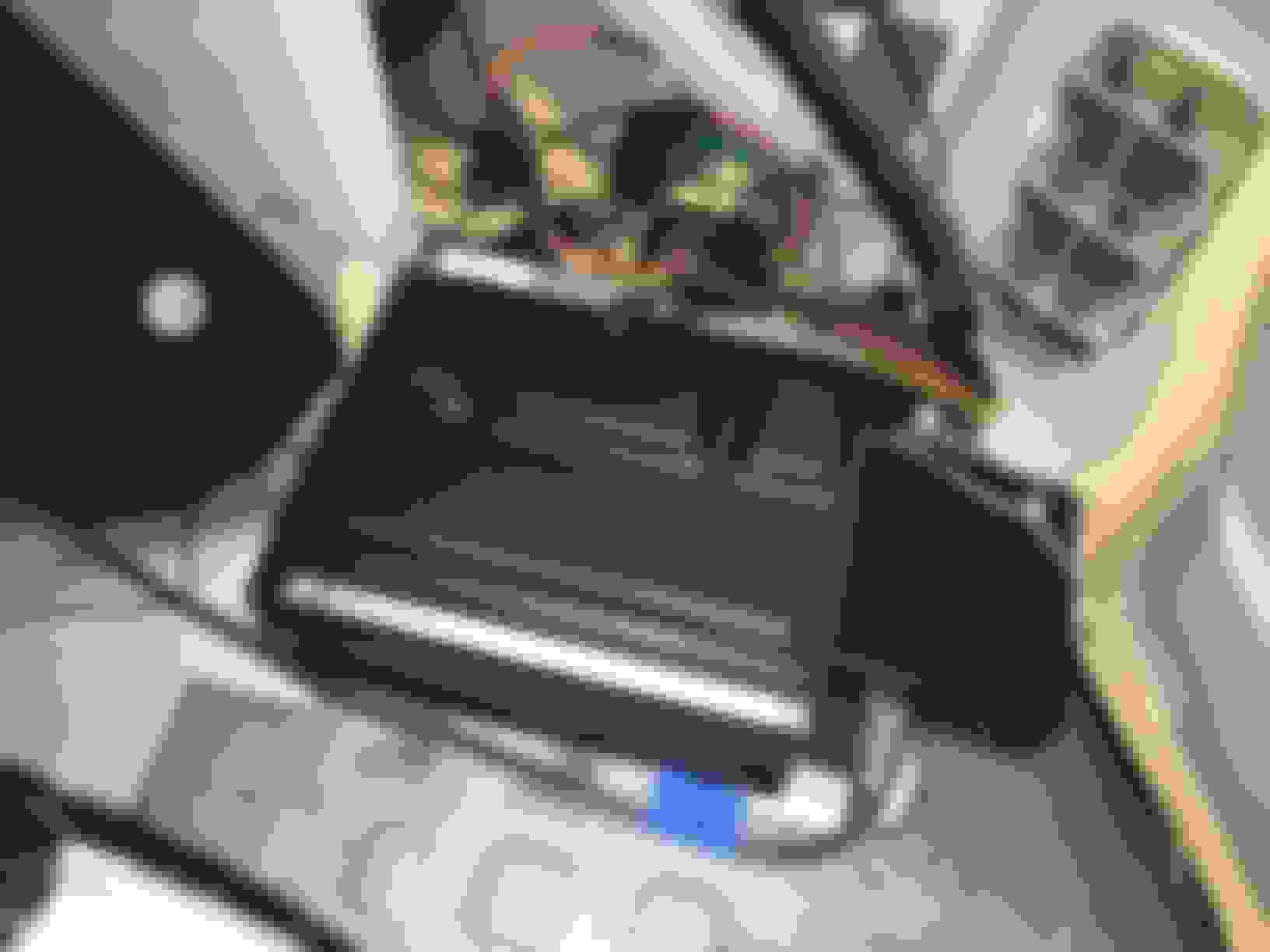
I installed the Navtool in the trunk. To get power and ground to the NavTool I spliced into the same wires noted in the write up by supadavesNHBP. See link below.
NavTool red wire -> red/yellow wire on the 8 pin connected to navi (see supadavesNHBP write up link above)
NavTool black and gray wire -> ground located on above the navi dvd player in the trunk on the chassis of the car (there's a lot of wire already grounded to this spot)
NavTool yellow wire -> I ran this to the front of the car and connected it to the momentary push button then the other side of the push button ran into the acc fuse (#32 I believe)
NavTool orange wire -> did not use. It serves as a trigger for backup camera input on the navtool but the 08 TL has a built in back up camera
NavTool blue wire -> did not use. This wire is only used on the 2009+ TLs i believe.
Why did you require a separate push button for the interrupter? I thought holding the cancel button for 3 seconds will interrupt and switch into Navtool screen? I've yet to install mine but I was planning to install it in the front behind the navigation unit.
Why did you require a separate push button for the interrupter? I thought holding the cancel button for 3 seconds will interrupt and switch into Navtool screen? I've yet to install mine but I was planning to install it in the front behind the navigation unit.
in 2004-2008 vehicles installation is done exactly like in this thread
2009 and up installation is done in the front using cancel button
in 2004-2008 vehicles installation is done exactly like in this thread
2009 and up installation is done in the front using cancel button
2 totally different cars
Navtool,
Can I use the 8 pin from behind the navigation unit instead of routing wires to the back? Then I'll just find a grounding point near the front. I also have a 2008 TL-S.
Thanks for this post. I purchased the 3.0/HDMI product directly form NavTool. Had the product installed last week in my 2006 TL. Camera works great, but mirroring does not. Getting a lot of push back from the installer regarding the momentary button. But with your information hopefully that will get cleared up.
Are you able to mirror your iphone/ipad during forward movement?
Thanks for this post. I purchased the 3.0/HDMI product directly form NavTool. Had the product installed last week in my 2006 TL. Camera works great, but mirroring does not. Getting a lot of push back from the installer regarding the momentary button. But with your information hopefully that will get cleared up.
Are you able to mirror your iphone/ipad during forward movement?
Thanks for the reply
you are able to use mirroring while moving forward,
They installed the button, but it doesn't make the switch. The installer was upset because he was installing something I didn't buy from him. He didn't call Navtool or call me. Just put the car together and expected me to be satisfied.
Called Navtool and they said to make sure the button was connected to the accessory not the ground. Hope this fixes everything.
Thanks for your help. If I encounter more problems I may contact you with more specific questions.
They installed the button, but it doesn't make the switch. The installer was upset because he was installing something I didn't buy from him. He didn't call Navtool or call me. Just put the car together and expected me to be satisfied.
Called Navtool and they said to make sure the button was connected to the accessory not the ground. Hope this fixes everything.
Thanks for your help. If I encounter more problems I may contact you with more specific questions.
Yea the yellow wire from the navtool should be connected to one side of the momentary switch then the other side of the switch connected to any 12v source that is only on when the car is on (like the accessory fuse #32 in the kick panel)
When you push the button it'll switch between the HDMI input, the video 1 input, and the backup camera all while driving. If you HOLD the push button it'll then switch back to the factory nav screen. Is the grey wire off the navtool also grounded? If that grey wire is hooked up the the parking break like the manual says then it'll only work if the parking brake is engaged.
quick question RxWorld: Where did you run the hdmi, usb, aux and yellow wire through? Did you take out the back seats? Maybe post a picture of your wiring going through to the center console.
I'd like to get those wires through without removing the rear seats!
quick question RxWorld: Where did you run the hdmi, usb, aux and yellow wire through? Did you take out the back seats? Maybe post a picture of your wiring going through to the center console.
I'd like to get those wires through without removing the rear seats!
Hey. I did not remove the rear seats. The part where your butt touches the rear seat lifts up just enough to run wires through. I took the good ol metal coat hanger and temporarily taped it to the wires to shove it through. My wires run from the drivers side of the trunk to under the driver side rear seat then underneath the plastic trim panels that pop off in the interior of the car along the driver side. Those plastic trim panels lead you all the way to where the interior fuse box, gas pedals, etc etc are. I had my hdmi wire pop out from the center console cubbie is by drilling a hole from behind it. All the wires are hidden and it makes for a clean install
Hopefully that helps. Lemme know if you have questions
Hey. I did not remove the rear seats. The part where your butt touches the rear seat lifts up just enough to run wires through. I took the good ol metal coat hanger and temporarily taped it to the wires to shove it through. My wires run from the drivers side of the trunk to under the driver side rear seat then underneath the plastic trim panels that pop off in the interior of the car along the driver side. Those plastic trim panels lead you all the way to where the interior fuse box, gas pedals, etc etc are. I had my hdmi wire pop out from the center console cubbie is by drilling a hole from behind it. All the wires are hidden and it makes for a clean install
Hopefully that helps. Lemme know if you have questions
OK thanks man. You went the long way around! I was thinking going to the arm rest console and running the switch to the same spot as you.
BTW, did you add a fuse when you plugged into slot #32? 7.5 doesn't seem like it would be enough?
Yea, there def is a button that is OEM looking. I know I've seen it on older DVD install threads on acurazine, id try a search for either "navtool" or "DVD install" as look at some of the older threads. I bought my switch at Radioshack. People who get in my car don't notice it's not OEM, I'm happy with it
Just installed mine yesterday and the day before. Turns out atleast for me, the way the new navtool 3.0 came it wasn't set up correctly from the company. I had to go inside and flip the one switch that was inside and now it works. However the quality is pretty terrible. I dont know maybe its because my car is an 07 but i can barely read anything on the screen its that bad. But it does work..
Just installed mine yesterday and the day before. Turns out atleast for me, the way the new navtool 3.0 came it wasn't set up correctly from the company. I had to go inside and flip the one switch that was inside and now it works. However the quality is pretty terrible. I dont know maybe its because my car is an 07 but i can barely read anything on the screen its that bad. But it does work..
Dude our cars are equipped with 480P screens. You're mirroring HD to SD. It's gonna suck. For what it's worth, it's still cool to have Google maps and all the other apps.
Just installed mine yesterday and the day before. Turns out atleast for me, the way the new navtool 3.0 came it wasn't set up correctly from the company. I had to go inside and flip the one switch that was inside and now it works. However the quality is pretty terrible. I dont know maybe its because my car is an 07 but i can barely read anything on the screen its that bad. But it does work..
Yea the quality isn't great (painful at times haha) but it is still good enough to read google maps and text messages in the wide screen mode. Also, youtube video aren't bad. Those are my main 3 functions.
Yea the quality isn't great (painful at times haha) but it is still good enough to read google maps and text messages in the wide screen mode. Also, youtube video aren't bad. Those are my main 3 functions.
Movies and YouTube trailers with Dolby Pro-Logic on is pretty sweet!!! The force awakens trailer sounds and looks pretty good.