


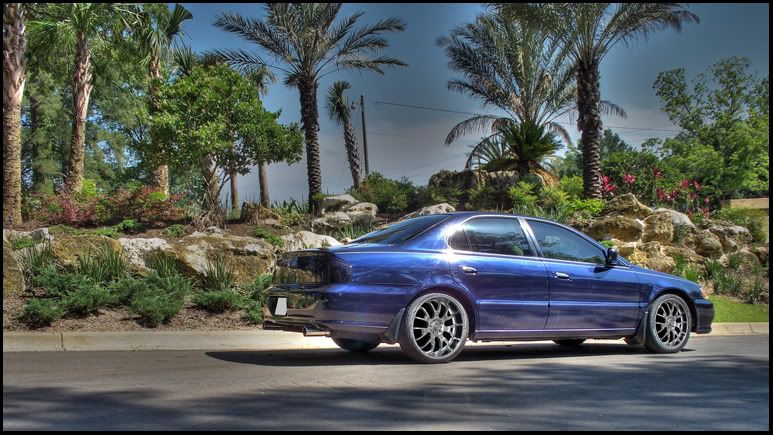
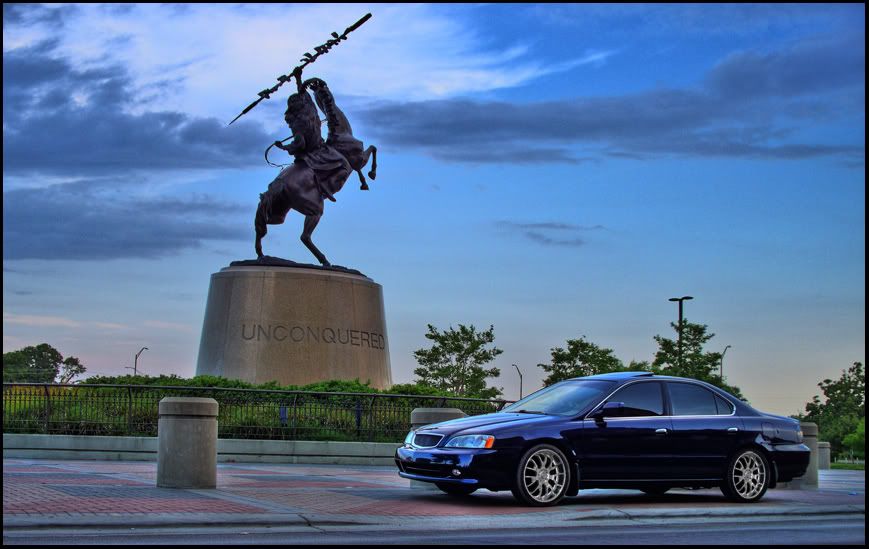
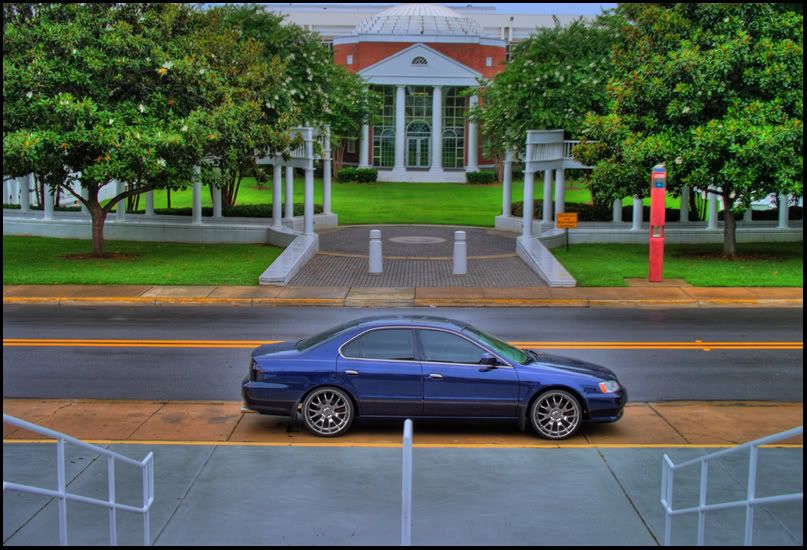
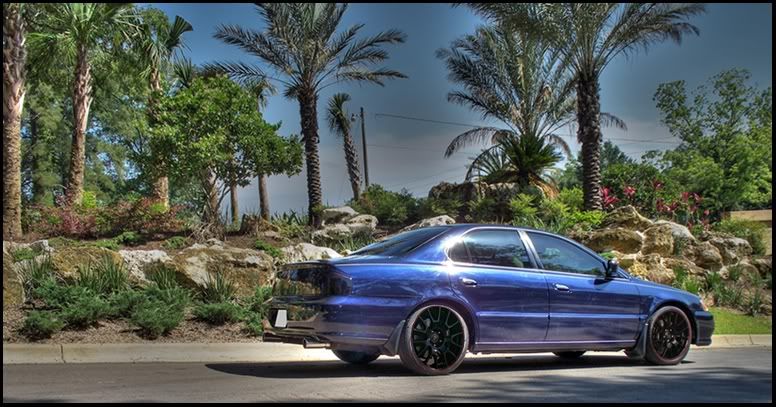
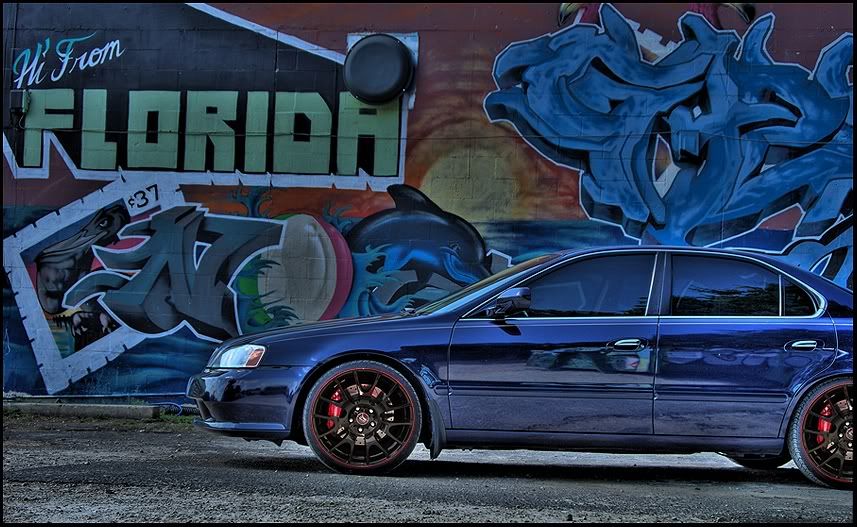
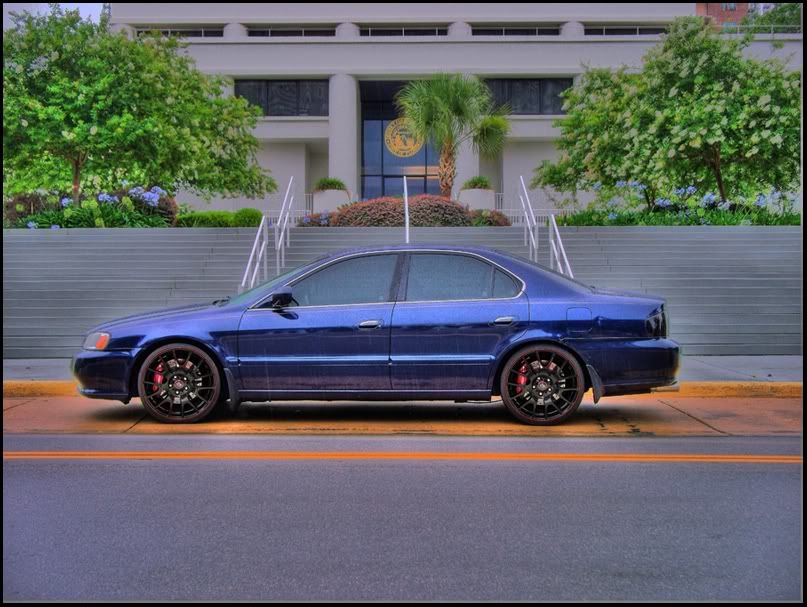
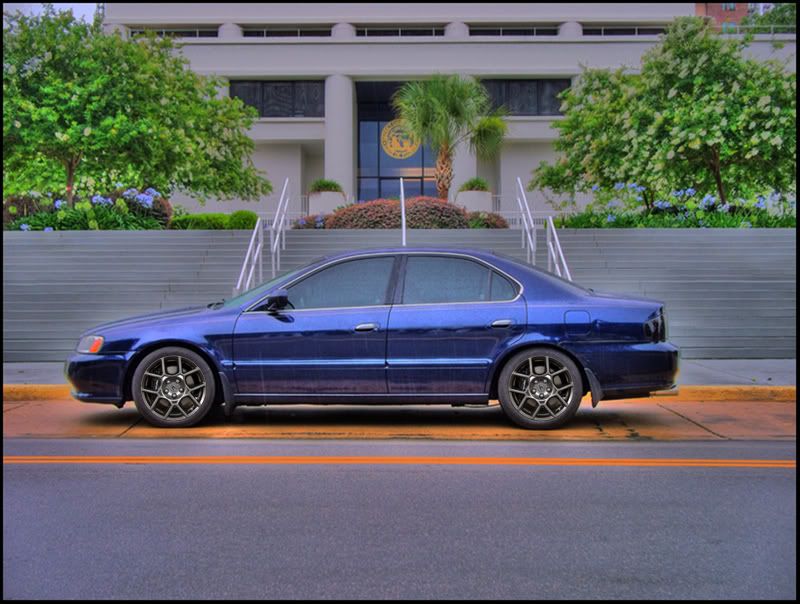
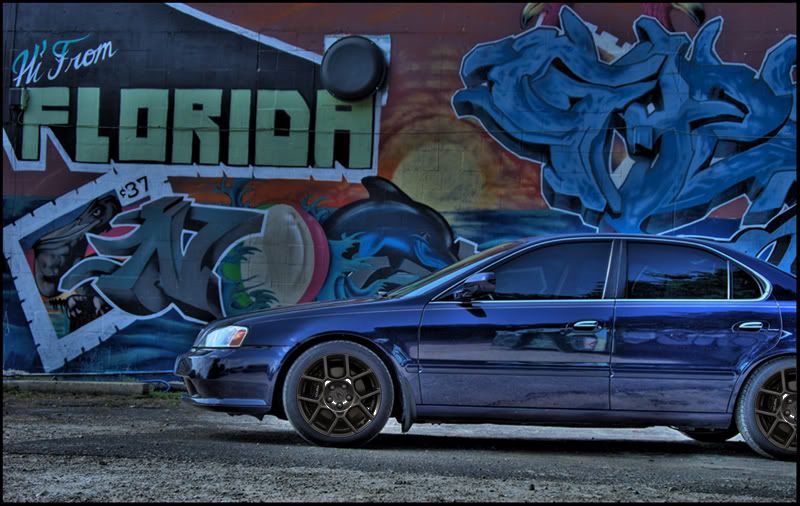
Did a couple of chops...


Trending Topics

now with four rings
Joined: May 2006
Posts: 1,745
Likes: 0
From: Bixby, OK
pretty good start...
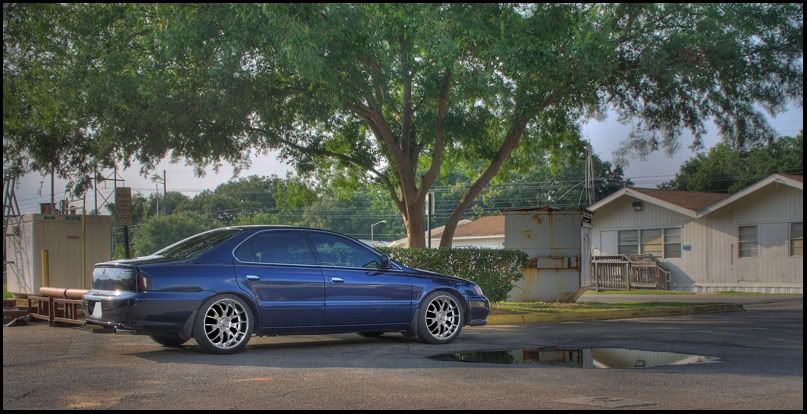
few things i would recommend are 1) bring out the colors in the graffiti...unless you were going for a blue look to the entire image... 2) try to match the lighting of the rims you chop with the lighting of the rest of the image...

few things i would recommend are 1) bring out the colors in the graffiti...unless you were going for a blue look to the entire image... 2) try to match the lighting of the rims you chop with the lighting of the rest of the image...
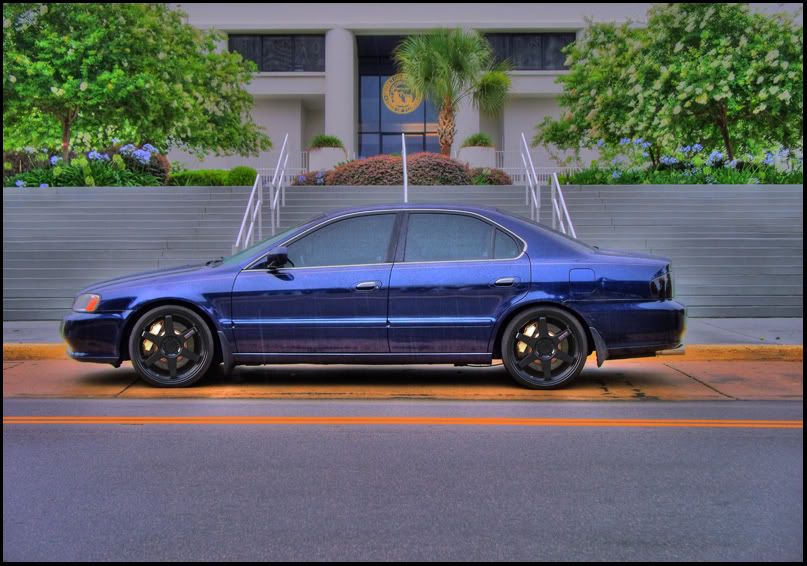
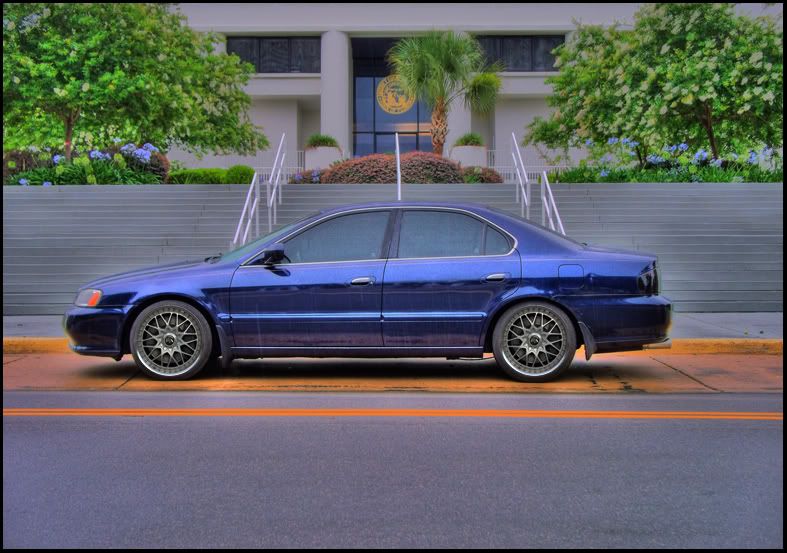
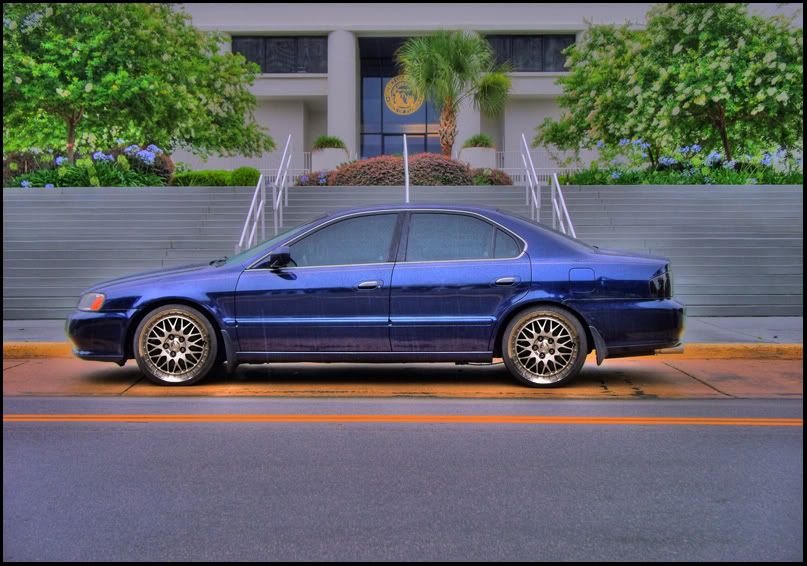


Intermediate
Joined: Apr 2008
Posts: 30
Likes: 0
From: Calgary
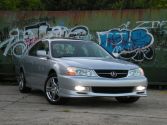
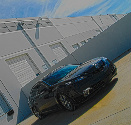
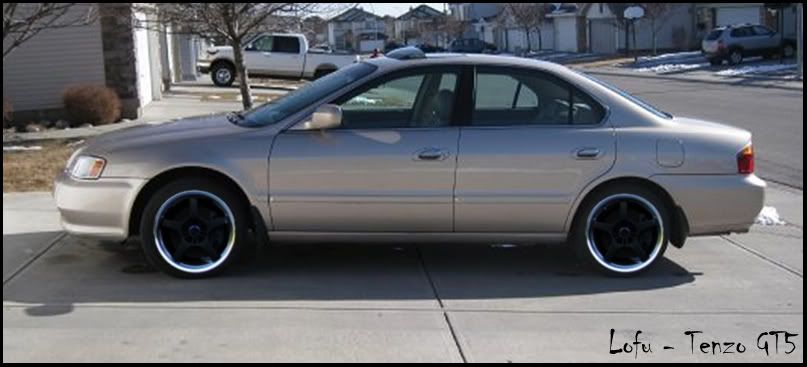
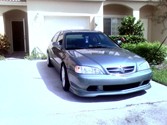
Hey, wondering if you could photo shop some tenzo gt5's on mine, i really wanna see what they look like. 
not sure if that angle is good enough but heres one of my older pics.

and a picture of the rim with tires:

thanks alot!
not sure if that angle is good enough but heres one of my older pics.
and a picture of the rim with tires:
thanks alot!
Drifting
Joined: Nov 2007
Posts: 2,955
Likes: 29

Originally Posted by KSuchdeve
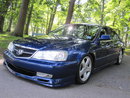
My cousin still hasn't got the new rims for his 06 TL yet 
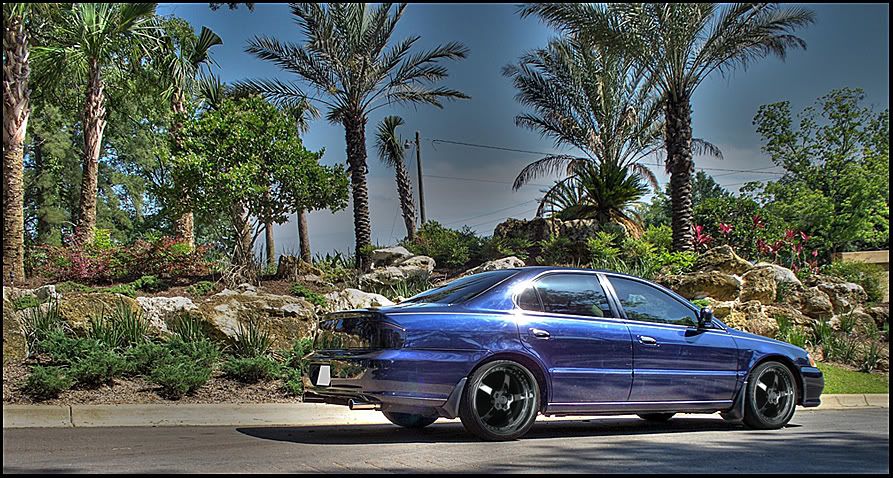
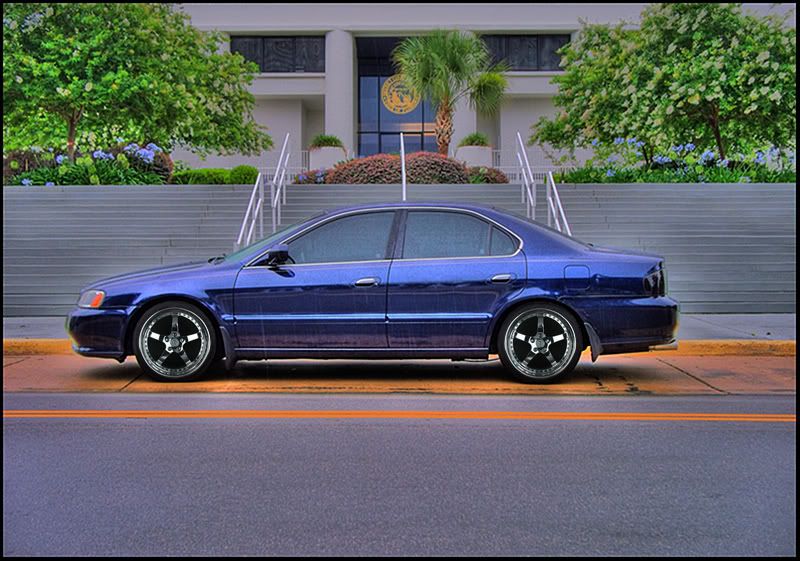
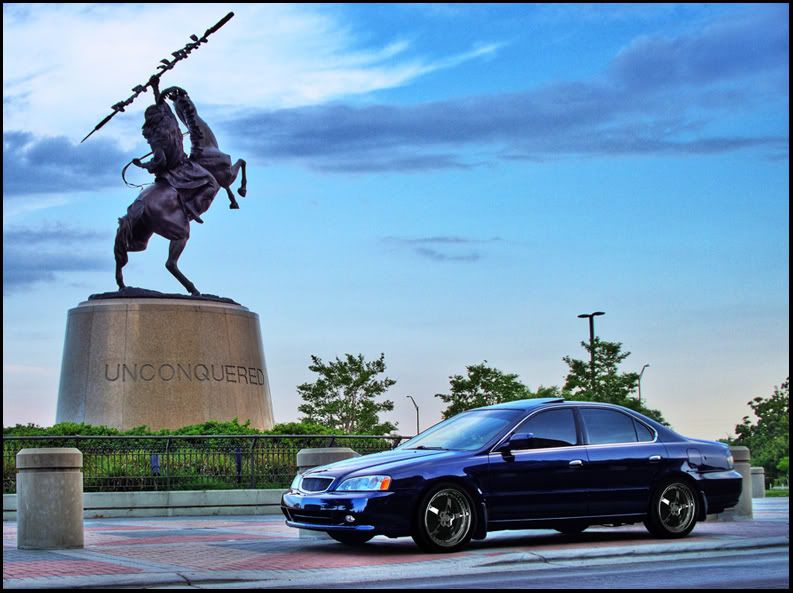
But here you go...
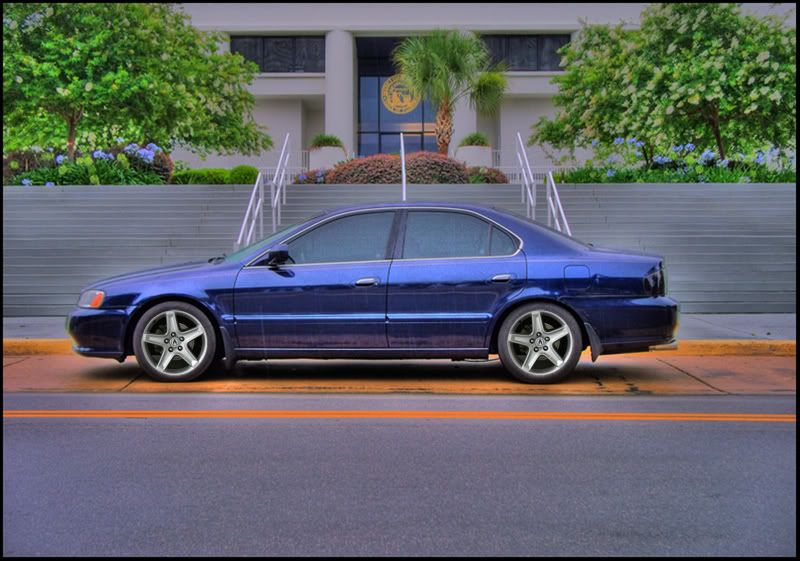
But here you go...

Originally Posted by LIPPSTUH
uhhh your chops are out of proportion. what i do is match the bolts up so that its as close as possible.

one week without them...
Originally Posted by LIPPSTUH
uhhh your chops are out of proportion. what i do is match the bolts up so that its as close as possible.
Lofu... I'll see what I can do with those when I get home a little later.





Originally Posted by DTPTL
no, your photoshop is really good.
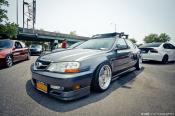
but your car and the choice of wheels are rice. its ok, not everyone has style.
but your car and the choice of wheels are rice. its ok, not everyone has style.
 .
.Half the wheels I posted are OEM Acura wheels and the other are RonJon specifically designed for Acura/Honda. I think the RonJon Legend Type II looks pretty good but it's only a chop. I don't think they have ever actually been put on a 2nd Gen so I don't know how they would look in person. The Volk TE37 is pure sex. I don't think the two mesh (Volk and BBS) look that bad either.
...and what's rice about the car?

Originally Posted by Malayalee King
after you paste the 2nd wheel layer on hit CTRL T and use the corners to rotate it so it doesnt look so altered.