


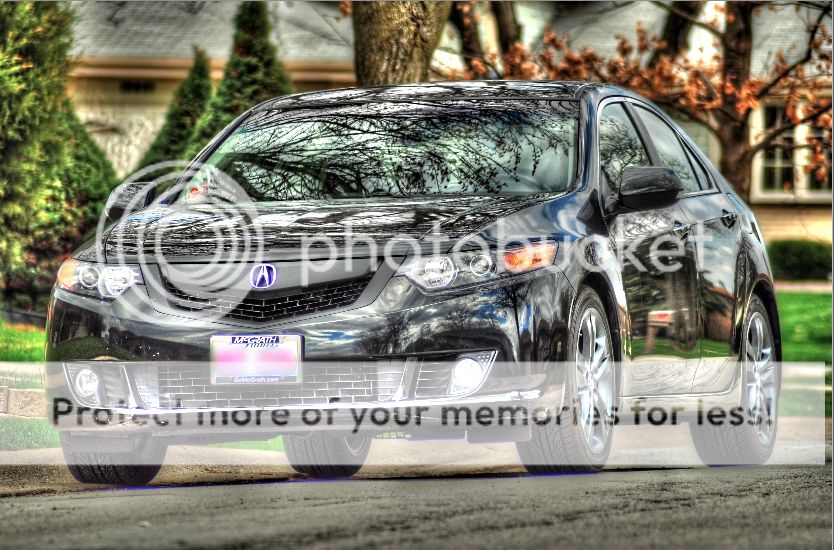
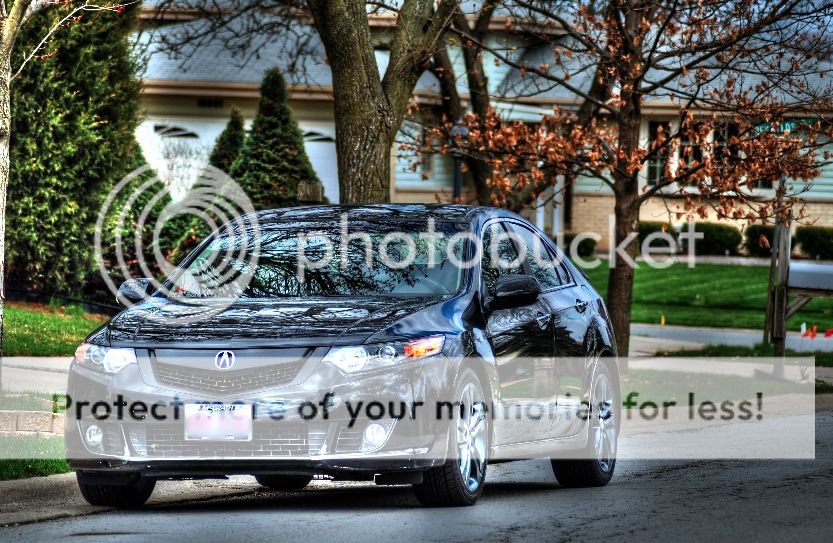
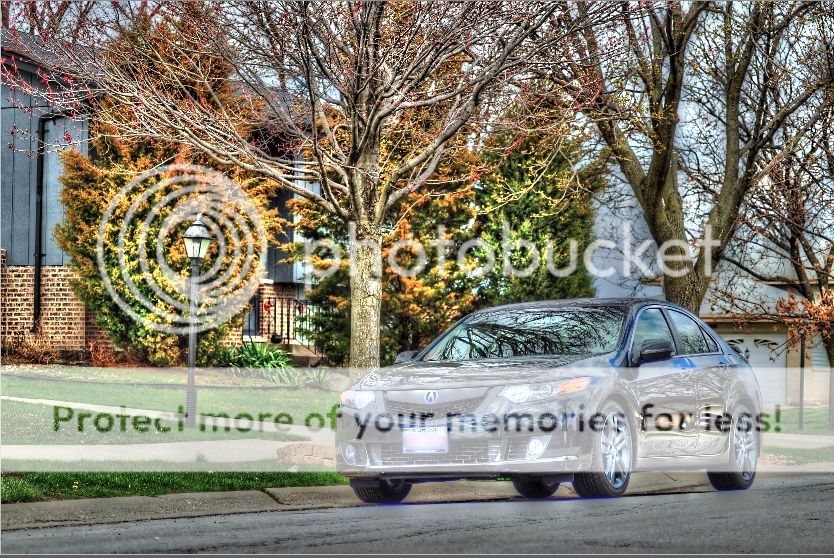
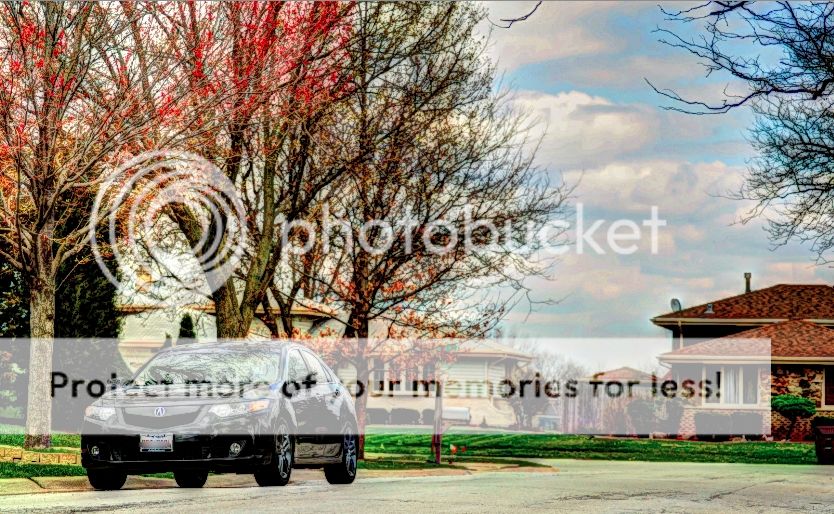
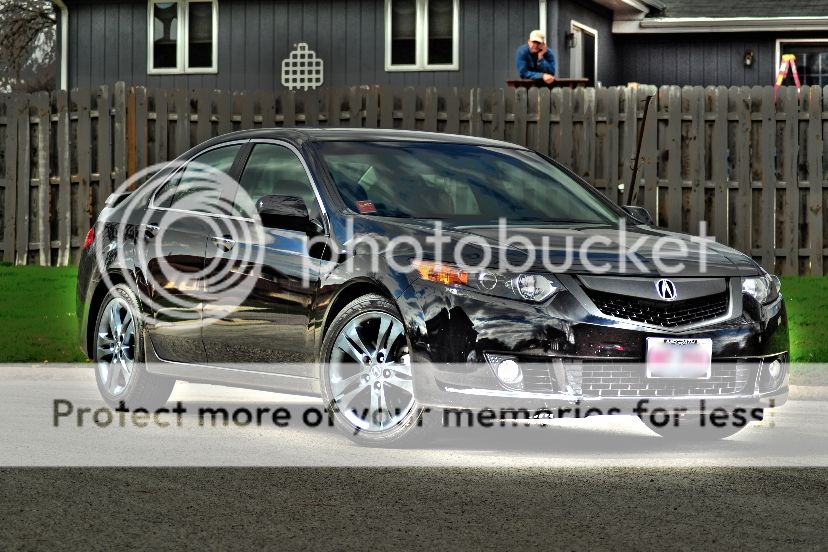
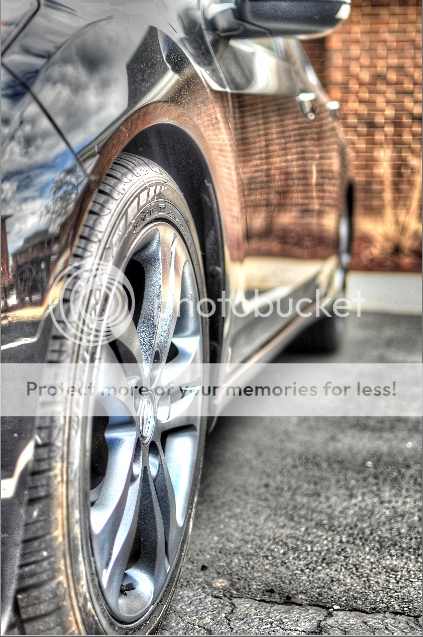
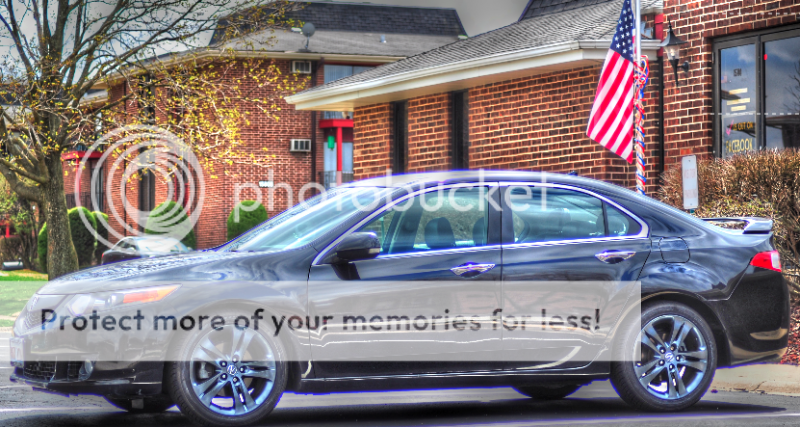
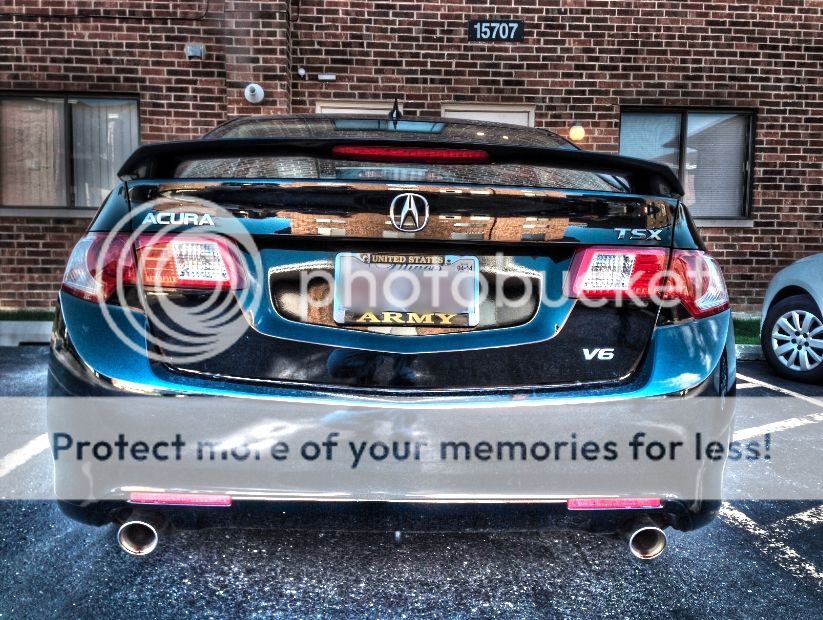
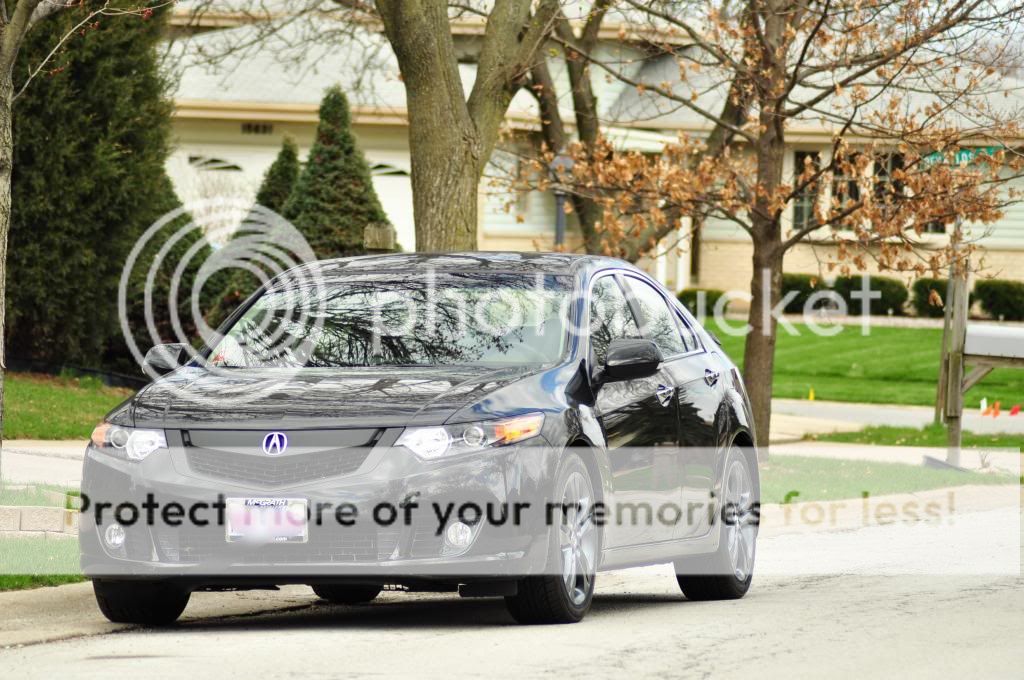
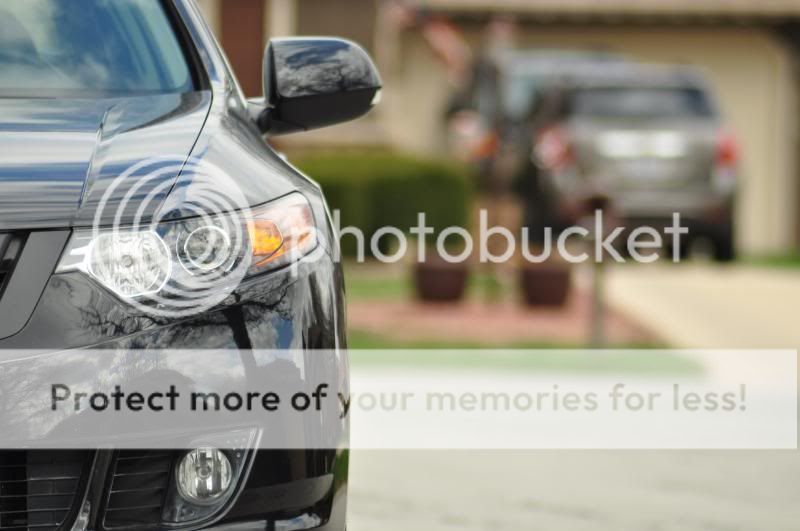
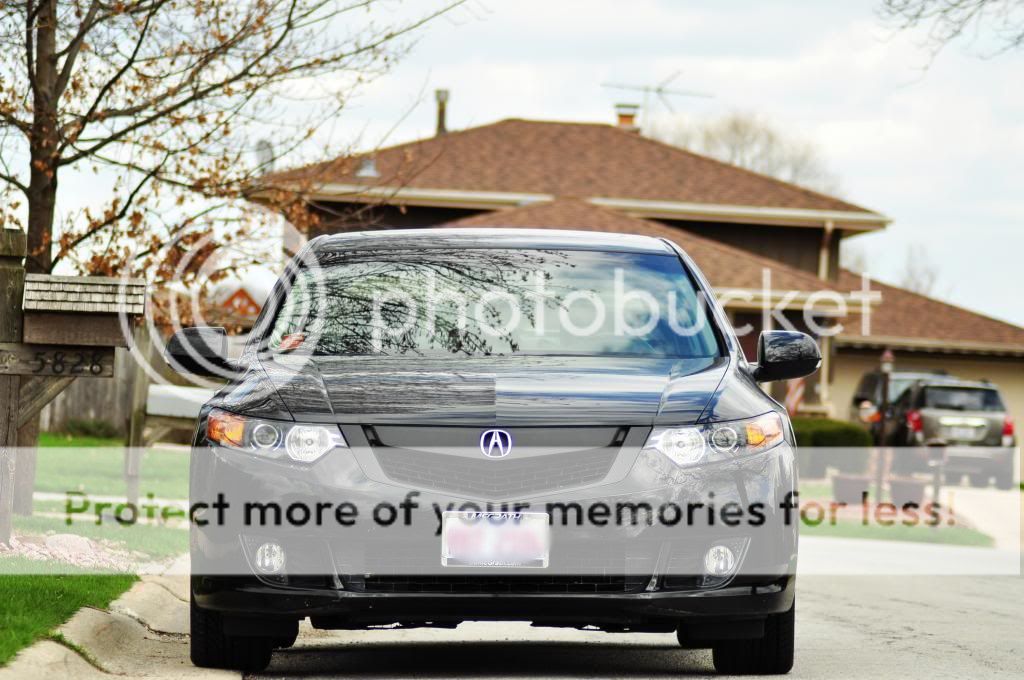
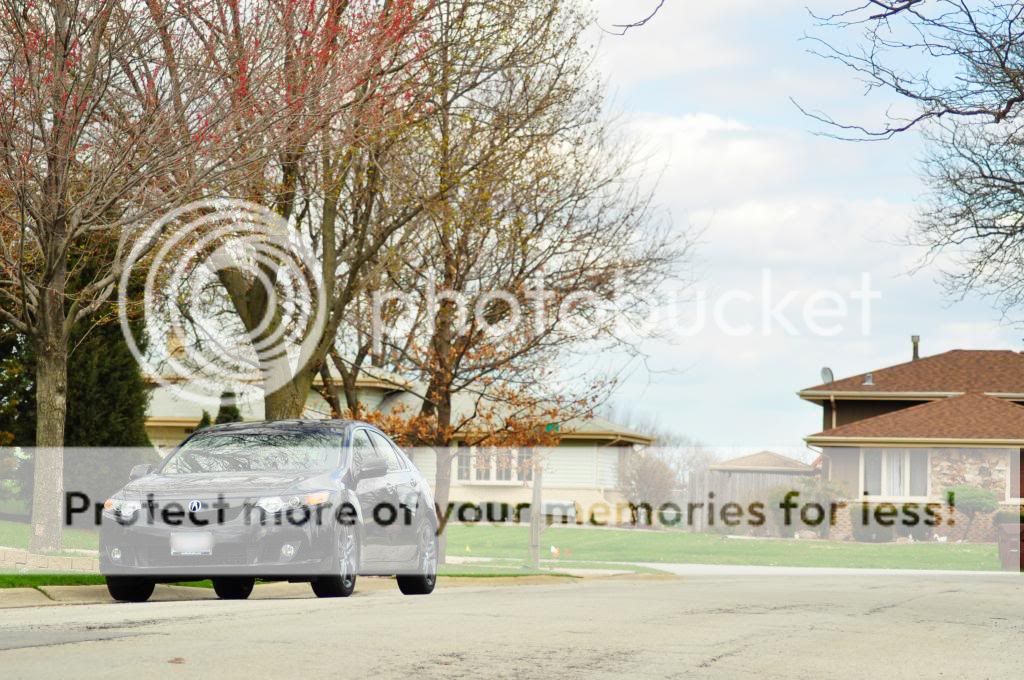
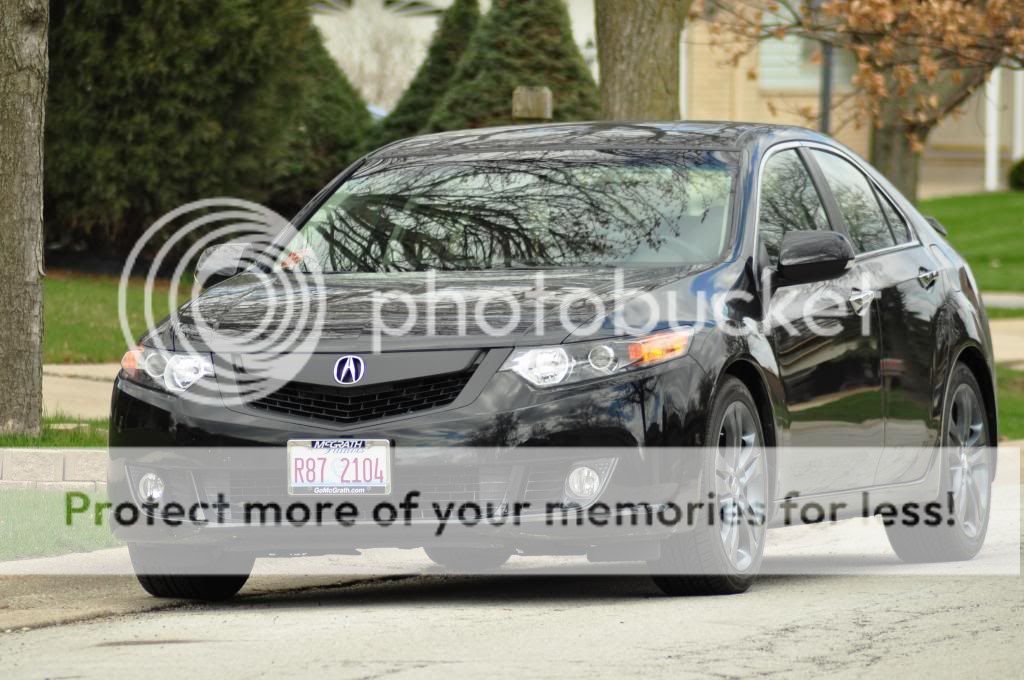
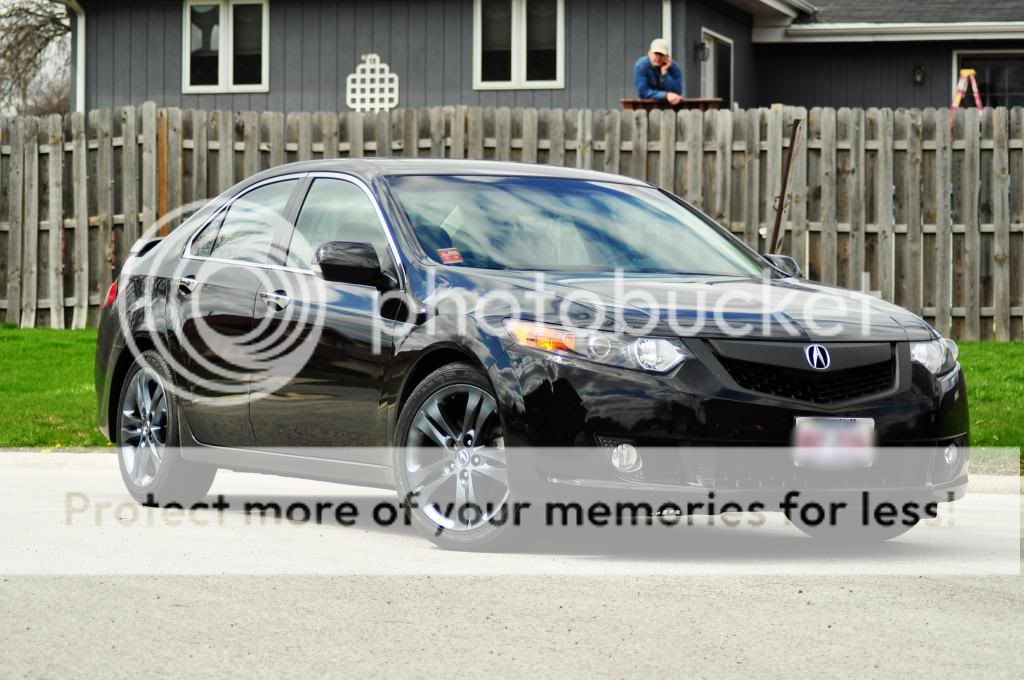
Small shoot in HDR




Instructor
Joined: Apr 2013
Posts: 112
Likes: 10
From: ft worth
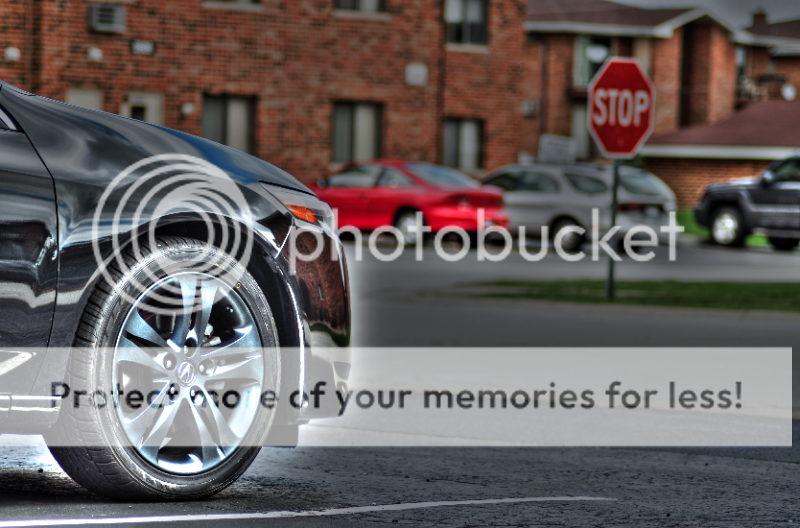
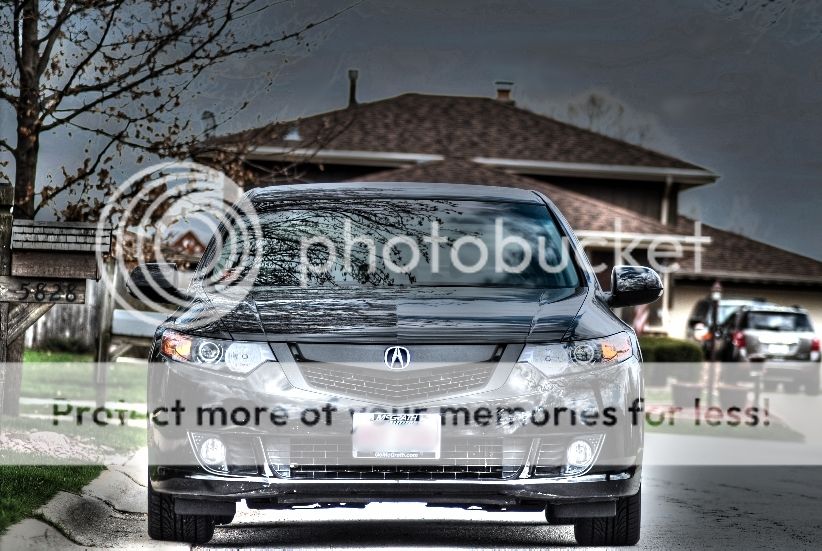
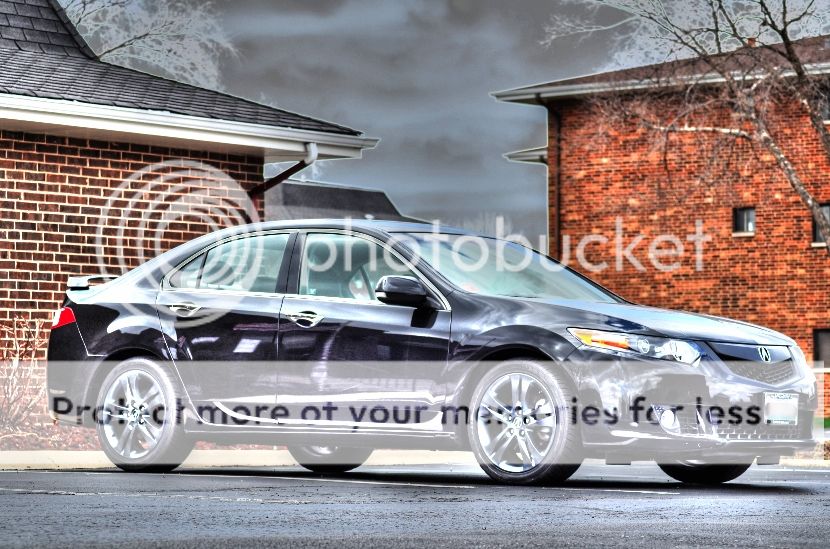
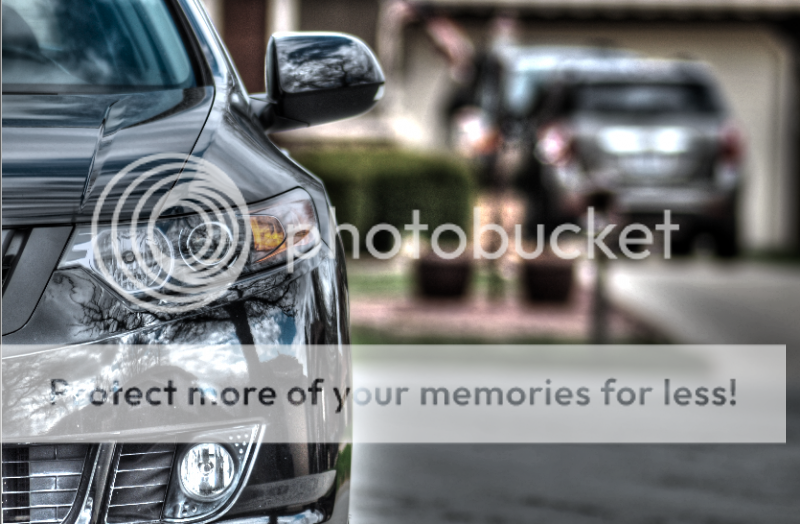
post the non HDR versions...
not a real fan of HDR photos. i think pics 2, 4, 5, 6, 7 would look great with some work such as tilt shift effect. for me just setting the right exposure for the pic does wonders. if taken the easy way, which i do most of the time just take the pic in auto with no flash on your DSLR and work on it in light room (doesn't matter which version).
if you want send me some in raw format ill take my spin on it... or if you post some in jpg ill down it and try it as well and try. although raw would bring better results.
not a real fan of HDR photos. i think pics 2, 4, 5, 6, 7 would look great with some work such as tilt shift effect. for me just setting the right exposure for the pic does wonders. if taken the easy way, which i do most of the time just take the pic in auto with no flash on your DSLR and work on it in light room (doesn't matter which version).
if you want send me some in raw format ill take my spin on it... or if you post some in jpg ill down it and try it as well and try. although raw would bring better results.
Thread Starter
Pro
Joined: May 2006
Posts: 558
Likes: 6
From: Chicago
post the non HDR versions...
not a real fan of HDR photos. i think pics 2, 4, 5, 6, 7 would look great with some work such as tilt shift effect. for me just setting the right exposure for the pic does wonders. if taken the easy way, which i do most of the time just take the pic in auto with no flash on your DSLR and work on it in light room (doesn't matter which version).
if you want send me some in raw format ill take my spin on it... or if you post some in jpg ill down it and try it as well and try. although raw would bring better results.
not a real fan of HDR photos. i think pics 2, 4, 5, 6, 7 would look great with some work such as tilt shift effect. for me just setting the right exposure for the pic does wonders. if taken the easy way, which i do most of the time just take the pic in auto with no flash on your DSLR and work on it in light room (doesn't matter which version).
if you want send me some in raw format ill take my spin on it... or if you post some in jpg ill down it and try it as well and try. although raw would bring better results.
Trending Topics
Instructor
Joined: Apr 2013
Posts: 112
Likes: 10
From: ft worth
only difference is that RAW format has more data of the picture taken compared to a JPG format... in simple terms.
the only down side to shooting RAW is that some programs cannot open this format... but your DSLR should have an option in the setting where it shoots RAW and JPG at the same time.
and i would invest in a Lightroom... not gonna say how to get it but its easy as getting a mp3 file these days.... and because i do understand that $399 is a bit steep price for it.
Instructor
Joined: Apr 2013
Posts: 112
Likes: 10
From: ft worth
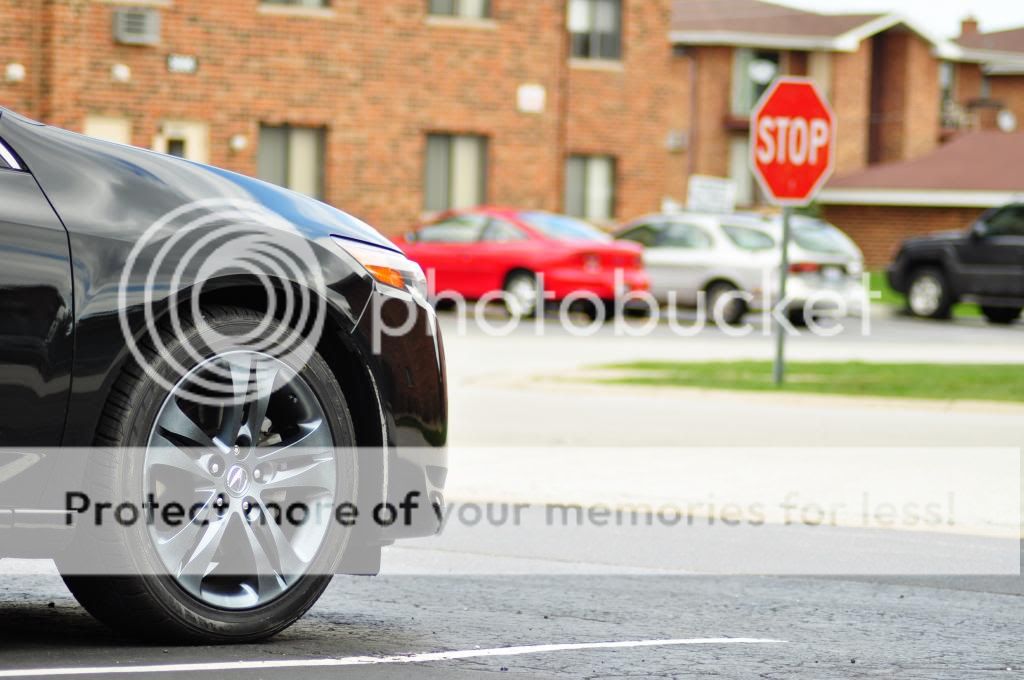
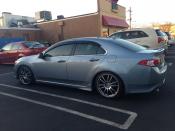
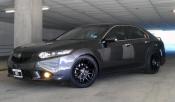
alright just took a spin at one of your pics... here is what i did to kind of give you an idea of what basic stuff you can do in Lightroom.
1 Lowering the Exposure on the car for the deep black look
2 Raise highlight on the car to make it look shiny
3 Lower shadow on the car to reduce the contrast with darker areas of the car
4 Raise the saturation for reflection
5 Adjust clarity for sharpened lines and edges etc.
Added yellow fogs and DRL

1 Lowering the Exposure on the car for the deep black look
2 Raise highlight on the car to make it look shiny
3 Lower shadow on the car to reduce the contrast with darker areas of the car
4 Raise the saturation for reflection
5 Adjust clarity for sharpened lines and edges etc.
Added yellow fogs and DRL

 damn that looks really good.
Drifting
Joined: Jun 2010
Posts: 3,387
Likes: 1,002
From: ㅎouston, ㅌexas
If you can tell that it's HDR you're doing it wrong 
Just arrrrghhh yourself a copy of LR4 lol
lol
and shooting RAW makes a huge difference. You can do a whole lot more with a RAW file compared to a JPEG file.
Just arrrrghhh yourself a copy of LR4
loland shooting RAW makes a huge difference. You can do a whole lot more with a RAW file compared to a JPEG file.



Thread Starter
Pro
Joined: May 2006
Posts: 558
Likes: 6
From: Chicago
Thanks!
Thanks for ur opinion it may look blown out and ugly to you guys but i think it looks pretty cool. But i agree it would look good toned down a bit. And as for doing a whole lot more with RAW it doesnt really matter for me because, as you could already tell, i dont do a whole lot of photo editing. Happened to get an HDR merging program free and went all out. Wish i was better at it and had the programs but i dont.
Thanks and I agree, just got carried away, but like i said, i kinda like it.
Lol! At least i got all my teef


Thanks and I agree, just got carried away, but like i said, i kinda like it.
Lol! At least i got all my teef
Last edited by xxpnoiboi03xx; Apr 30, 2013 at 11:37 PM.


Hello World


Joined: Jul 2011
Posts: 4,757
Likes: 1,788
From: Dallas, TX
Thread Starter
Pro
Joined: May 2006
Posts: 558
Likes: 6
From: Chicago
Good question. I did it the easy way and just adjusted the exposure 1 stop up and down post shoot.

Instructor
Joined: Apr 2013
Posts: 112
Likes: 10
From: ft worth
i can see why you would change the ISO since the changes would bring out a "brighter" or "darker" photo as an outcome.
But... changes in ISO, simply put, just means that only the sensitivity to the light was changed while the exposure still remains the same. you always want the lowest ISO possible in any image taken.
With HDR ( HIGH DYNAMIC RANGE) images, all you are trying to do is giving your normally exposed image the detail(s) of an under exposed image such as colors, shadows, and lines while also giving the highlights and brightness of an over exposed image.
HIGH DYNAMIC RANGE IMAGE = Image that captures various range of light and colors from dark to light with all in between under one image.
So a HDR image shouldnt be what your eyes can see normally at a given moment... it can be close but needs to be more "colorful".
NON HDR IMAGE = Image that captures the available range of light and colors in a given exposure... what ever that may be. longer the exposure more light...
a good HDR should take not just 3 images... it can be many as you want to be quite honest but as you can tell, it will get redundant after so many images. but the ones everyone is so sought after and "oh my" about usually takes about 5 images. Perhaps with a click difference in exposures in each but not in ISO.
But... changes in ISO, simply put, just means that only the sensitivity to the light was changed while the exposure still remains the same. you always want the lowest ISO possible in any image taken.
With HDR ( HIGH DYNAMIC RANGE) images, all you are trying to do is giving your normally exposed image the detail(s) of an under exposed image such as colors, shadows, and lines while also giving the highlights and brightness of an over exposed image.
HIGH DYNAMIC RANGE IMAGE = Image that captures various range of light and colors from dark to light with all in between under one image.
So a HDR image shouldnt be what your eyes can see normally at a given moment... it can be close but needs to be more "colorful".
NON HDR IMAGE = Image that captures the available range of light and colors in a given exposure... what ever that may be. longer the exposure more light...
a good HDR should take not just 3 images... it can be many as you want to be quite honest but as you can tell, it will get redundant after so many images. but the ones everyone is so sought after and "oh my" about usually takes about 5 images. Perhaps with a click difference in exposures in each but not in ISO.

Thread
Thread Starter
Forum
Replies
Last Post
lanechanger
Member Cars for Sale
4
Oct 13, 2015 10:56 AM