When you click on links to various merchants on this site and make a purchase, this can result in this site earning a commission. Affiliate programs and affiliations include, but are not limited to, the eBay Partner Network.
Parking brake wire connect?? Pioneer DVD Head Unit
So, I bought a new Pioneer Head Unit to upgrade the original Bose for my '98 RL. (AVH-X5800BHS) Anyway, it requires the Brake Interlock system to be wired up.
The Pioneer manual states: "Light green wire: Used to detect the ON/OFF status of the parking brake. This lead must be connected to the power supply side of the parking brake switch."
So, I've spent a couple hours trying to determine what this means and where it is located on the RL. I give up.
I have taken apart the lower dash unit to be able to see up into the workings of the left side hand parking (emergency) brake. It appears to be mechanical. Not sure where wiring is that I'm supposed to tap into, or a positive screw or switch to attach the wire to.
If anyone has done this and can advise (especially with photos!), I'd be grateful.
Connect the light green wire to the positive-white/yellow wire (hot) of your parking brake switch.
Your parking brake switch has a mechanical switch with two wires connected to it at the parking brake. One wire is always hot with the ignition key on and the other wire is always grounded - the negative.
When the parking brake is on so too is the dash parking brake lamp with the ignition key in the on position.
This a parking brake light switch for your car. At the bottom of the pic is the on/off switch. When the parking brake is off or on, depending on if it's a switched on or switched off design, that white switch will be in contact with the parking brake. Look at your parking brake mechanism and you will find it there.
Thanks so much!
So, while you were posting those, I was on my own hunt. First, double-checking the .pdf manual. And then out in my car with my eyes, light, and camera looking up from the parking brake. Here's what I found and saw:
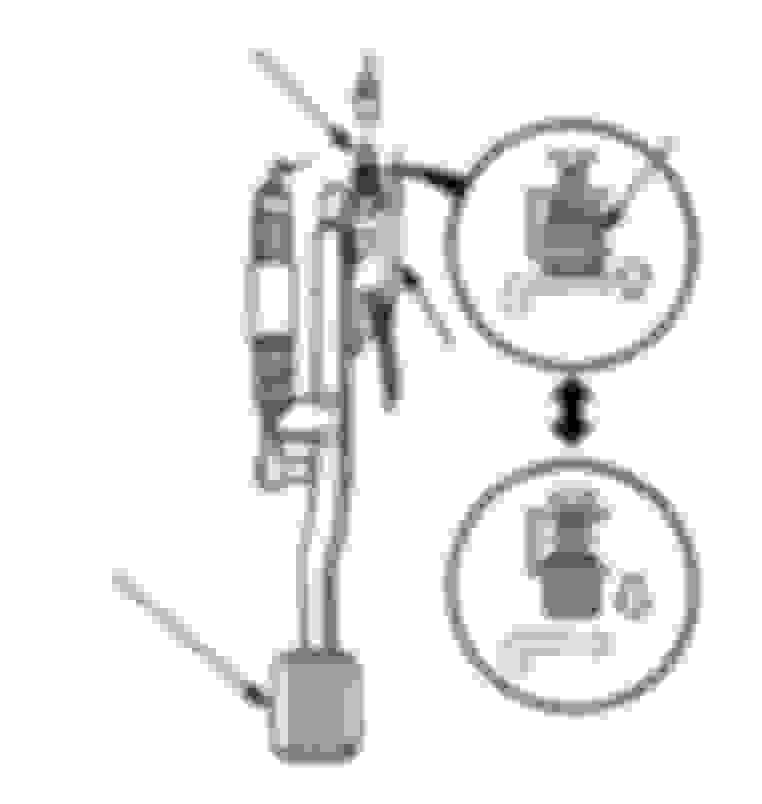
Here is a diagram I found in the .pdf manual. I am able to see this on my car. This switch (white in real-life) connects/disconnects with the black metal plate -- but looks quite different than the image in the above post. This is the full parking brake mechanism. Notice the switch above (white-partly obscured by the black hose) and the small wire (dark, hard to see) at the very top, above the longer white casing)... So, here, much easier to see, is a close-up of the switch and the wire at the top.
Notice: The wire here is green/red (i.e. not white/yellow). Also, there is only 1 wire. (i.e. not 2). Also, the accessible wire length is only 1/2" before it enters tubing and goes up into the inaccessible netherworld. I have no idea how to access it, lengthen it, tap into it, etc. It seems very risky to consider cutting it.
So, I think I've found it. But am at a loss as to what to do about it. Or, am I missing something?
Thanks for any additional input!
Well that's weird the info I found was two wires, wht/ylw and grn/red on the other side and you are correct the switch is different too... My bad.
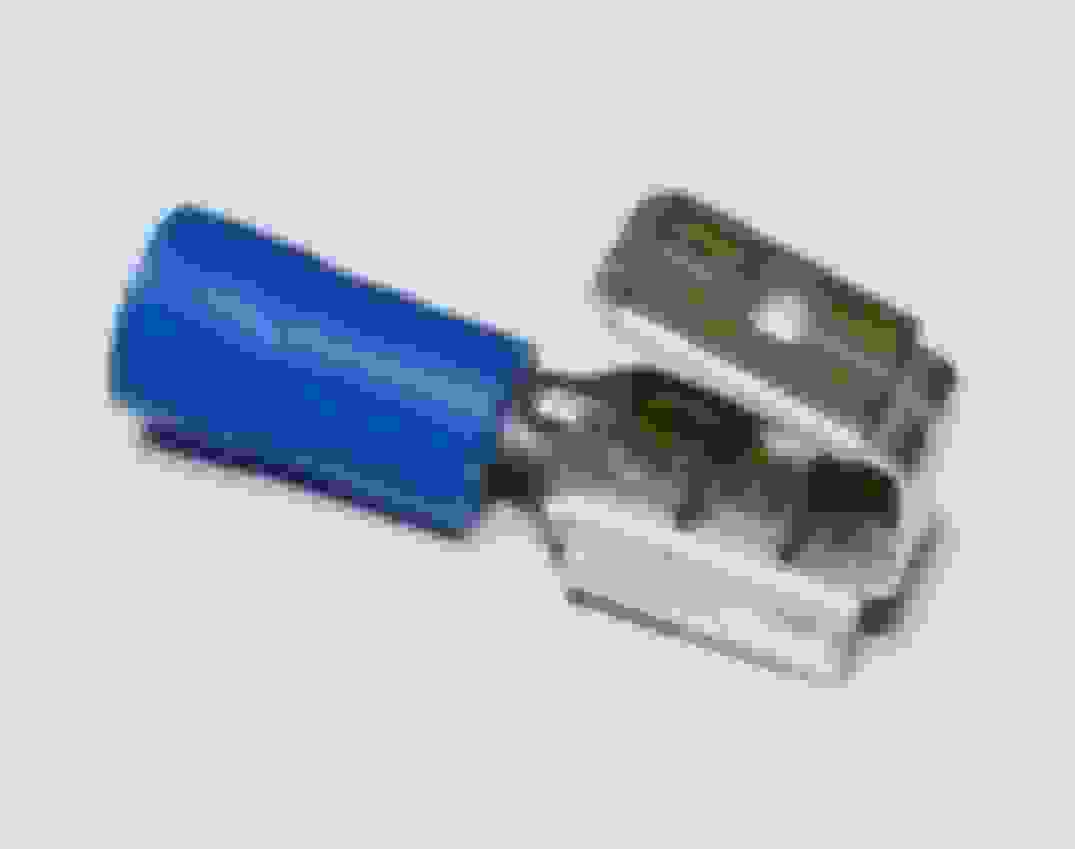
If you're lucky the connector is a standard male/female connection. If so you can use a 1 to 2 adapter like the ones in the pics.
If not and your head unit is just a stereo and not a multipurpose head unit (backup camera) then you can connect the light green wire to any ignition switched hot wire. The light green wire in this scenario is just the on/off switch for the head unit so when you turn the ignition switch off so too is the head unit... Off.
I've ordered a bypass solution. Trying to do things "right", but taking forever and keep hitting dead ends. Maybe newer vehicles make the parking brake switch wires more accessible, with the advent of DVD head units. Back in '98, this wasn't an issue, I'm presuming.
I've ordered a bypass solution. Trying to do things "right", but taking forever and keep hitting dead ends. Maybe newer vehicles make the parking brake switch wires more accessible, with the advent of DVD head units. Back in '98, this wasn't an issue, I'm presuming.
If you want to get to the wire you probably have to remove the lower dash panel and the parking brake. Sometimes you do what ever it takes to complete the task.
Very easy and cheap hack here, ground one side of a switch, other side to radio harness parking break wire. Flip switch on/off and it should come on like the brake is depressed, the bypass did not work for me for some odd reason, but this did