


Post processing effect question


Thread Starter
I miss my 03 CL-S :(
Joined: Feb 2002
Posts: 7,140
Likes: 445
From: Washington, DC
Post processing effect question
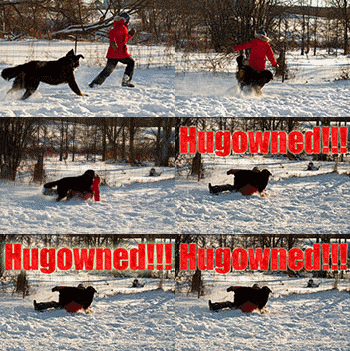
I've run across a few pictures like the first one on this post at ars technica which have a soft blur around the edges. I've often seen it in b/w pics more than color. Does anyone know how this is done? I've got CS2 and I've tried adding a duplicate layer with gaussian blur and then playing with the blend modes but no dice. Any ideas?






Big Block go VROOOM!
Joined: Oct 2003
Posts: 8,578
Likes: 1
From: Chicago Burbs
It looks like this technique to me:
http://www.luminous-landscape.com/tutorials/glow.shtml
Give it a shot, it's pretty effective. I used this technique on a shot I took at my friends' wedding with my little S410. Almost everyone that has seen it has said it was one of their favorite photos from the event.
http://www.luminous-landscape.com/tutorials/glow.shtml
Give it a shot, it's pretty effective. I used this technique on a shot I took at my friends' wedding with my little S410. Almost everyone that has seen it has said it was one of their favorite photos from the event.
Thread Starter
I miss my 03 CL-S :(
Joined: Feb 2002
Posts: 7,140
Likes: 445
From: Washington, DC
Thanks guys! The link Billiam put up just happened to go through pretty much what I tried at first, since that's what it looked like had been done. Still, the results weren't as dramatic as I had expected. I'll give it another shot later on...
I hadn't thought of using feathering so thanks sarlacc. I've use feathering a lot before for image/texture editing but I guess I never thought of using it in actual photographs.
... been using PS since 2.5.1 mostly for 3D textures and web stuff, but I'm just getting into this photography thing and it's like a whole new app
I hadn't thought of using feathering so thanks sarlacc. I've use feathering a lot before for image/texture editing but I guess I never thought of using it in actual photographs.
... been using PS since 2.5.1 mostly for 3D textures and web stuff, but I'm just getting into this photography thing and it's like a whole new app

Thread
Thread Starter
Forum
Replies
Last Post
urbtsx
1G TSX Performance Parts & Modifications
9
Mar 4, 2017 06:53 PM

