~b&w

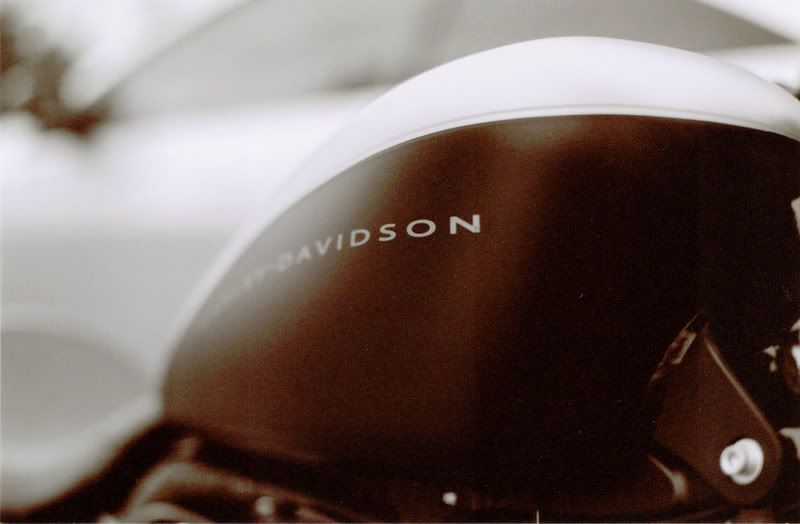
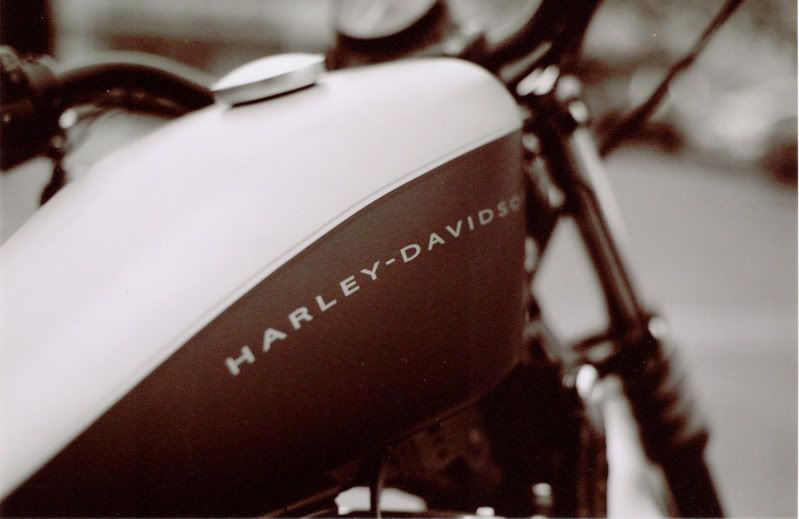

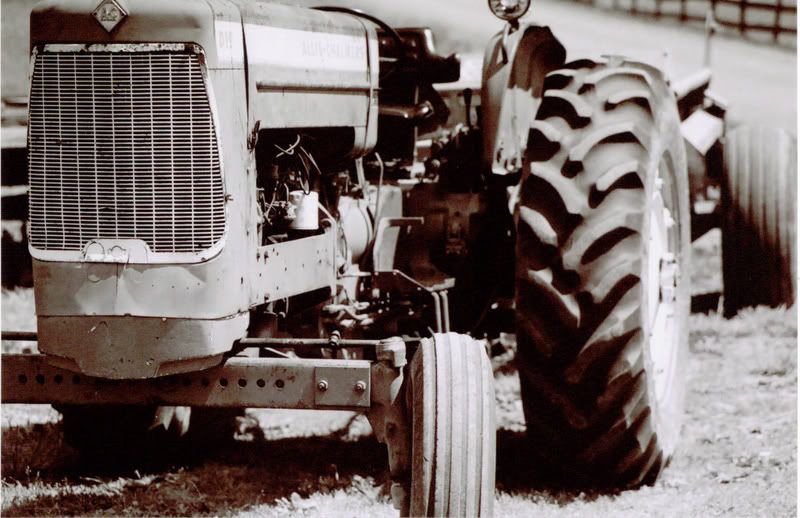
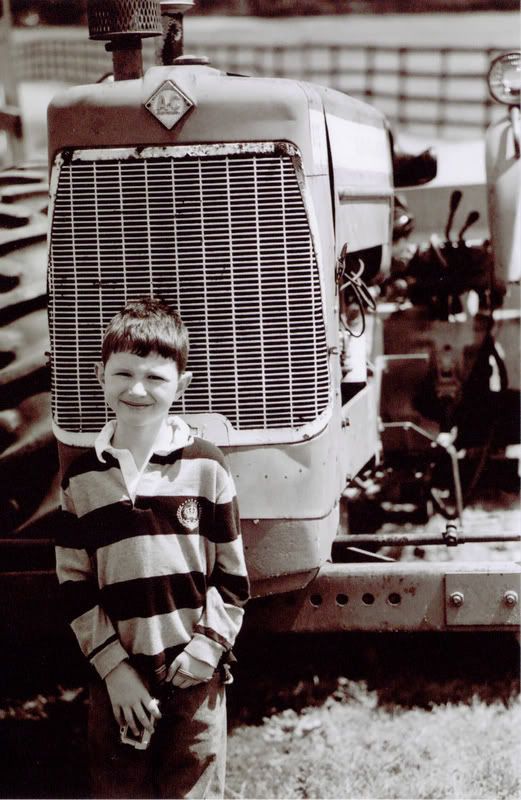


 I especially like the top right Harley shot. It's got a nice, nostalgic feel to it.

Thread Starter
nnInn
Joined: Mar 2006
Posts: 37,670
Likes: 1,084
Thanks guys, I just realized that Penn Camera who printed these, just used color paper to print these. They don't use b&w paper at all.
So I'm going to print a couple next week in my film class, then I'm going to try a company called Black and White in Arlington, Va. who use b&w paper.
I couldn't develop these myself because it was CN film. Note to self no more CN film.
So I'm going to print a couple next week in my film class, then I'm going to try a company called Black and White in Arlington, Va. who use b&w paper.
I couldn't develop these myself because it was CN film. Note to self no more CN film.
Thread Starter
nnInn
Joined: Mar 2006
Posts: 37,670
Likes: 1,084
Just sitting watching football 30 minutes and looked out the window.
<a href="http://www.flickr.com/photos/reverseimage/2742199893/" title="Cloud B&W by jupitersolo, on Flickr"><img src="http://farm4.static.flickr.com/3028/2742199893_5db1f3ba2e_b.jpg" width="1024" height="560" alt="Cloud B&W" /></a>
Trending Topics



 Well I like it, too.


Photography Nerd
Joined: Sep 2003
Posts: 21,489
Likes: 11
From: Toronto
D'oh! It looks like I left my lightroom library at work today, so I'll just have to go with what I've already uploaded to flickr from last week...
The Mighty Kootenai
http://www.flickr.com/photos/acurazinedan/2719058457
Infrared Leaf
http://www.flickr.com/photos/acurazinedan/2724810887/
Hosta
http://www.flickr.com/photos/acurazinedan/2728799404/
The Mighty Kootenai
http://www.flickr.com/photos/acurazinedan/2719058457
Infrared Leaf
http://www.flickr.com/photos/acurazinedan/2724810887/
Hosta
http://www.flickr.com/photos/acurazinedan/2728799404/

Team Owner
Joined: Jun 2007
Posts: 23,451
Likes: 54
Originally Posted by jupitersolo
<a href="http://www.flickr.com/photos/reverseimage/2742199893/" title="Cloud B&W by jupitersolo, on Flickr"><img src="http://farm4.static.flickr.com/3028/2742199893_5db1f3ba2e_b.jpg" width="1024" height="560" alt="Cloud B&W" /></a>


Whoa!!!!!!!!!!



 wow. Dan posted an inquisitive set as well.
 3K!!
3K!!

Master Graphic Artist
Joined: Oct 2004
Posts: 2,859
Likes: 0
From: Northbrook, IL
Originally Posted by jupitersolo
<a href="http://www.flickr.com/photos/reverseimage/2742199893/" title="Cloud B&W by jupitersolo, on Flickr"><img src="http://farm4.static.flickr.com/3028/2742199893_5db1f3ba2e_b.jpg" width="1024" height="560" alt="Cloud B&W" /></a>
And that cloud looks like a phoenix in flight

I should look out the window more.
Master Graphic Artist
Joined: Oct 2004
Posts: 2,859
Likes: 0
From: Northbrook, IL
Originally Posted by Dan Martin
D'oh! It looks like I left my lightroom library at work today, so I'll just have to go with what I've already uploaded to flickr from last week...
Hosta

Hosta
Great shot Dan!
Photography Nerd
Joined: Sep 2003
Posts: 21,489
Likes: 11
From: Toronto
Originally Posted by wndrlst
The detail and the variety of tones in the first shot is Ridiculous, Dan. Really gorgeous. Did you shoot that with a CP?
I didn't use a polaraizer because I find it hard to stitch panoramas together when using a polarizer. This is a four-frame panorama with three exposures for each frame. I didn't really use the exposures to extend the dynamic range all that much, I just wanted to have a completely noise-free image.
The original is 21MP, but there's a 1400px wide version available here: http://farm4.static.flickr.com/3245/...23ca618a_o.jpg
Photography Nerd
Joined: Sep 2003
Posts: 21,489
Likes: 11
From: Toronto
Originally Posted by PixelHarmony
Absolutely love the shot and the PP done on it. I'm horrible with macros, but I want to start learning this.
Great shot Dan!
Great shot Dan!
The post processing on this shot was really simple. I just converted it to a duotone and resized for the web. I'd probably polish up a few things before sending it to print however.

Thread Starter
nnInn
Joined: Mar 2006
Posts: 37,670
Likes: 1,084
Originally Posted by PixelHarmony
VERY NICE! Was this shot with a prime? There's so much dimension to this photo it's amazing, it literally feels like the clouds are coming at me.
And that cloud looks like a phoenix in flight
I should look out the window more.
And that cloud looks like a phoenix in flight
I should look out the window more.
Shot with 50mm 1.4, the "bird", I didn't see it until wndrst said it. In post, I was focusing on getting the "pop" in the brightest clouds.
Master Graphic Artist
Joined: Oct 2004
Posts: 2,859
Likes: 0
From: Northbrook, IL
Originally Posted by jupitersolo
Shot with 50mm 1.4, the "bird", I didn't see it until wndrst said it. In post, I was focusing on getting the "pop" in the brightest clouds.
I keep reading about how prim B&W shots give a certian 3D look that can't be acheived with zooms, that is proof right there.Do you mess around with curves / contrast? Or do you also move Black and White highlights around? I've been trying to get this conversion just right but it's proving a tougher job than just a straight B&W conversion. I hear it's good to have absolute blacks and whites to increase that contrast and to keep focus on the subject.
Senior Moderator


Joined: Jun 2005
Posts: 14,667
Likes: 13
From: NY
Originally Posted by jupitersolo
Don't use b&w, convert your images to b&w. If you use B&W in the camera, you lose a lot of detail. Contuine to shoot RAW then "fix" your image , then convert to b&w, you'll get better detail this way.



Big Block go VROOOM!
Joined: Oct 2003
Posts: 8,578
Likes: 1
From: Chicago Burbs
Originally Posted by Dan Martin
I didn't use a polaraizer because I find it hard to stitch panoramas together when using a polarizer. This is a four-frame panorama with three exposures for each frame. I didn't really use the exposures to extend the dynamic range all that much, I just wanted to have a completely noise-free image.
Photography Nerd
Joined: Sep 2003
Posts: 21,489
Likes: 11
From: Toronto
Originally Posted by Billiam
I really like this flower macro Dan. Out of curiosity, did you use any particular method when moving the camera for the panorama? I'm just curious if the tiny DoF that's inherent to macro would cause problems with the focal plane moving when you repositioned the camera.
Speaking of panos, if you haven't already tried it, check out Autopano Pro. I just got it last week and it is really amazing. The blends are seamless and you wouldn't believe how fast it is, especially compared to photomerge in photoshop.
Photography Nerd
Joined: Sep 2003
Posts: 21,489
Likes: 11
From: Toronto
Originally Posted by jupitersolo
Photoshop CS2 or CS3? Many I've talked to has said Adobe got it right with CS3.