When you click on links to various merchants on this site and make a purchase, this can result in this site earning a commission. Affiliate programs and affiliations include, but are not limited to, the eBay Partner Network.
My 04 tl radio lights work full illumination when I turn the key ahead 1 click when I turn it to the 2nd knoch it dims a little and when I start the car it goes completely dark in the night time. You can see the number during the day but they are dim also. Does anyone know how to fix this
You mean button backlight or screen that displays volume, station, mode, etc.? Sorry got bit confused.
Do one test to help me understand problem better :
- If you have headlights on (or at least parking lights, first position after off)
- key in second position
- press max button (to set dash brightness to max),
- what lights on radio do and what other lights do? What about blue light around volume knob ?
- What if you turn dash brightness to min ?
I know that radio has its own separate module for backlight, as it has those blue buttons as well. There is two (or three?) wires feeding signal to it, but they are common with all other buttons.
So if only radio buttons' backlight is a problem, it might end with getting new radio.
I tried your tests didn't seem to change anything, but it works fine (nice blue backlight on screen) until I turn the park lights or headlights on then it goes dark. Buttons are fine with lights on and off. Thanks for your help
Ok, so now I have an idea how problem looks.
One more question. Other buttons, including climate buttons, dims properly right?
At this point, to diagnose it, and maybe fix, I need to have access to wires and screen.
If you remove center vents (they are just hold by clips), you might be able to reach wire harness going to that display. If you could disconnect it and have access to those wires, we could start right now. Otherwise you would need to take dash apart.
You need basic tools, and multimeter.
To fix it, you would need soldering iron and supplies (solder, wires, etc).
So let me know if you want to go this way. If no then just buy used display from ebay, and hopefully it will fix it. (if you get to that bottom connector, then we can at least diagnose it -whether display is bad or something else)
I can get at the wires no problem but I'm about to head to a wedding now. The car is going out of town for a week and half so I won't be able to get at it until then. Would that still work for you
I'm not signing any contract here, so whenever you feel like working on it, post the message.
First step is to figure out whether display module is bad or something else. You need to find service manual for your car, and find pinout for connector that goes into the display . It should have 2 or 3 wires responsible for light. Then you disconnect it, put your meter to those pins, and put lights on, with brightness on max. If there is difference of around 12V then it's OK, module must be bad. Check if voltage is reduced if you go lower with dash brightness.
If you want to fix your old module, easiest way would be to solder those wires to LEDs under the display. Harder but better to find component that is causing it.
There are LEDs under the displays already. Just for some reason they are not lit up when headlights are on.
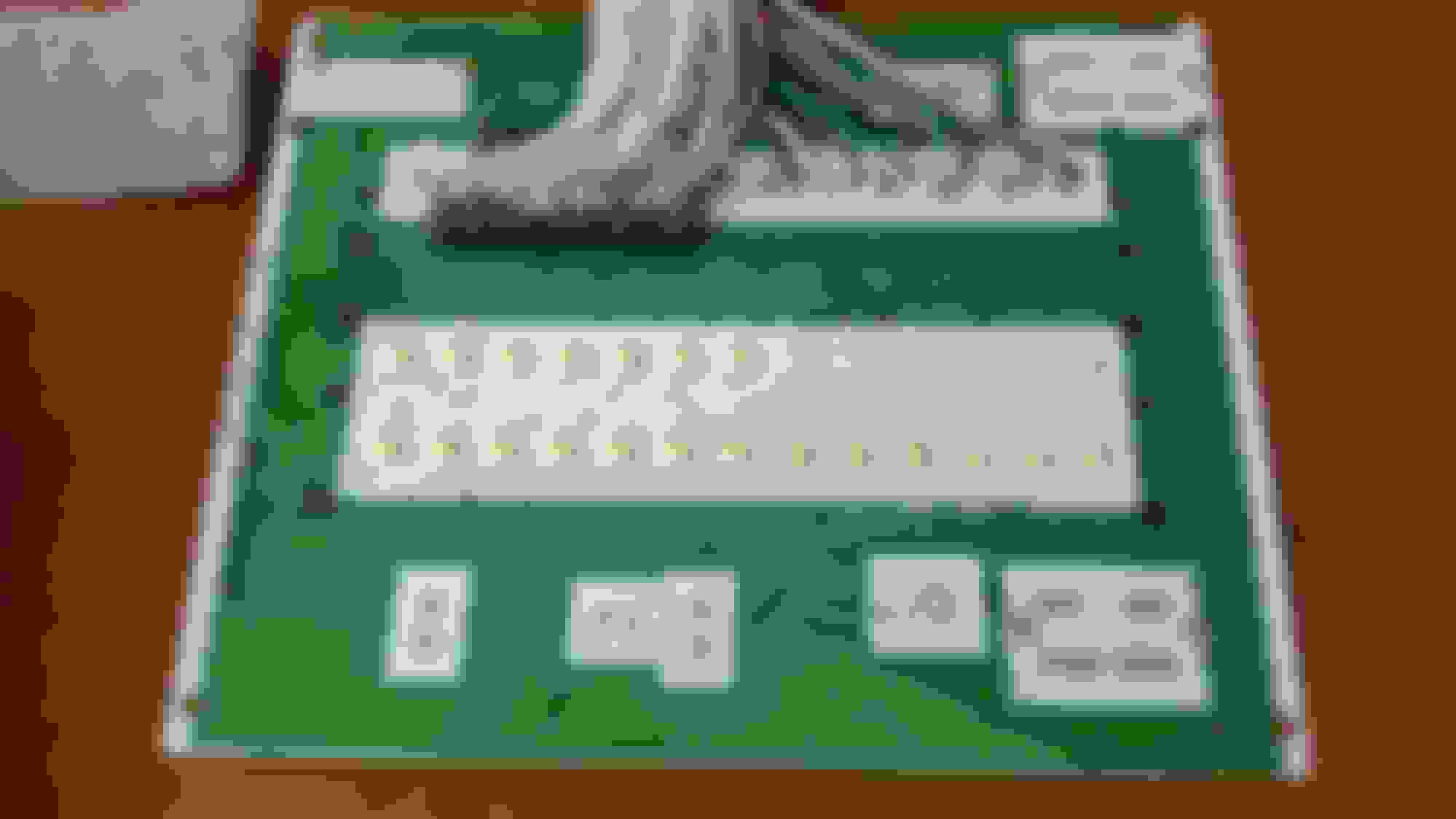
I borrowed this image from ADay2Long's Nexus 7 thread.
You can see LEDs (those yellow rectangles) after he removed displays (that were connected with those silver sticking out wires) (ignore all wires at the top, he was relocating his display)
But like I said, it will be messy $0 budget repair, where you need to solder stuff.
Cleaner (and better if you don't have experience with electronics) would be just buying new display assembly, which probably goes for $40-$50 on ebay.
Again, first we need to test if display is getting right signals tho.
No offense to OP but I think soldering those LED's is out of his wheelhouse.
My cheap-ass fix, assuming LEDs are ok, and board is getting signal, would be to connect wire to LEDs from connector. But like you said, it's hard, and a lot of unknowns as I don't have board in front of me. (need to match resistor to leds forward voltage and current, etc.)
Those are the pins that you need to test (relatively to the ground). Make a table of how voltages are changing depending if key is in 1st or 2nd position, if headlights are on or off, and on max and min brightness.
I want to have something like :
If you disconnect that display, blower motor will most likely run on full power. Maybe if you remove the fuse...