Support Question: Popup ads

Thread Tools
 
Search this Thread
 
Old Nov 28, 2015 | 12:13 PM
  #1  
rossv1's Avatar
Thread Starter
Suzuka Master
 
Joined: Jul 2009
Posts: 5,841
Likes: 850
From: Macon,GA
Popup ads

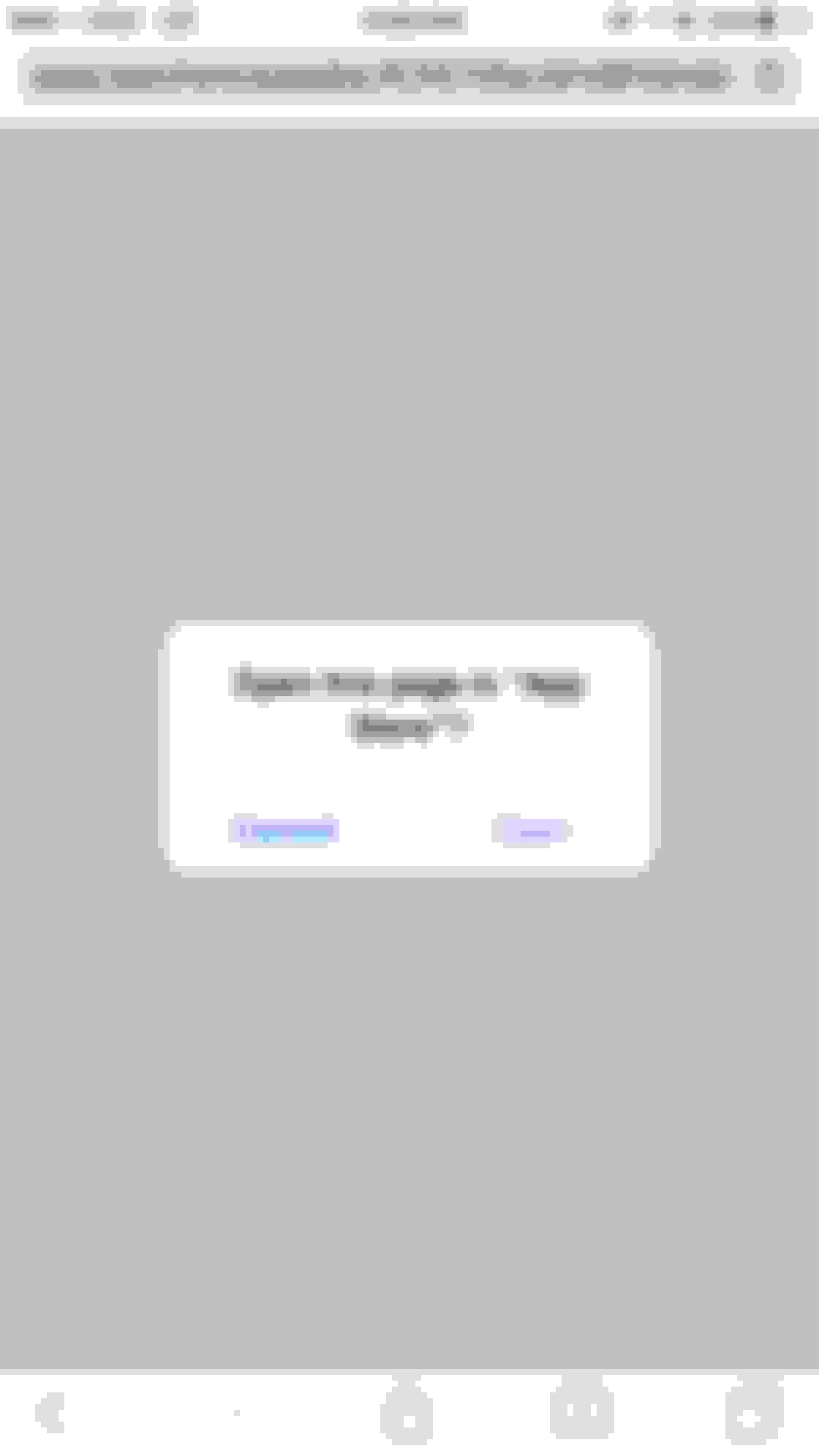
Started getting popup ads when trying to browse the forum on my phone. I use the full desktop version if that matters. They're ads for some app or game called "Cookie Jam" and when you click the X it takes you straight to the App Store.

Attached a screenshot of the ad. It comes up in all sub forums and whatnot. Not sure if it's just me that's getting them or what?
Attached Thumbnails Popup ads-image.png  

Last edited by rossv1; Nov 28, 2015 at 12:15 PM.
Reply
Old Nov 30, 2015 | 10:19 PM
  #2  
Ron A's Avatar
Administrator
 
Joined: Feb 2004
Posts: 16,412
Likes: 1,043
I'm letting IB know about this.
Reply
Old Dec 1, 2015 | 05:18 PM
  #3  
IB Jason's Avatar
IB Staff
10 Year Member
Liked
Loved
iTrader: (-1)
 
Joined: Jun 2013
Posts: 351
Likes: 194
My apologies for the intrusive mobile ads. They stem from the abuse of an iOS/Android feature that lets users automatically open an app store listing using a certain type of link format. Some rogue advertisers have figured out a way to mimic this link within their own ad code, redirecting to a full-screen ad and sneaking the app store link into its display. We're currently determining which ad partner in particular is to blame for the issue, and hope to have it resolved shortly.

Thanks!
Reply
Old Dec 1, 2015 | 05:27 PM
  #4  
usdmJON's Avatar
Suzuka Master
 
Joined: Apr 2013
Posts: 6,511
Likes: 849
^Is that God talking?! God's name is Jason?
Reply
Old Dec 1, 2015 | 05:35 PM
  #5  
IB Jason's Avatar
IB Staff
10 Year Member
Liked
Loved
iTrader: (-1)
 
Joined: Jun 2013
Posts: 351
Likes: 194
Originally Posted by usdmJON
^Is that God talking?! God's name is Jason?
If I was that powerful, it'd already be fixed.
Reply
Old Feb 1, 2016 | 08:06 PM
  #6  
rossv1's Avatar
Thread Starter
Suzuka Master
 
Joined: Jul 2009
Posts: 5,841
Likes: 850
From: Macon,GA
New popups this time....

Reply
Old Feb 2, 2016 | 04:20 PM
  #7  
IB Jason's Avatar
IB Staff
10 Year Member
Liked
Loved
iTrader: (-1)
 
Joined: Jun 2013
Posts: 351
Likes: 194
Thanks for letting us know, rossv1. We're looking into blocking these ads.
Reply
Old Feb 2, 2016 | 06:59 PM
  #8  
IB Jason's Avatar
IB Staff
10 Year Member
Liked
Loved
iTrader: (-1)
 
Joined: Jun 2013
Posts: 351
Likes: 194
Quick follow-up question for you: do you happen to recall which section of AcuraZine you were browsing when the ad appeared?

Thanks!
Reply
Old Feb 2, 2016 | 11:33 PM
  #9  
rossv1's Avatar
Thread Starter
Suzuka Master
 
Joined: Jul 2009
Posts: 5,841
Likes: 850
From: Macon,GA
It would've been either CarTalk or Ramblings, most likely CarTalk though.
Reply
Old Feb 5, 2016 | 12:10 PM
  #10  
IB Jason's Avatar
IB Staff
10 Year Member
Liked
Loved
iTrader: (-1)
 
Joined: Jun 2013
Posts: 351
Likes: 194
Thanks! If you see it again going forward, please grab a screenshot and share it here.
Reply
Old Apr 8, 2016 | 06:00 PM
  #11  
rossv1's Avatar
Thread Starter
Suzuka Master
 
Joined: Jul 2009
Posts: 5,841
Likes: 850
From: Macon,GA
New one this time. Came up in SB's Vette thread and again in this one while I was trying to post it up here.

Reply
Old Apr 8, 2016 | 06:31 PM
  #12  
rossv1's Avatar
Thread Starter
Suzuka Master
 
Joined: Jul 2009
Posts: 5,841
Likes: 850
From: Macon,GA
Now it's doing complete redirects also.


Reply
Old Apr 8, 2016 | 07:47 PM
  #13  
rossv1's Avatar
Thread Starter
Suzuka Master
 
Joined: Jul 2009
Posts: 5,841
Likes: 850
From: Macon,GA
Do you need screenshots each time it redirects to a new ad site? If not I'll stop posting the ads...


Reply
Old Apr 11, 2016 | 12:26 PM
  #14  
IB Jason's Avatar
IB Staff
10 Year Member
Liked
Loved
iTrader: (-1)
 
Joined: Jun 2013
Posts: 351
Likes: 194
Thanks for those screenshots, rossv1. Are you seeing these redirects and pop-ups only when viewing AcuraZine in "desktop view" on your phone, or do they happen when browsing the mobile site as well?
Reply
Old Apr 11, 2016 | 01:58 PM
  #15  
rossv1's Avatar
Thread Starter
Suzuka Master
 
Joined: Jul 2009
Posts: 5,841
Likes: 850
From: Macon,GA
I assume they only come up when viewing in desktop mode on my phone. I don't use the mobile version so I'm not sure.
Reply
Old Apr 12, 2016 | 12:25 PM
  #16  
IB Jason's Avatar
IB Staff
10 Year Member
Liked
Loved
iTrader: (-1)
 
Joined: Jun 2013
Posts: 351
Likes: 194
Okay, thanks! We'll look into the issue. If you see any additional pop-ups or redirects, please let me know.
Reply
Old Sep 11, 2016 | 04:29 PM
  #17  
rossv1's Avatar
Thread Starter
Suzuka Master
 
Joined: Jul 2009
Posts: 5,841
Likes: 850
From: Macon,GA


New round of them.
Reply
Old Sep 12, 2016 | 11:49 AM
  #18  
IB Jason's Avatar
IB Staff
10 Year Member
Liked
Loved
iTrader: (-1)
 
Joined: Jun 2013
Posts: 351
Likes: 194
Thanks for the screenshot. Are you still browsing the site in desktop mode (opposed to using our mobile view) when you see them?
Reply
Old Sep 12, 2016 | 08:50 PM
  #19  
rossv1's Avatar
Thread Starter
Suzuka Master
 
Joined: Jul 2009
Posts: 5,841
Likes: 850
From: Macon,GA
Yep. Still use the desktop version
Reply
Old Sep 13, 2016 | 10:28 AM
  #20  
thoiboi's Avatar
Senior Moderator
15 Year Member
Community Builder
Loved
Community Favorite
 
Joined: Apr 2010
Posts: 48,312
Likes: 9,177
From: SoCal, CA
Desktop mode on safari yielded the same pop up for me. Can't even X it as it will try and open up App Store
Reply
Old Sep 13, 2016 | 10:35 AM
  #21  
justnspace's Avatar
Moderator
15 Year Member
Liked
Loved
Community Favorite
iTrader: (1)
 
Joined: Feb 2010
Posts: 86,293
Likes: 16,291
at apple devices.
Reply
Old Sep 13, 2016 | 04:41 PM
  #22  
IB Jason's Avatar
IB Staff
10 Year Member
Liked
Loved
iTrader: (-1)
 
Joined: Jun 2013
Posts: 351
Likes: 194
Thanks, guys. We're looking into it and hope to have it resolved shortly.
Reply
Old Oct 28, 2016 | 02:00 AM
  #23  
Mizouse's Avatar
Moderator
20 Year Member
Liked
Loved
Community Favorite
 
Joined: Oct 2004
Posts: 64,124
Likes: 3,377
From: Not Las Vegas (SF Bay Area)
subscribed.

i get this alot and it annoys the poop out of me.

ill post screenshots when it happens.

BTW also on iPhone using desktop view.
Reply
Old Oct 28, 2016 | 02:02 PM
  #24  
IB Jason's Avatar
IB Staff
10 Year Member
Liked
Loved
iTrader: (-1)
 
Joined: Jun 2013
Posts: 351
Likes: 194
We recently blocked a wave of ads that we believe caused a lot of the unwanted pop-ups. If you see any additional ones, please let us know.

Thanks!
Reply
Old Oct 30, 2016 | 06:23 PM
  #25  
Mizouse's Avatar
Moderator
20 Year Member
Liked
Loved
Community Favorite
 
Joined: Oct 2004
Posts: 64,124
Likes: 3,377
From: Not Las Vegas (SF Bay Area)
Yup, it was only a matter of time.

I just went into the Apple: Hardware news and discussion thread.


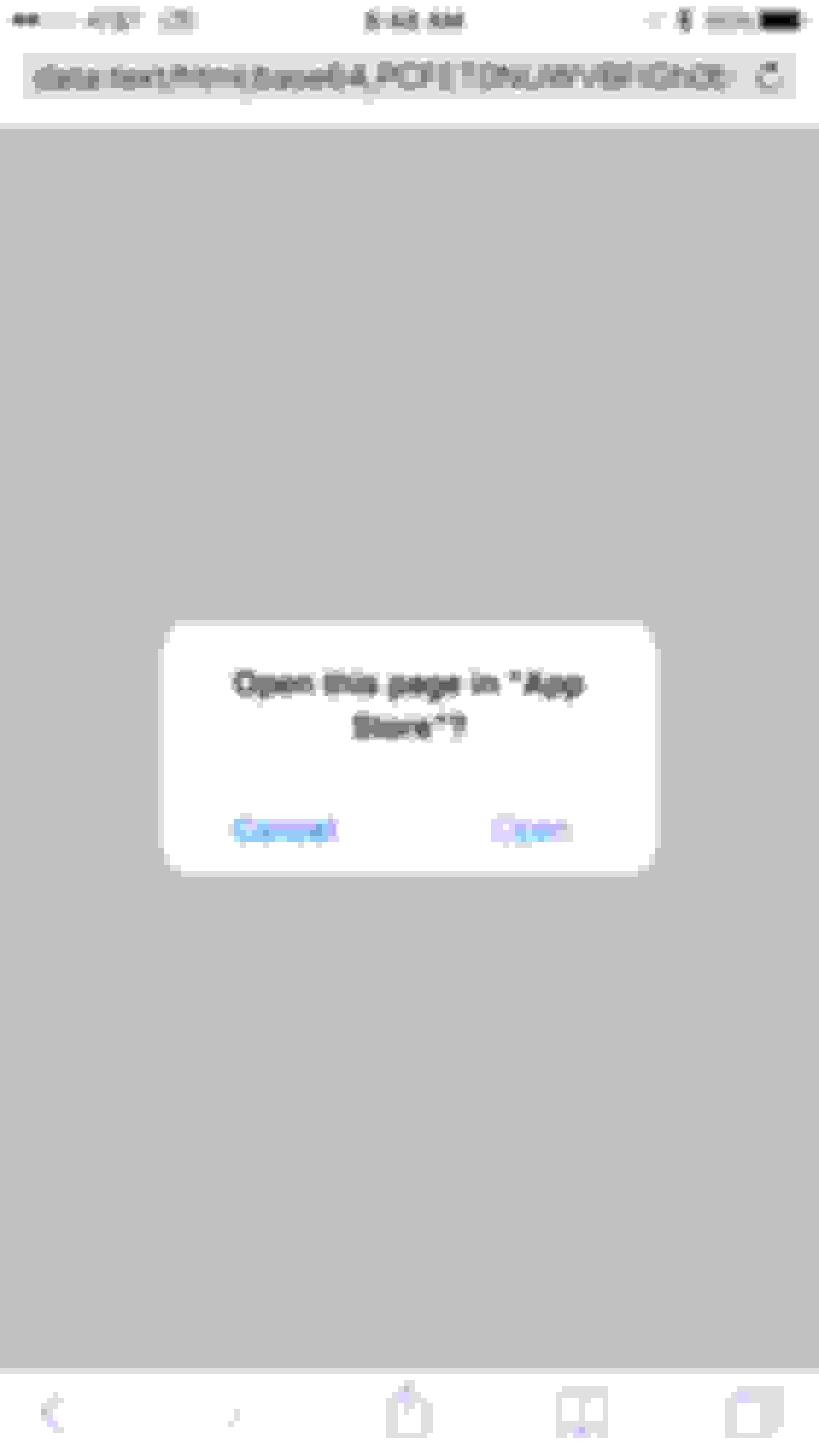
Pressing "Cancel" still takes me to the App Store.

Browsing in desktop mode in Safari on my iPhone.
Reply
Old Oct 31, 2016 | 04:14 PM
  #26  
IB Jason's Avatar
IB Staff
10 Year Member
Liked
Loved
iTrader: (-1)
 
Joined: Jun 2013
Posts: 351
Likes: 194
Thanks for those details, Mizouse. I'll pass them along to our ad team to see if we isolate the source and block it.
Reply
Old Nov 2, 2016 | 11:43 PM
  #27  
cu2wagon's Avatar
Moderator
 
Joined: Aug 2014
Posts: 28,432
Likes: 7,772
From: Dirty H-Town, Amerikkka
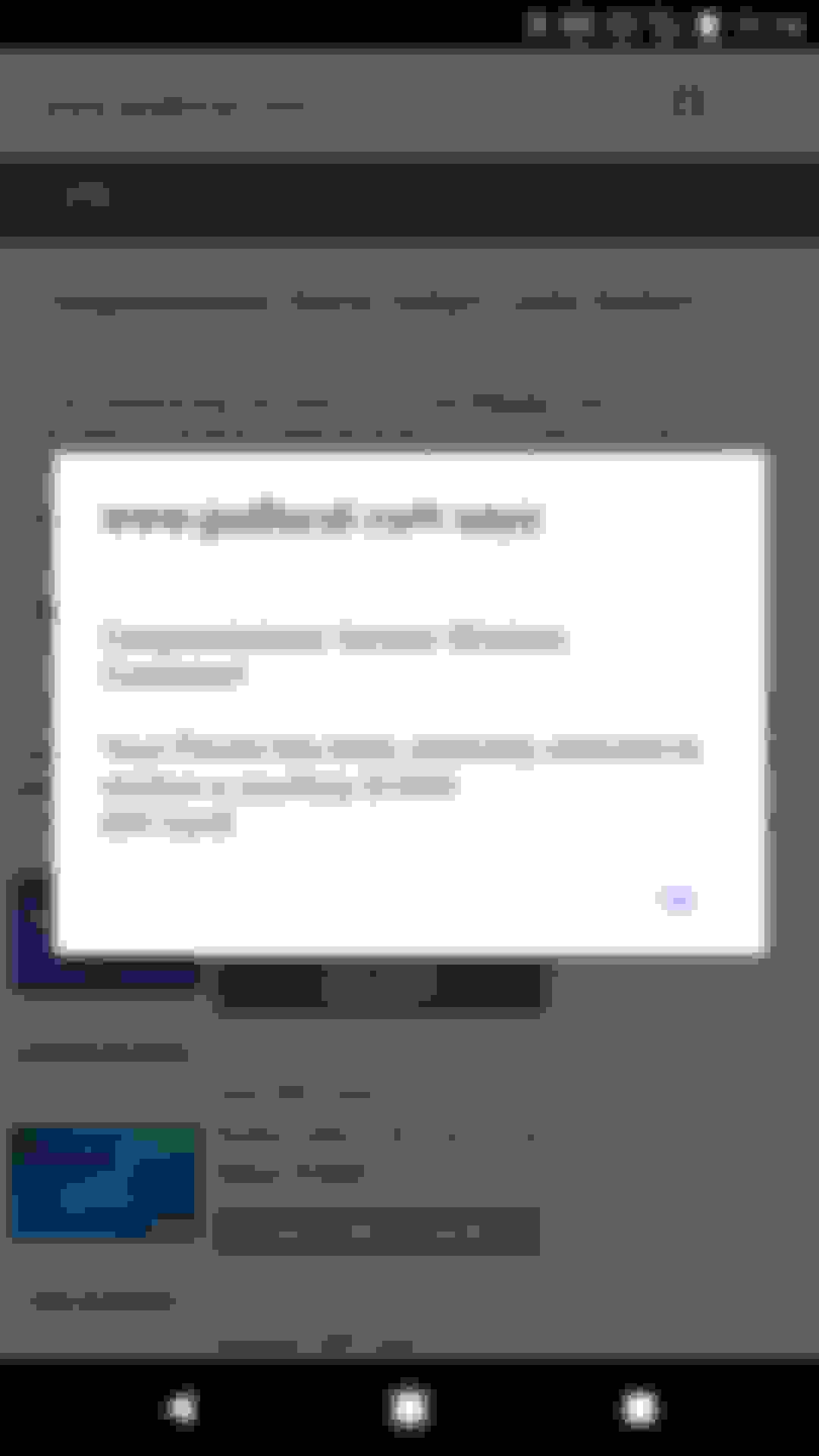
Just got this popover (or redirect, not sure). I was browsing the Westworld thread in Ramblings and my phone vibrated and this garbage took over.

I thought it was a forced new tab, but it appeared to have been a same tab redirect, but I couldn't go back to the azine thread.

Reply
Old Nov 3, 2016 | 02:10 AM
  #28  
Mizouse's Avatar
Moderator
20 Year Member
Liked
Loved
Community Favorite
 
Joined: Oct 2004
Posts: 64,124
Likes: 3,377
From: Not Las Vegas (SF Bay Area)
did you claim the $1000 gift card?

interesting it knows you're on verizon and you're in houston

call paypal.
Reply
Old Nov 3, 2016 | 02:11 AM
  #29  
thoiboi's Avatar
Senior Moderator
15 Year Member
Community Builder
Loved
Community Favorite
 
Joined: Apr 2010
Posts: 48,312
Likes: 9,177
From: SoCal, CA
Originally Posted by Mizouse
did you claim the $1000 gift card?

interesting it knows you're on verizon and you're in houston

call paypal.
IP address bruhhhh! It tells a lot!
Reply
Old Nov 3, 2016 | 02:13 AM
  #30  
Mizouse's Avatar
Moderator
20 Year Member
Liked
Loved
Community Favorite
 
Joined: Oct 2004
Posts: 64,124
Likes: 3,377
From: Not Las Vegas (SF Bay Area)
Originally Posted by thoiboi
IP address bruhhhh! It tells a lot!
i know.. you'd be surprised how much ad companies can track. My friend works for one. OMG that shit is CREEEPY
Reply
Old Nov 3, 2016 | 09:31 AM
  #31  
cu2wagon's Avatar
Moderator
 
Joined: Aug 2014
Posts: 28,432
Likes: 7,772
From: Dirty H-Town, Amerikkka
It's weird though, because sitting in my living room, those IP targeted ads will say Houston some days, but any number of the other surrounding cities on others. I got one oddball that had Louisiana once. I WTF'd.

But yeah, I claimed the gift card. It's nice too, because I found out about God Local. This weekend, I'm getting a free haircut, some black Nike's and a new track suit. I'm pretty hyped!
Reply
Old Nov 3, 2016 | 05:17 PM
  #32  
IB Jason's Avatar
IB Staff
10 Year Member
Liked
Loved
iTrader: (-1)
 
Joined: Jun 2013
Posts: 351
Likes: 194
Sorry about the continuing ad problems. I've alerted our ad team about this latest batch and they're investigating.
Reply
Old Nov 18, 2016 | 11:33 PM
  #33  
thoiboi's Avatar
Senior Moderator
15 Year Member
Community Builder
Loved
Community Favorite
 
Joined: Apr 2010
Posts: 48,312
Likes: 9,177
From: SoCal, CA
Google chrome iOS 9.3, iPad. Got it when clicking on my user profile.


Still waiting for my Amazon gift card..
Reply
Old Nov 21, 2016 | 01:00 PM
  #34  
IB Jason's Avatar
IB Staff
10 Year Member
Liked
Loved
iTrader: (-1)
 
Joined: Jun 2013
Posts: 351
Likes: 194
Thanks for the screenshot. We've seen an uptick in these rogue ads over the weekend, and suspect it's a new ad provider that slipped through. Our ad team is investigating now.
Reply
Old Nov 28, 2016 | 11:26 AM
  #35  
Mizouse's Avatar
Moderator
20 Year Member
Liked
Loved
Community Favorite
 
Joined: Oct 2004
Posts: 64,124
Likes: 3,377
From: Not Las Vegas (SF Bay Area)
And they're back...

This time I was in the health and fitness subforum viewing the marital arts thread.

same deal as before. safari for iPhone. Desktop view.

these advertising companies are so sneaky


Reply
Old Nov 29, 2016 | 12:07 PM
  #36  
IB Jason's Avatar
IB Staff
10 Year Member
Liked
Loved
iTrader: (-1)
 
Joined: Jun 2013
Posts: 351
Likes: 194
Thanks, I'll pass along your screenshot to our ad team.
Reply
Old Dec 22, 2016 | 07:24 AM
  #37  
cu2wagon's Avatar
Moderator
 
Joined: Aug 2014
Posts: 28,432
Likes: 7,772
From: Dirty H-Town, Amerikkka
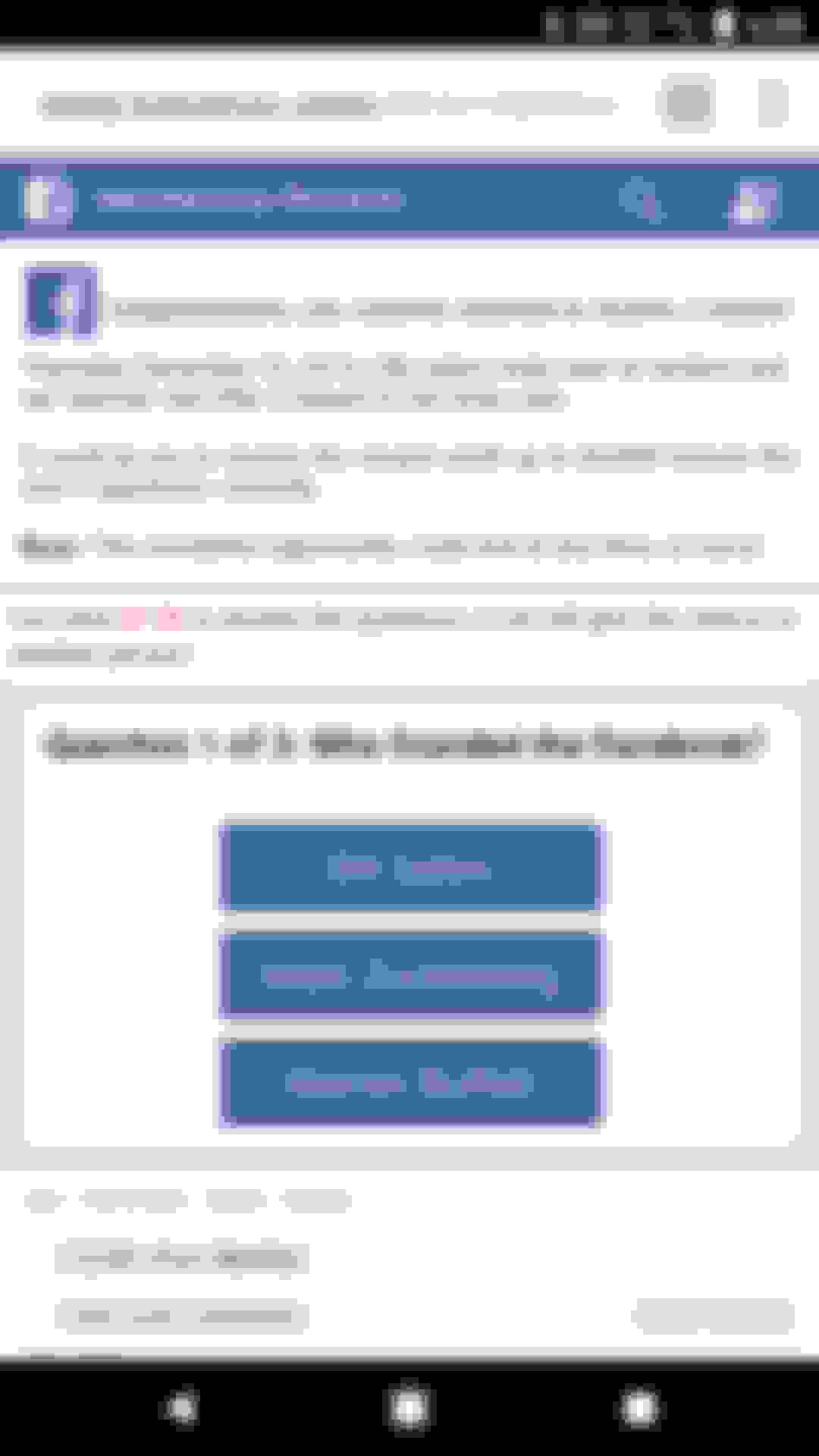
Still getting these pretty regularly. Android 7.1.1, Chrome 55.0.2883.91. Only seems to happen with the orange "mobile" version of the site. If I ask chrome to "Request Desktop Site" or scroll down quick enough to click "Switch to Full Site" (or whatever it's labeled) it doesn't happen. Also confirmed it happens in normal and incognito mode.

Normal mode:


Incognito:
Reply
Old Dec 22, 2016 | 03:28 PM
  #38  
IB Jason's Avatar
IB Staff
10 Year Member
Liked
Loved
iTrader: (-1)
 
Joined: Jun 2013
Posts: 351
Likes: 194
Thanks as always for the screenshots! I've passed them to our ad team so we can identify and block the source.
Reply
Old Dec 22, 2016 | 04:07 PM
  #39  
cu2wagon's Avatar
Moderator
 
Joined: Aug 2014
Posts: 28,432
Likes: 7,772
From: Dirty H-Town, Amerikkka
Does the actual advertisement matter to you guys? I.e. I can pretty repeatedly get the issue to occur. So if it's specific sources that need to get a spanking, I can keep taking screenshots. But if it's just an "Azine need to fix a code" thing that more screenshots won't help, then I won't bother for a while.
Reply
Old Dec 22, 2016 | 04:18 PM
  #40  
IB Jason's Avatar
IB Staff
10 Year Member
Liked
Loved
iTrader: (-1)
 
Joined: Jun 2013
Posts: 351
Likes: 194
Yeah, it's based on the ad itself. To give you some background, we partner with multiple ad companies to fill our banner slots. Normally they fill these slots with "safe" ads of their own, but sometimes they resell them to other companies instead. It's in this daisy-chain of ad providers, so to speak, where these rogue ads occasionally sneak in. So when we receive a report of a rogue ad, our team needs to isolate and remove that specific provider, which could be a few levels down the chain. The more screenshots and details you can provide, the better!
Reply


All times are GMT -5. The time now is 09:26 PM.